Chapter 2. Installing and Using RF ValProbe Software
RF ValProbe® User’s Manual 33
2.5.3 Printing the User List
All active and deleted user accounts are included in the printed list.
To print the user list:
1. On the Password Maintenance screen, click the
File menu, and then click Print Users.
The Windows Print dialog box appears.
2. Select a printer and click
Print.
Click
OK when prompted that the user list has been printed.
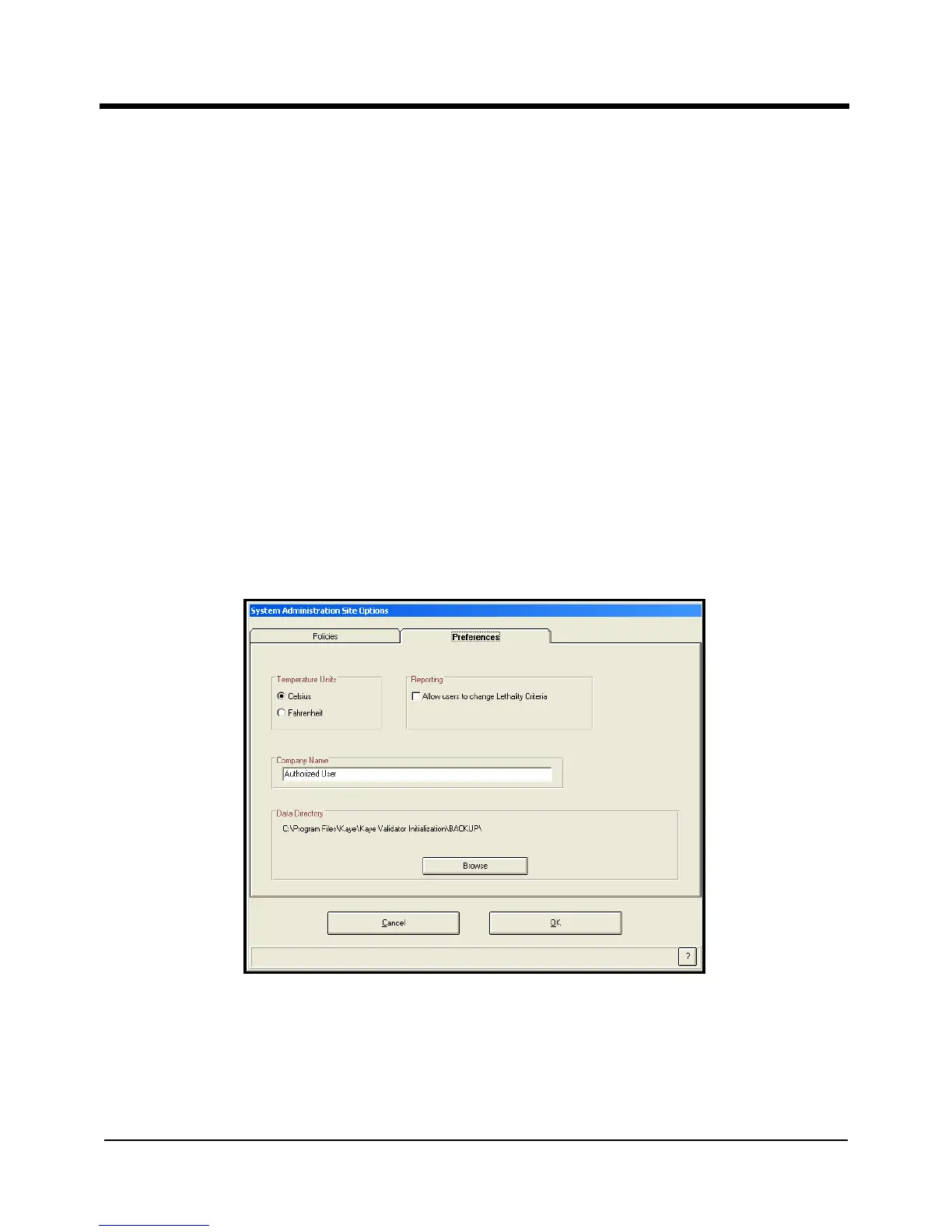
2.5.4 Selecting Site Options
The Password Maintenance utility provides site options that give users more flexibility
while running the Kaye RF ValProbe software. To access the site options from the
Password Maintenance screen, click
File >Options. The System Administrator Site Options
screen opens, as shown in Figure 13 below.
Figure 13: System Administrator
Site Options Screen



 To Next Page