Appendix B. Using the OPC Server and Client
RF ValProbe® User’s Manual 67
B.5.2 Optimizing Network Performance
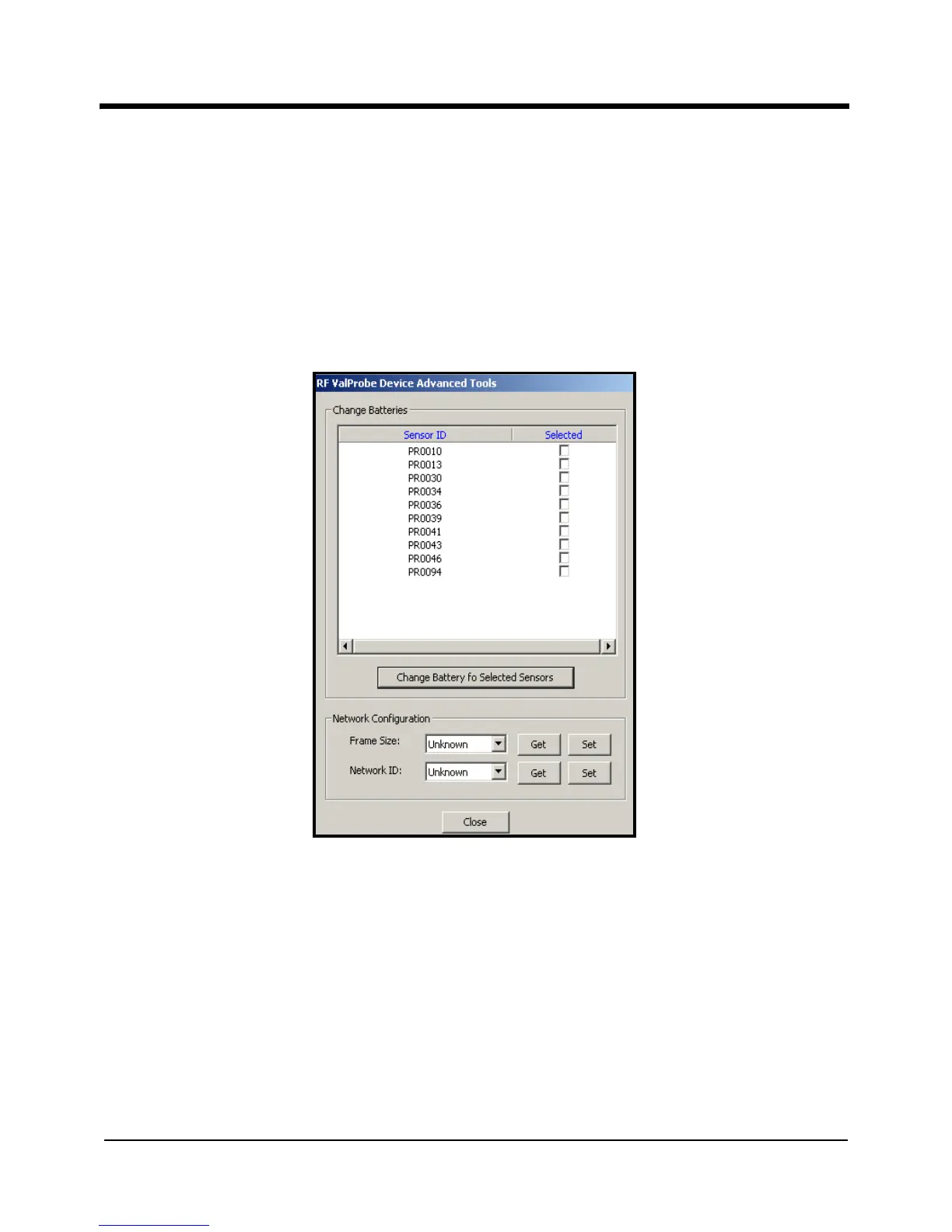
The Advanced option enables users to designate sensors that have recently had their
batteries replaced, so that the server continues to accurately display battery life. Users can
also establish the transmission parameters for network performance.
Click on the
Advanced button to open this window, which appears similar to Figure 34
below.
Figure 34: The Advanced Option
• To change the server settings for sensors with newly replaced batteries, click on the
“Selected” box next to the appropriate sensor ID number. When you have finished
selecting sensors, click on the “Change Battery for Selected Sensors” button. The
OPC Server resets the battery life settings.
Note: To reset the battery life setting via the Logger, refer to page 8.



 To Next Page