Appendix B. Using the OPC Server and Client
60 RF ValProbe® User’s Manual
B.2 Installing the OPC Server (cont.)
Note: XML-DA is not available for RF ValProbe, so RF ValProbe users should uncheck
this box.
5. The Wizard now asks if you wish to start copying the program files. Click
Back to
review or change any settings, or
Next to begin copying the files.
6. When the Wizard indicates that installation is complete, click
Finish to close the
Wizard. You have installed GEPanaOPCServer.
B.3 Locating Base Stations on Network
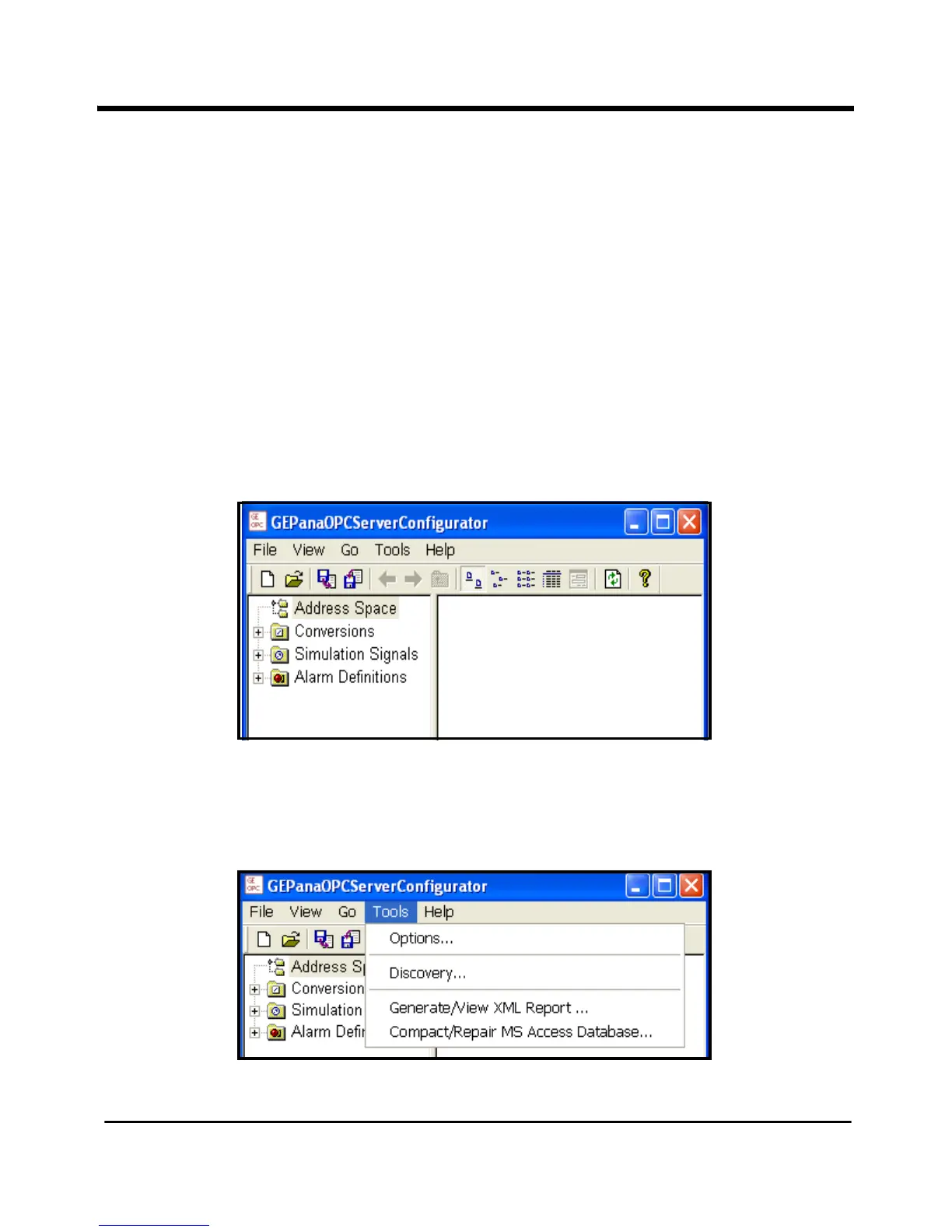
When you first open the OPC Server, the screen appears similar to Figure 25 below.
Figure 25: OPC Server Initial View
To locate the RF ValProbe Base Stations connected to your local subnet, open the
Tools
menu and click on the
Discovery option, shown in Figure 26 below.
Figure 26: The Tools Menu



 To Next Page