Chapter 2. Installing and Using RF ValProbe Software
42 RF ValProbe® User’s Manual
2.6 Viewing the RF ValProbe Hardware Inputs
Once you have set up your Loggers and Base Stations and established your Preferences,
you can view the RF ValProbe system on the
Hardware tab, to ensure that the system is
functioning properly.
From the
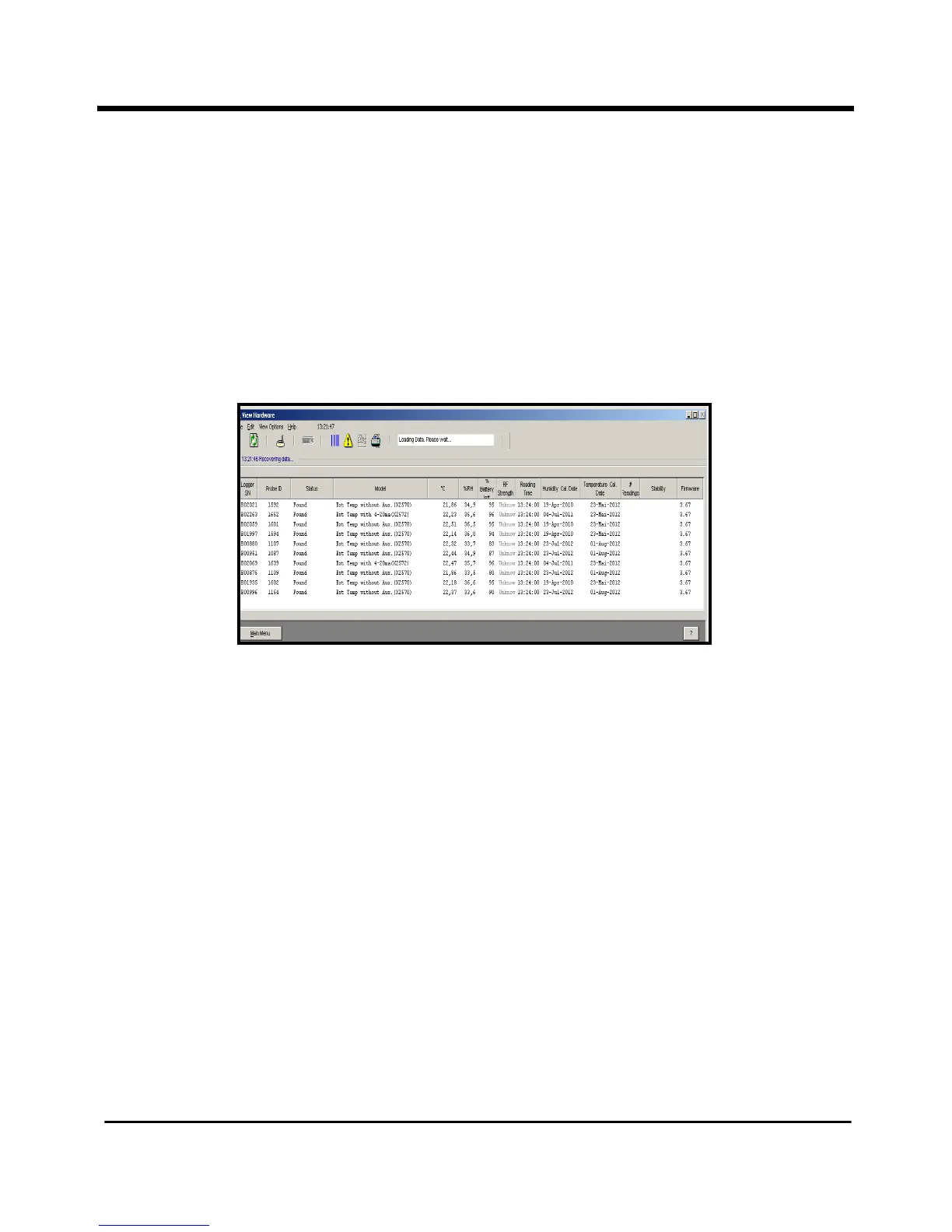
Main Menu or the Preferences tab, click on the Hardware tab. The Hardware
screen initially appears blank. As the software receives data from the Base Station and
Loggers, it appears similar to Figure 19 below.
Figure 19: Hardware Screen Identifying Loggers
Once the software has established data inputs from the Base Station and Loggers, the
screen appears similar to Figure 20 on the next page, with the temperature and humidity
displayed.



 To Next Page