Chapter 2. Installing and Using RF ValProbe Software
36 RF ValProbe® User’s Manual
2.5.5 Selecting a Communications Option and Establishing Preferences
The Kaye RF ValProbe Base Station is the communications link between the Kaye RF
ValProbe Loggers and your computer. After installing the Kaye RF ValProbe software and
connecting the Base Station to your PC via USB, you must select or confirm a
communications option in order for the Base Station to communicate with your PC. You
might also need to change the Network ID of your Base Station, or select the temperature
displayed (in °F or °C).
To select a communications option:
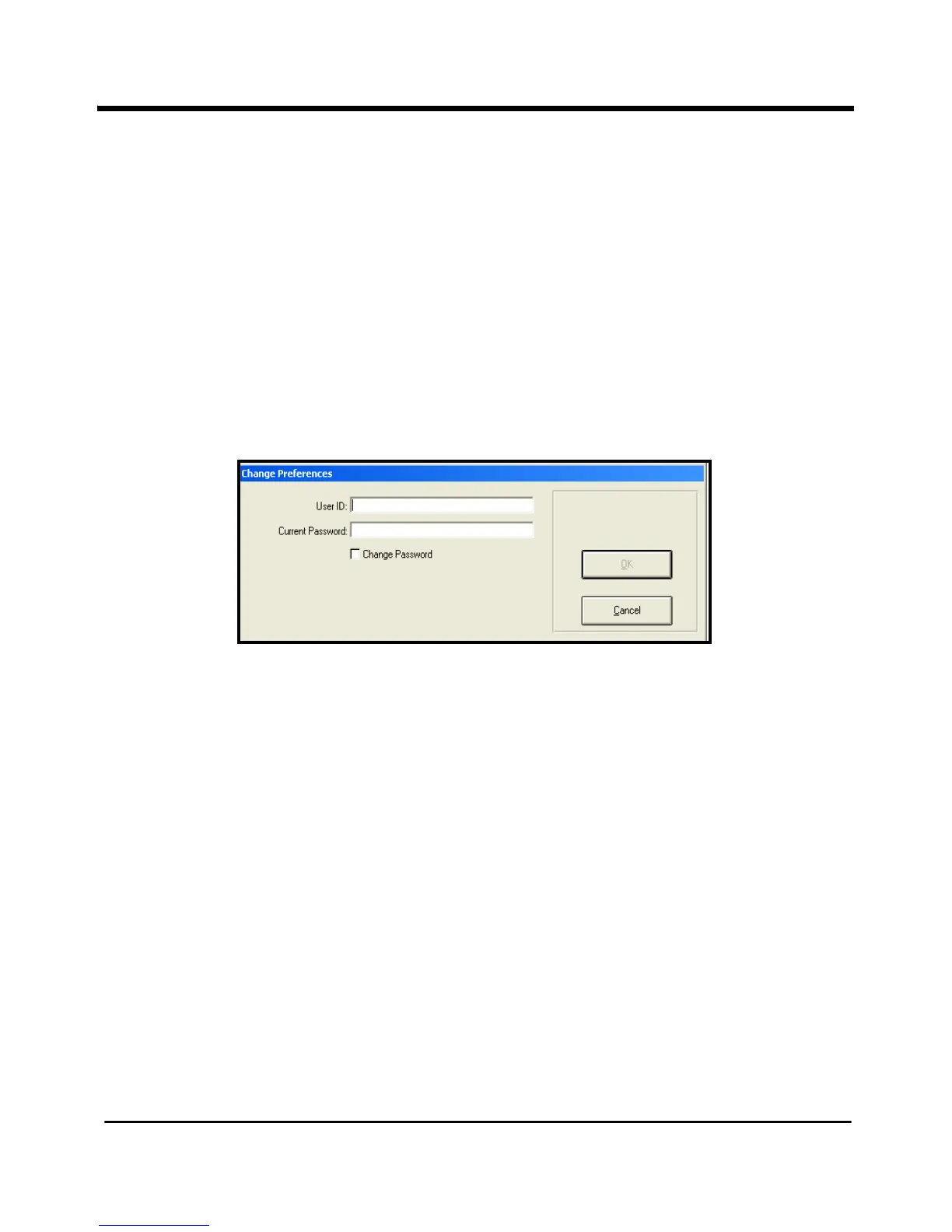
1. On the Kaye RF ValProbe Main Menu, click the Preferences tab. The
Change
Preferences
(Figure 15 below) dialog box appears.
Figure 15: Change Preferences Dialog Box
2. Enter your System Administrator user ID and password and click OK (you can use an
Operator user ID and password if you have enabled the Allow Operators to change
Preferences site option).
The
Preferences screen (Figure 16 on the next page) appears.
Note: Three items on the Preferences screen appear for information purposes only -- the
Machine ID, the Company Name and the Data Directory for backup files. These
items are not user-selectable.



 To Next Page