Chapter 2. Installing and Using RF ValProbe Software
RF ValProbe® User’s Manual 35
2.5.4 Setting Site Options (cont.)
To set site options:
1. Select the check box next to any option to enable that option. To set the number of
days until passwords expire, use the spin buttons to set the number of days in 30-day
increments, or enter a number from 1 to 366 in the box. To specify a minimum
password length, select the Require minimum password length option and use the spin
buttons to set the password requirement from 1 to 16 characters, or enter the number
directly into the box.
To disable an option, clear the associated check box.
2. Click OK. The Password Maintenance screen appears.
3. On the
File menu, click Exit to log out of the Password Maintenance utility. The RF
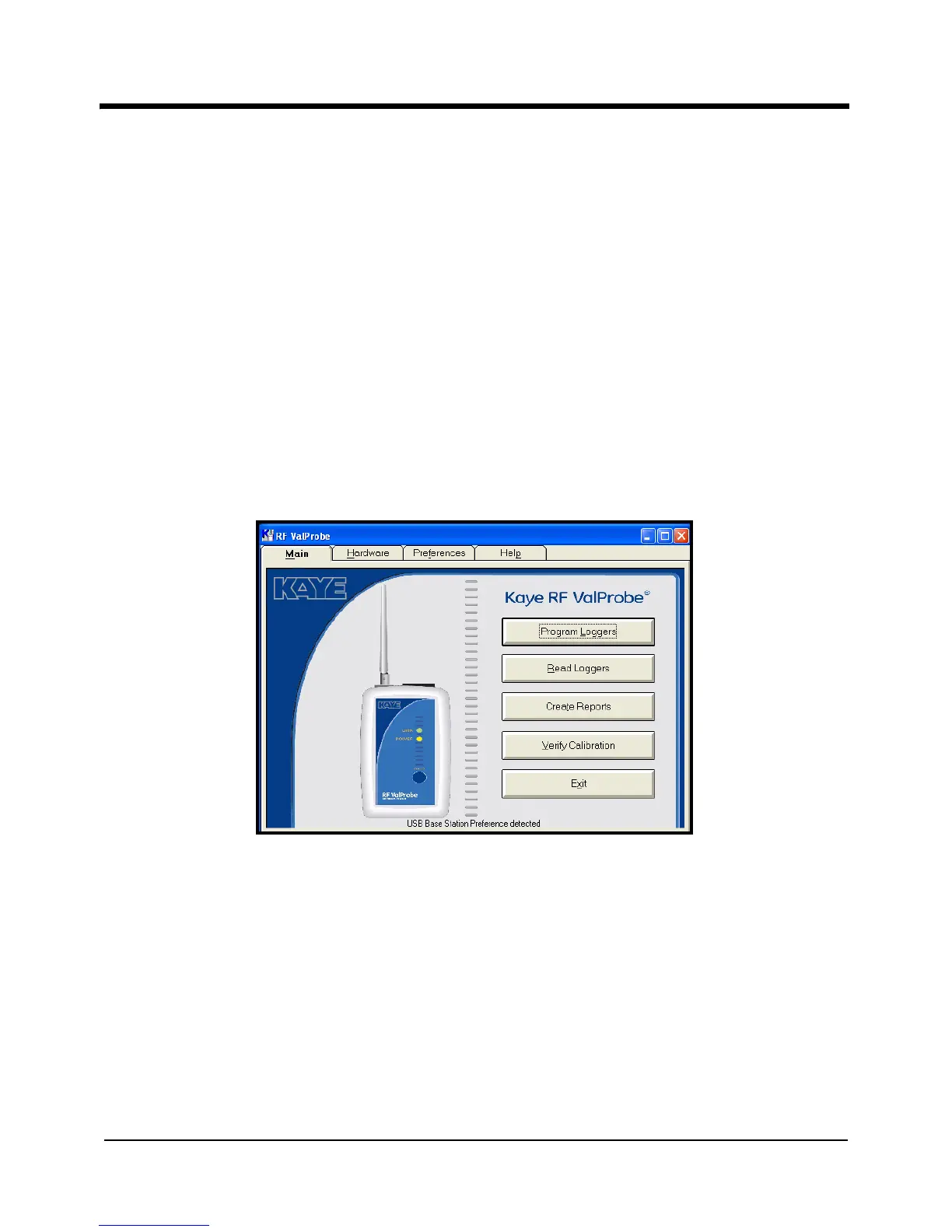
ValProbe Main Menu appears, as shown in Figure 14 below.
Figure 14: Kaye RF ValProbe Main Menu



 To Next Page