Chapter 2. Installing and Using RF ValProbe Software
RF ValProbe® User’s Manual 29
2.5.1 Creating a New System Administrator Account (cont.)
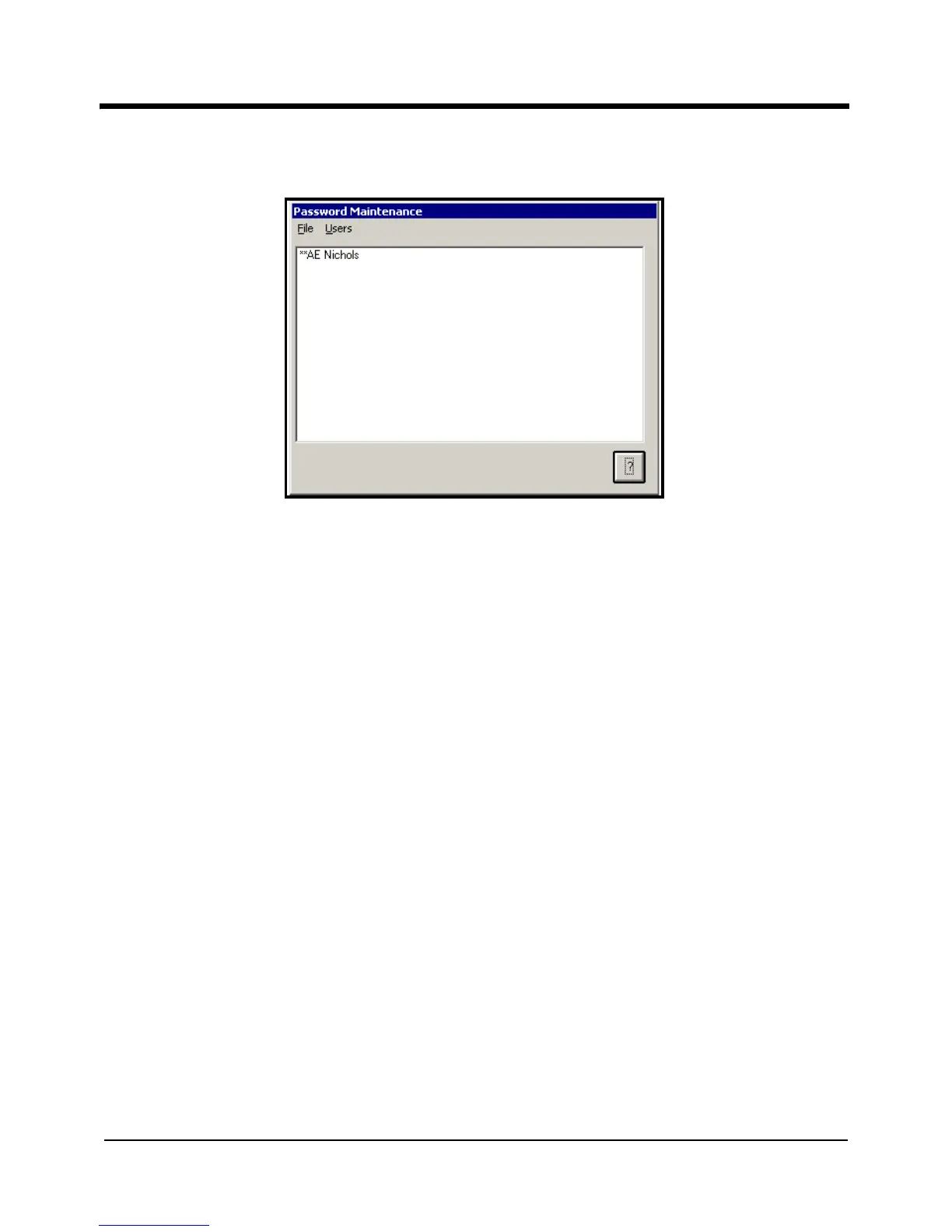
Figure 10: Password Maintenance Screen
2.5.2 Creating Operator Accounts
Now that you have created your own System Administrator account, you are ready to add
user accounts. All Password Maintenance activity you now perform will be recorded in
the audit trail under your user name.
When you create user accounts, each user's name is added to the active user list. You
assign a unique user ID for each user and a temporary password. The user will change the
password when they first log in.
To create Operator accounts:
1. On the Password Maintenance screen, click the Users menu, and then click
Create
User
. The Password Maintenance Add New User screen (shown in Figure 11 on the
next page) appears.



 To Next Page