Chapter 2. Installing and Using RF ValProbe Software
RF ValProbe® User’s Manual 43
2.6 Viewing the RF ValProbe Hardware Inputs (cont.)
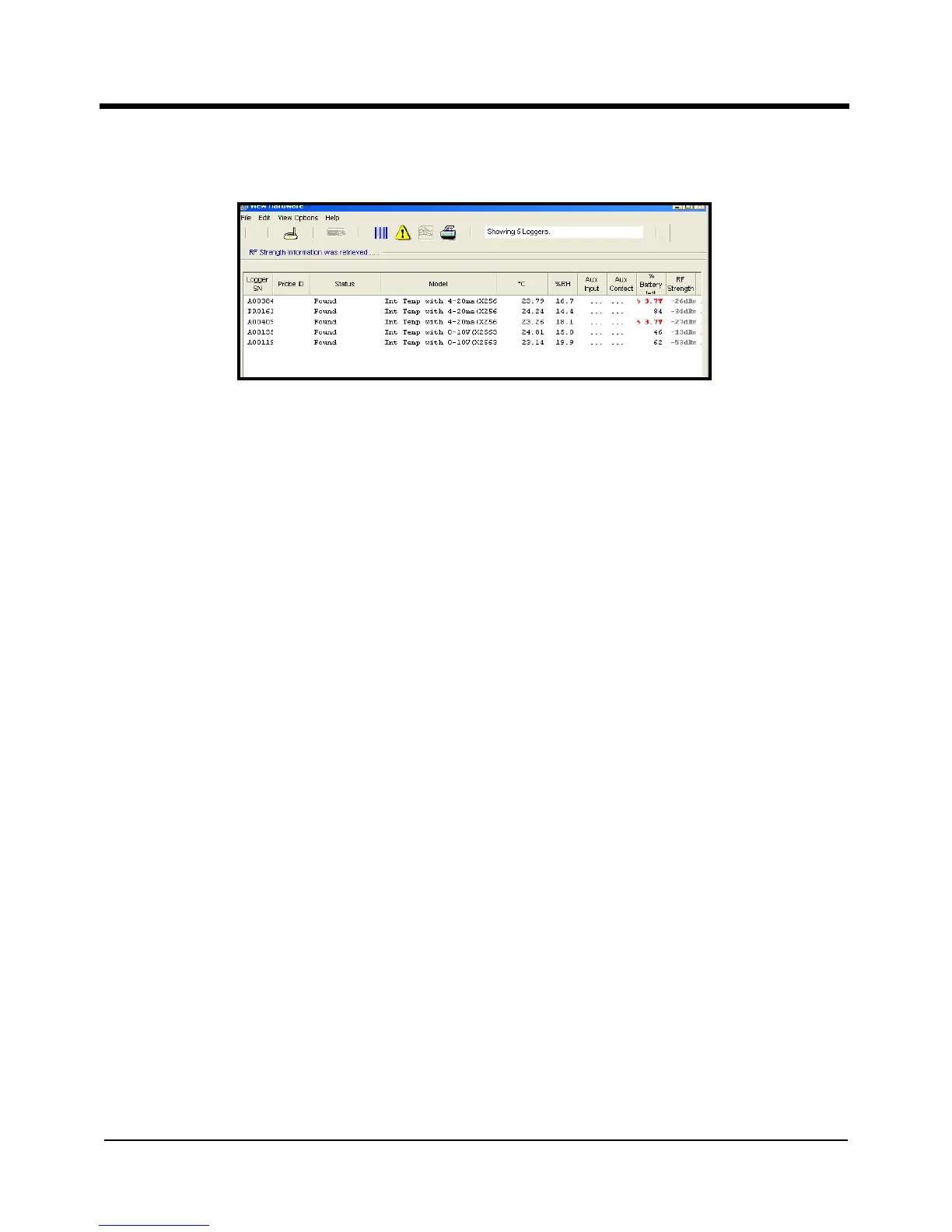
Figure 20: Hardware Screen with Data Inputs Established
As the RF ValProbe locates and retrieves data for Loggers via the Base Station, it displays
Logger status via a variety of brief messages:
• Searching -- Logger is detected, and the system is getting more information. It may be
ready to use.
• Found -- Logger is available, and ready to use.
• Starting - The software is asking each Logger to start collecting data at the specified
rate and at the specified time, but the Logger has not yet acknowledged that it has
begun the program.
• Logging -- The Logger is currently running in a study.
• Running -- The Logger is programmed and waiting to run in a study at a specified
time.
• Waiting -- The expected readings/samples are late in arrival, due, perhaps, to poor RF
communications or a stopped logger.
• Ready to Read -- The Logger has completed its study.
• Retrieving -- The system is obtaining data from the Loggers.
Note: When the system is Re-reading Loggers, even if the Logger is turned OFF, you can
read the Logger data from the Base Station. Kaye recommends leaving the base
station and loggers turned ON until the study is read, to avoid any issues
retrieving data.



 To Next Page