Chapter 2. Installing and Using RF ValProbe Software
44 RF ValProbe® User’s Manual
2.6 Viewing the RF ValProbe Hardware Inputs (cont.)
•
Read -- The system is reading the Logger samples.
• Done -- The reading is complete.
• Configuring -- The system is uploading or sending calibration/verification
information to the Logger.
• Stopping -- The software sends Stop Data Collection to the logger when the run is
ended.
• Requesting -- The system is getting additional or needed readings/samples from the
Logger.
• Failed Update -- For calibration or verification, the system failed to update Loggers.
Consult Kaye.
The screen offers several additional display and information options:
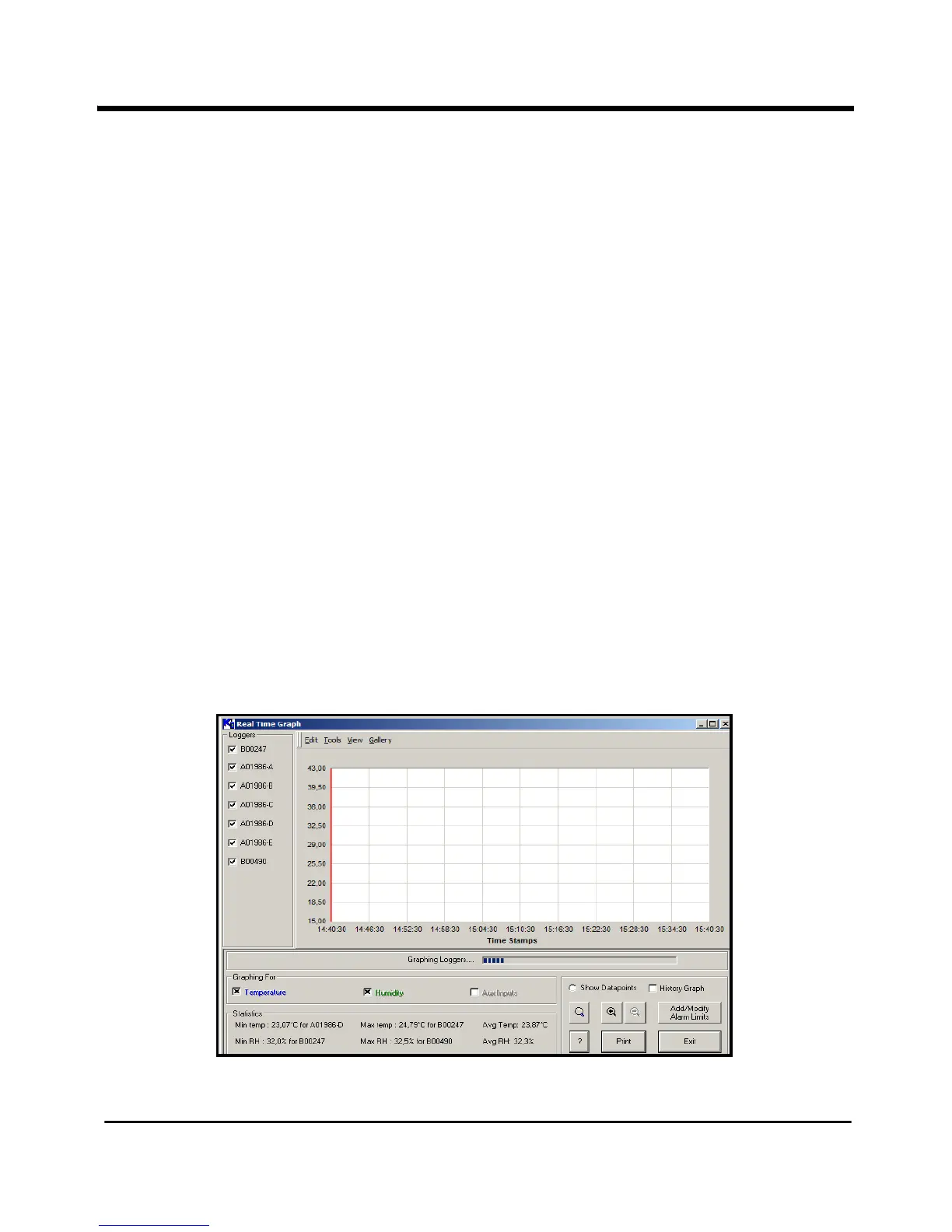
• To view real-time data from one or more Loggers in graph format, highlight one or
more Loggers in the list (use Ctrl + click to select two or more Loggers) and click on
the Graph Sensors button or click
File>Graph Sensors from the File menu. A blank
graph screen appears, similar to Figure 21 below.
Figure 21: Real-Time Graph Screen



 To Next Page