Chapter 2. Installing and Using RF ValProbe Software
RF ValProbe® User’s Manual 47
2.6 Viewing the RF ValProbe Hardware Inputs (cont.)
•
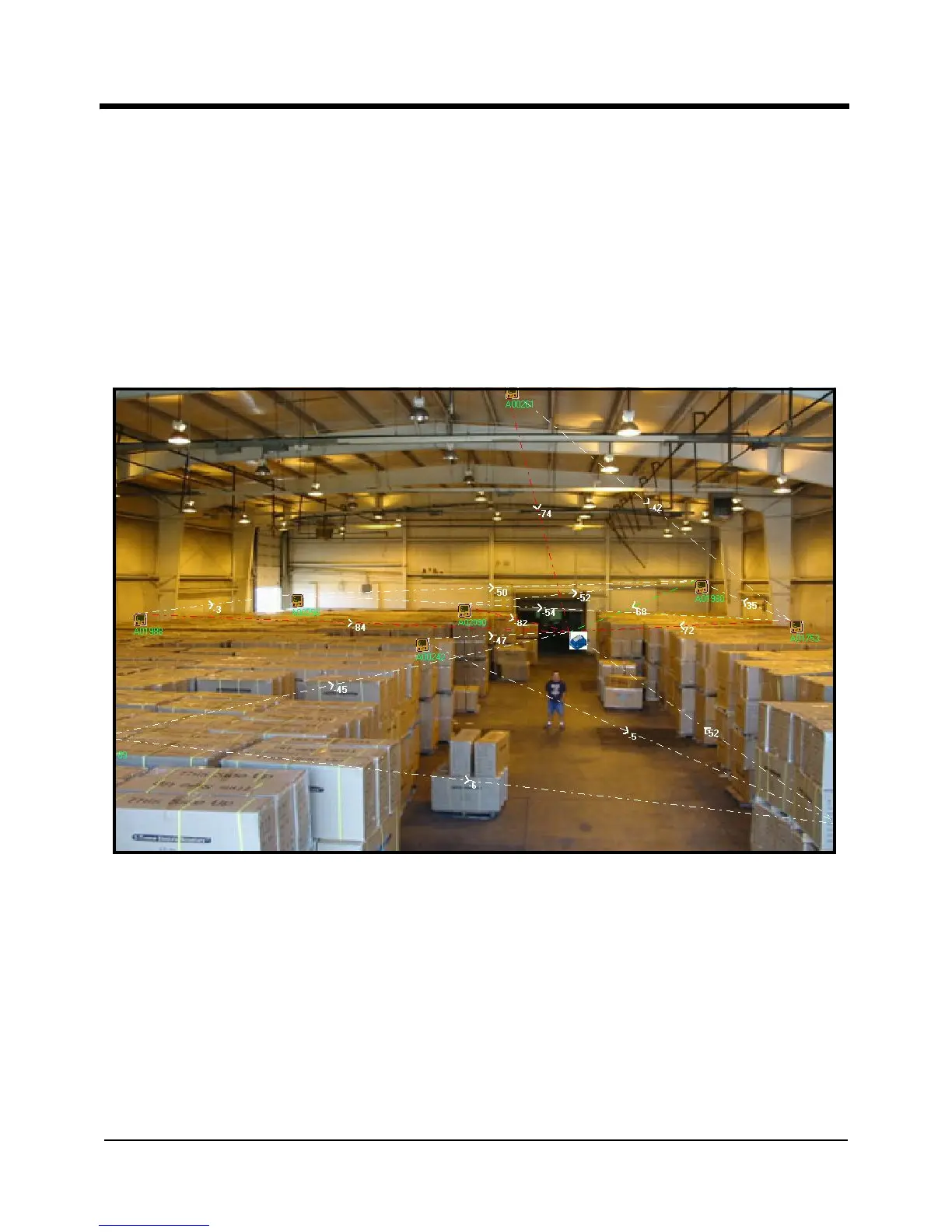
To view and graph the RF Strength of the various RF strengths of signal paths, click
Map RF Strength from the File menu. The Logger Network Strength Graph screen
opens, displaying the paths and their signal strengths. You can add a background
diagram or photo (as shown in Figure 23 below) on which the software will
superimpose the signal path graph.
Note: Signal strength loading for the first time will take approximately 15 minutes.
Mapping RF strength will function only after the signals have been loaded.
Figure 23: Logger Network Strength Screen
• To print a Logger list report from the current screen view, click on the Print button, or
click
File >Print Logger list report from current view from the File menu.
• To return to the Main Menu, click on the Main Menu button.



 To Next Page