1 Getting Started
22 Keysight 2050/60 X-Series User’s Guide
Hardware Installation and Configuration
Prior to using the 2050/60 X-Series, ensure that the following minimum requirements
are met:
– PC with USB and LAN host capability
– Keysight IO Libraries Suite 17.0 or higher installed
– Keysight BenchVue installed
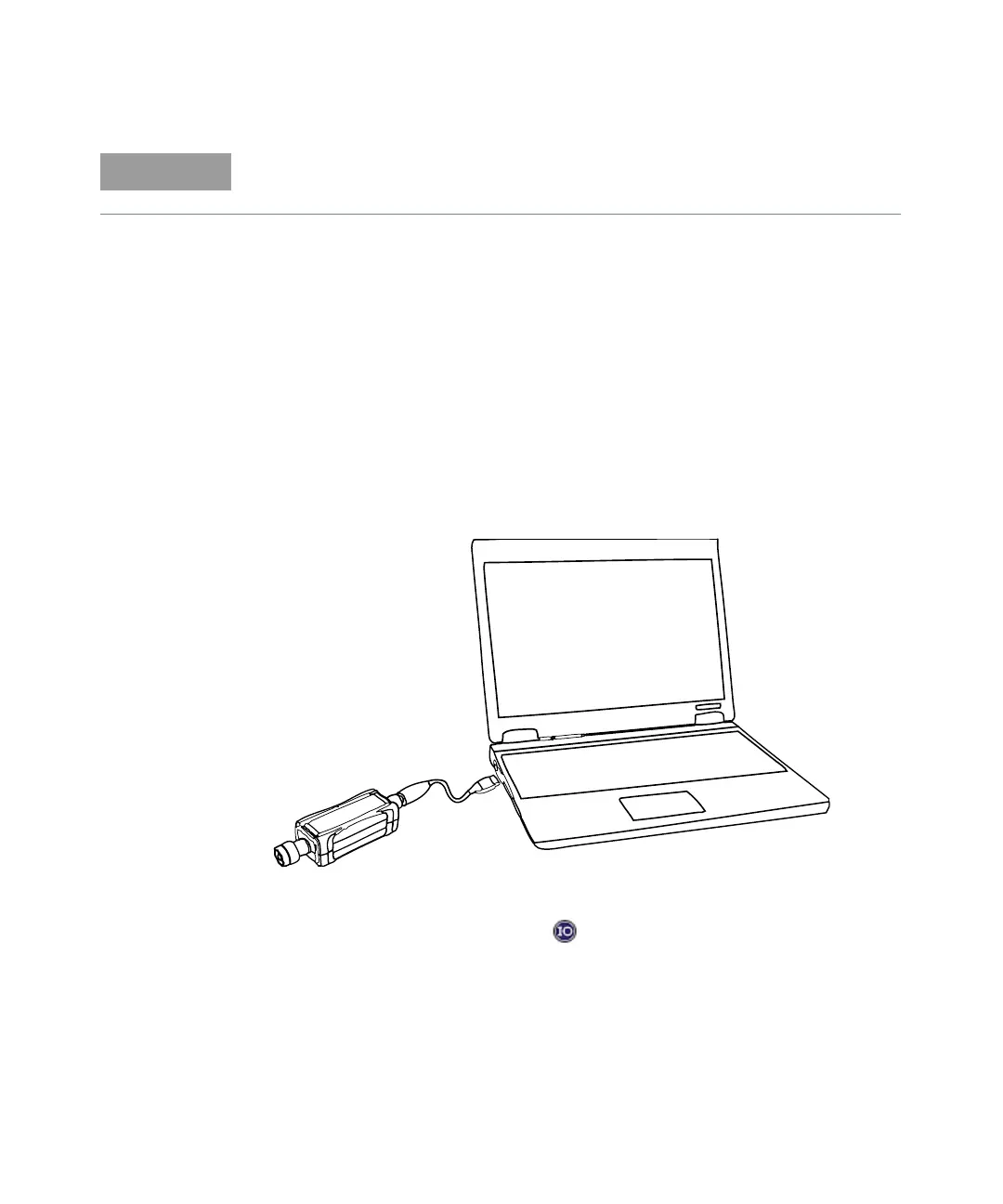
Connect the USB sensor
1 Connect the power sensor to the PC. The sensor driver is detected and installed
automatically.
Figure 1-4 Connect the U2053XA/63XA sensor to the PC
2 Go to Start > All Programs > IO Control ( ) to launch Keysight Connection Expert
application. Click Start a Scan for connected instruments to auto-locate the sensor as
shown in Figure 1-5.
For power measurements of < –60 dBm, it is recommended to turn on the 2050/60 X-
Series for 1.5 hours (with the 2050/60 X-Series connected to the device-under-test).



 To Next Page