General Operating Information 2
Keysight 2050/60 X-Series User’s Guide 53
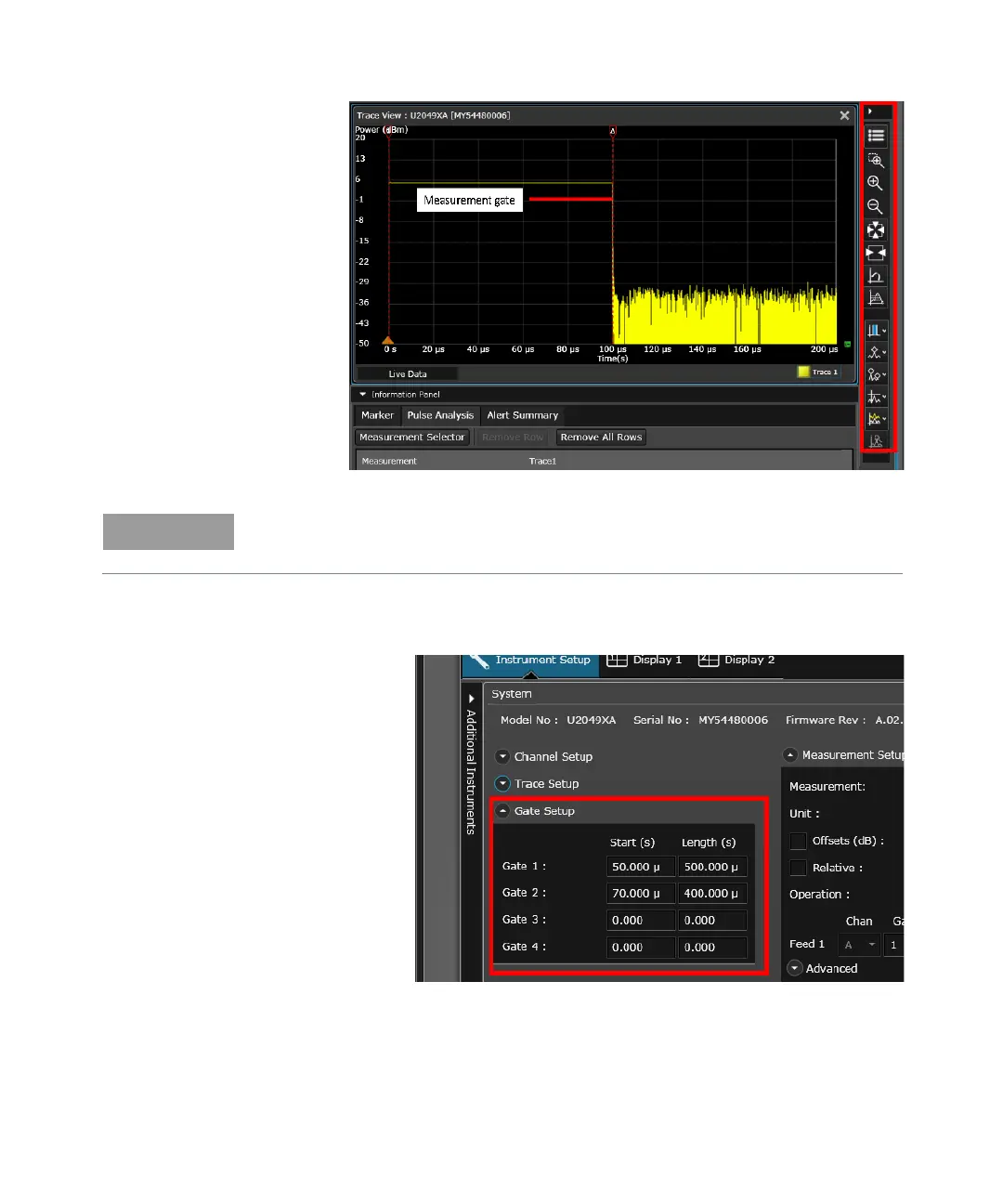
Figure 2-14 Adding marker or configuring the trace using Tools Palette controls
For more precise control of your gate parameters, you can set up the gates via the
Instrument Setup tab and enter a starting point and length (in seconds) for each of the four
gate controls.
Figure 2-15 Setting the gates through Instrument Setup tab
You can add markers or configure the trace using the Tools Palette controls. Refer to the
BenchVue Power Meter help documentation for details on each control.



 To Next Page