2 General Operating Information
70 Keysight 2050/60 X-Series User’s Guide
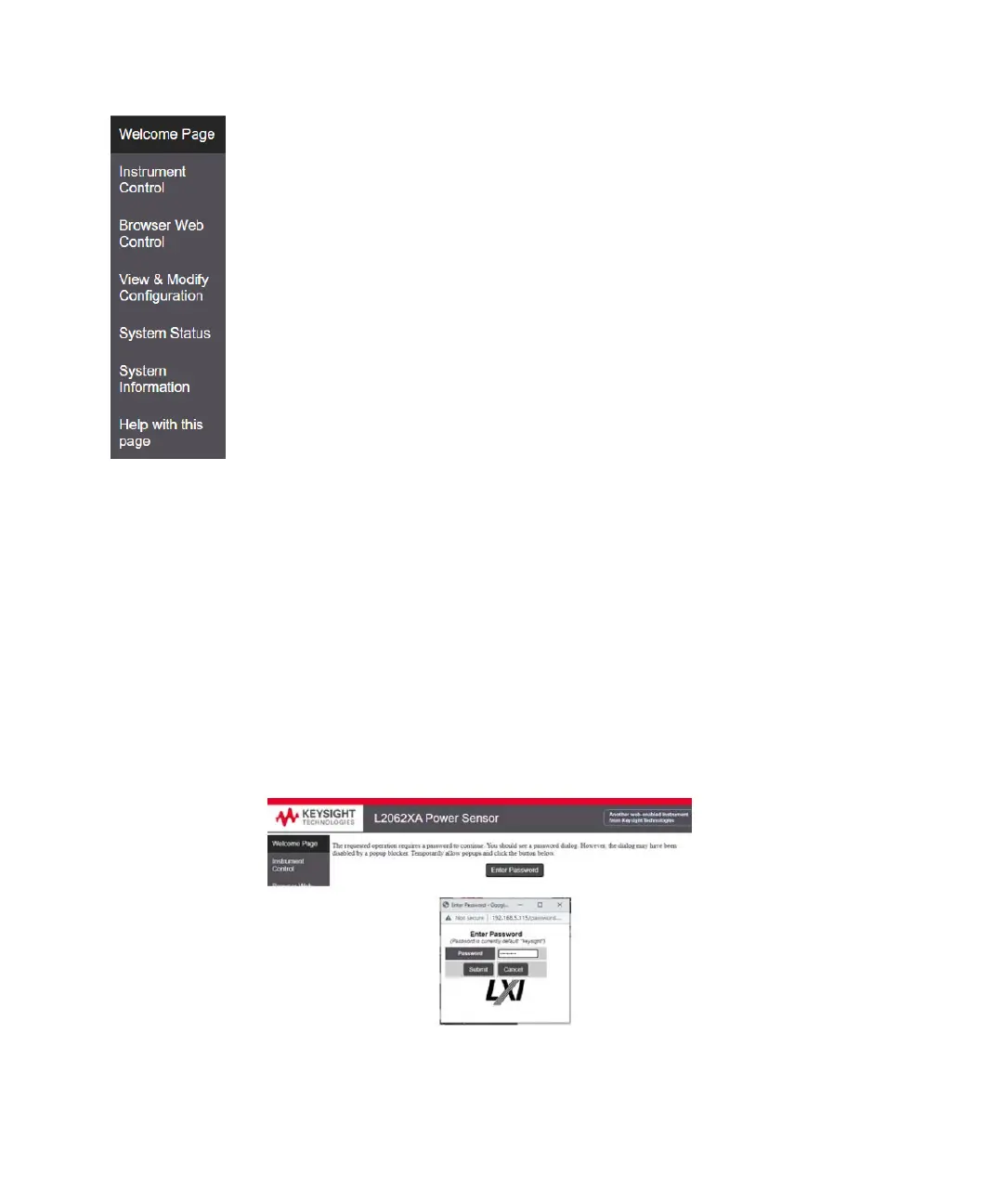
Figure 2-30 Navigation bar
Displaying the Instrument control page
1 From the Welcome Window, click Instrument Control tab on the left side of the
window.
2 Click Enter Password.
A pop-up window appears, requesting for password.
3 Enter password (default password is “keysight”) and click Submit.
You can view the instrument control panel of the 2050/60 X-Series sensors.
Figure 2-31 Password Panel
Welcome page: Displays the detailed information.
Instrument Control: Allows you to control the configuration of sensor setting,
through different HTML input types (such as: buttons/text input/radio buttons and
so on).
Browser Web Control: Displays the SCPI command interface for sending/reading
SCPI commands.
View & Modify Configuration: Displays the instrument configuration information. It
also allows you to modify it.
System Status: Displays the status of the instrument (name, serial number and
status).
System Information: Displays the instrument firmware information.
Help with this Page Displays the Help file



 To Next Page