Getting Started 1
Keysight 2050/60 X-Series User’s Guide 29
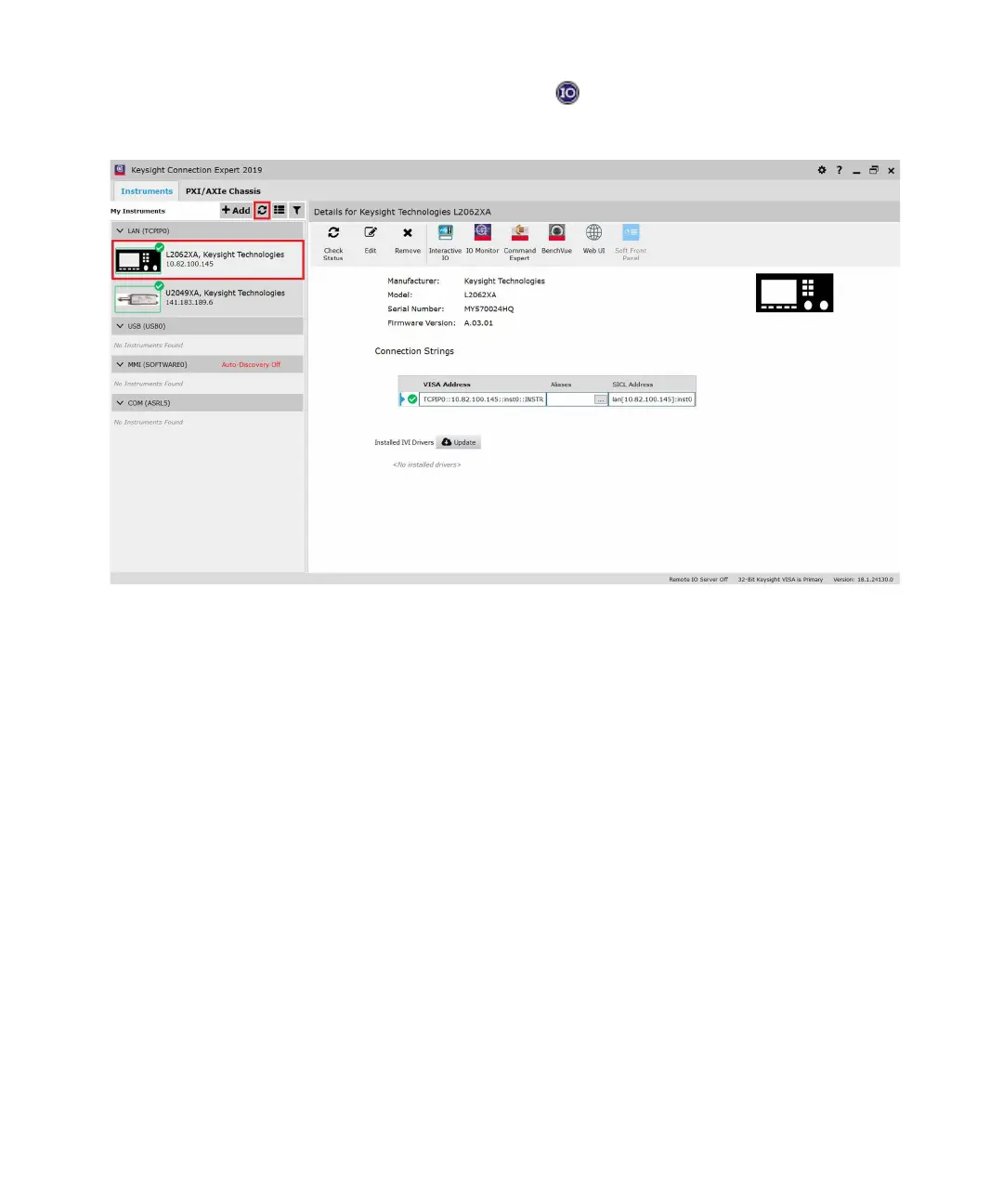
3 Go to Start > All Programs > IO Control ( ) to launch Keysight Connection Expert
application. Click Start a Scan for connected instruments to auto-locate the sensor as
shown in the figure below.
Figure 1-12 Auto-locate a LAN instrument in Keysight Connection Expert
4 Click Interactive IO to verify the LAN sensor is connected.
5 When the LAN sensor is connected, go to Chapter 2, "Using the 2050/60 X-Series with
the Keysight BenchVue" to launch the BenchVue, or proceed to operate the LAN sensor
via remote programming.



 To Next Page