2 General Operating Information
76 Keysight 2050/60 X-Series User’s Guide
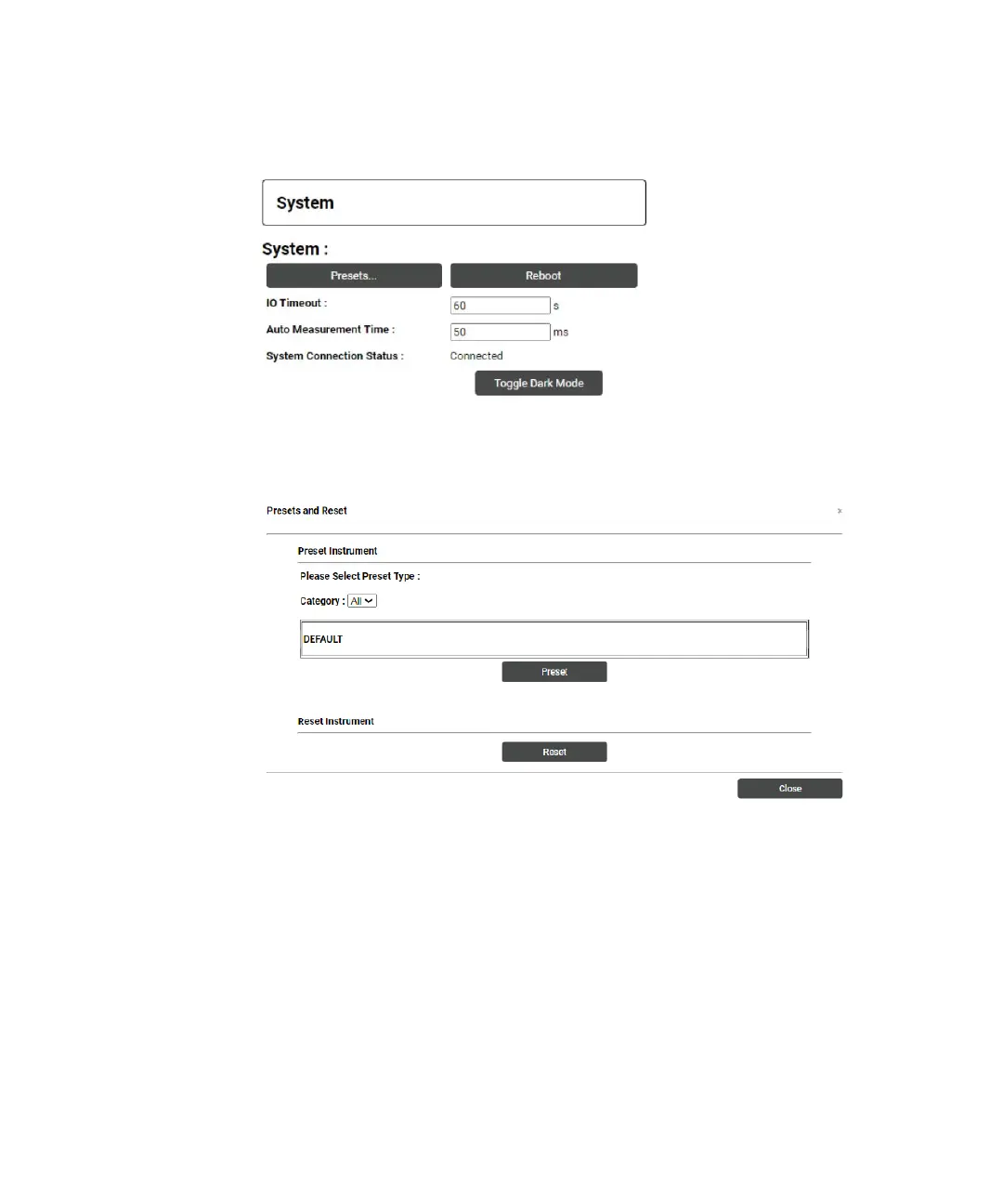
6 Toggle Dark Mode – Toggles between dark mode and bright mode layout for the web
interface. Dark mode displays the background in black color, whereas bright mode
background in white color.
Figure 2-38 System panel
Figure 2-39 System Panel - Presets and Reset
Digital Meter Display Panel
In Digital Meter Display panel, the following buttons are used to trigger the
measurement: 1) Start 2) Stop 3) Single Measurement and displaying information
on current measurement such as 4) Current Measuring Information: Frequency,
Mode, Feed Type, Meas, Chan 5) Min and Max measurement logged 6) A Clear the
min and max button to clear the minimum and maximum value logged 7) Power
Measurement Value.



 To Next Page