1 Getting Started
24 Keysight 2050/60 X-Series User’s Guide
Connect the LAN sensor
Connect the LAN sensor via any of the following LAN operating modes:
– Dynamic IP (Dynamic Host Configuration Protocol or DHCP)
– Auto IP (Local PC control or isolated (non-site) LAN)
– Static IP (Manual mode)
The default LAN operating mode of the LAN sensor is Dynamic IP.
Dynamic IP and Auto IP are enabled on the LAN sensor shipped from Keysight. This allows
the LAN sensor to automatically obtain an address on the network.
The LAN sensor communicates with the DHCP server to obtain the LAN interface
configuration. If the DHCP server is not detected, then either the DHCP server is not
present or it does not allow the LAN sensor to obtain an IP address. The LAN sensor will
then try to obtain the LAN configuration using AutoIP if enabled, otherwise the LAN sensor
will try to use the static IP set in the LAN sensor. If required, push the LAN reset switch to
reset the LAN sensor LAN configuration to a known default state.
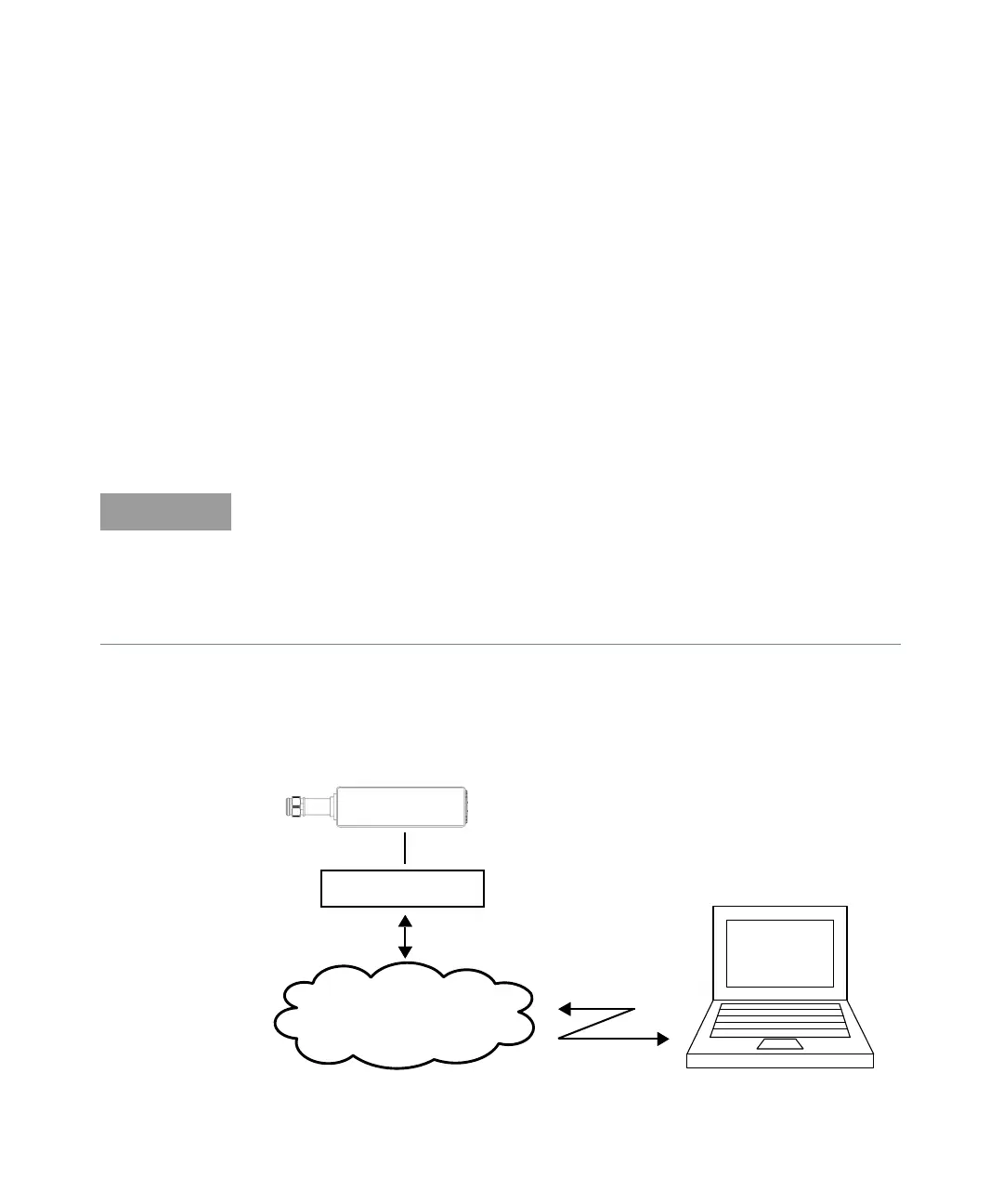
Dynamic IP mode
In this mode, the IP address, subnet mask, and default gateway values are obtained from a
DHCP server.
Figure 1-6 Connect the LAN sensor via Dynamic IP
The LED indicator will turn red indicating the following error when the DHCP server is not
detected:
-310, "System error;The sensor could not obtain a LAN configuration using DHCP. The
sensor will try to obtain IP address using AutoIP if enabled”.
For more information on LAN instrument connectivity, refer to the Keysight IO Libraries
Suite Connectivity Guide.
PoE injector
LAN power sensor
LAN network infrastructure



 To Next Page