General Operating Information 2
Keysight 2050/60 X-Series User’s Guide 55
Quick overview of the BenchVue Power Meter
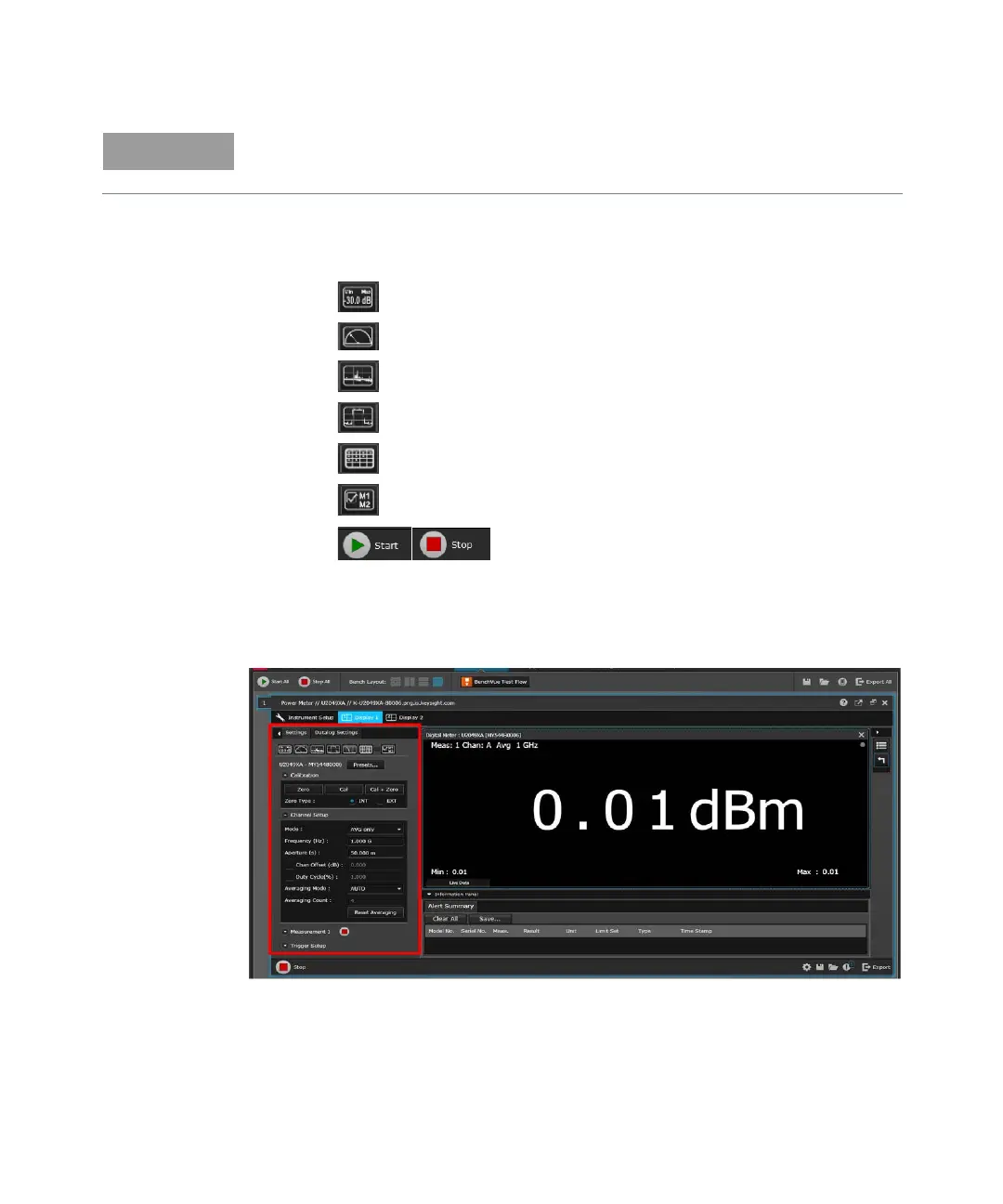
a Access the common measurement settings for the current measurement display
view.
-- Click to create a new Digital Meter display view.
-- Click to create a new Analog Meter display view.
-- Click to create a new Data Log display view.
-- Click to create a new Trace display view.
-- Click to create a new MultiList display view.
-- Click to assign a measurement to the selected display view.
-- Click to start or stop all assigned measurements on all display views
simultaneously.
For more information, refer to “ ” on page 57 and “Power meter settings in the Normal
mode” on page 60.
Figure 2-17 Common measurement settings pane
To access the data logger settings, click the Datalog Settings tab. To enable data
logging, you need to stop the measurement acquisition.
For details on each of the BenchVue Power Meter features, refer to the Keysight BenchVue
Power Meter help documentation.



 To Next Page