Getting Started 1
Keysight 2050/60 X-Series User’s Guide 23
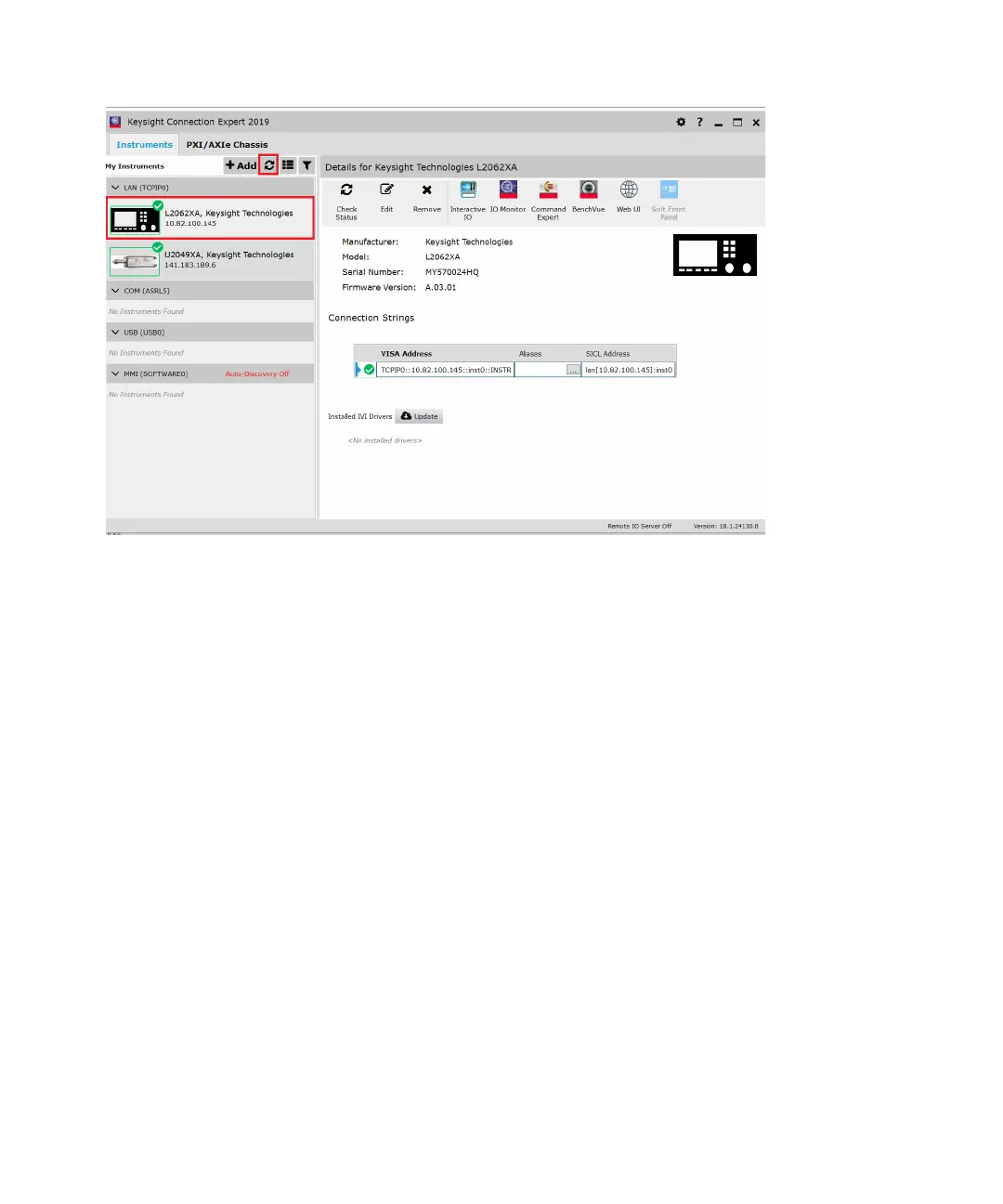
Figure 1-5 Auto-locate a USB instrument in Keysight Connection Expert
3 Click Interactive IO to verify the sensor is connected.
4 When the sensor is connected, go to Chapter 2, "Using the 2050/60 X-Series with the
Keysight BenchVue" to launch the BenchVue Power Meter application, or proceed to
operate the sensor via remote programming.
Operating the sensor remotely using SCPI commands
You can send SCPI commands to operate the sensor. Refer to the 2050/60 X-Series
Programming Guide for details.



 To Next Page