2 General Operating Information
56 Keysight 2050/60 X-Series User’s Guide
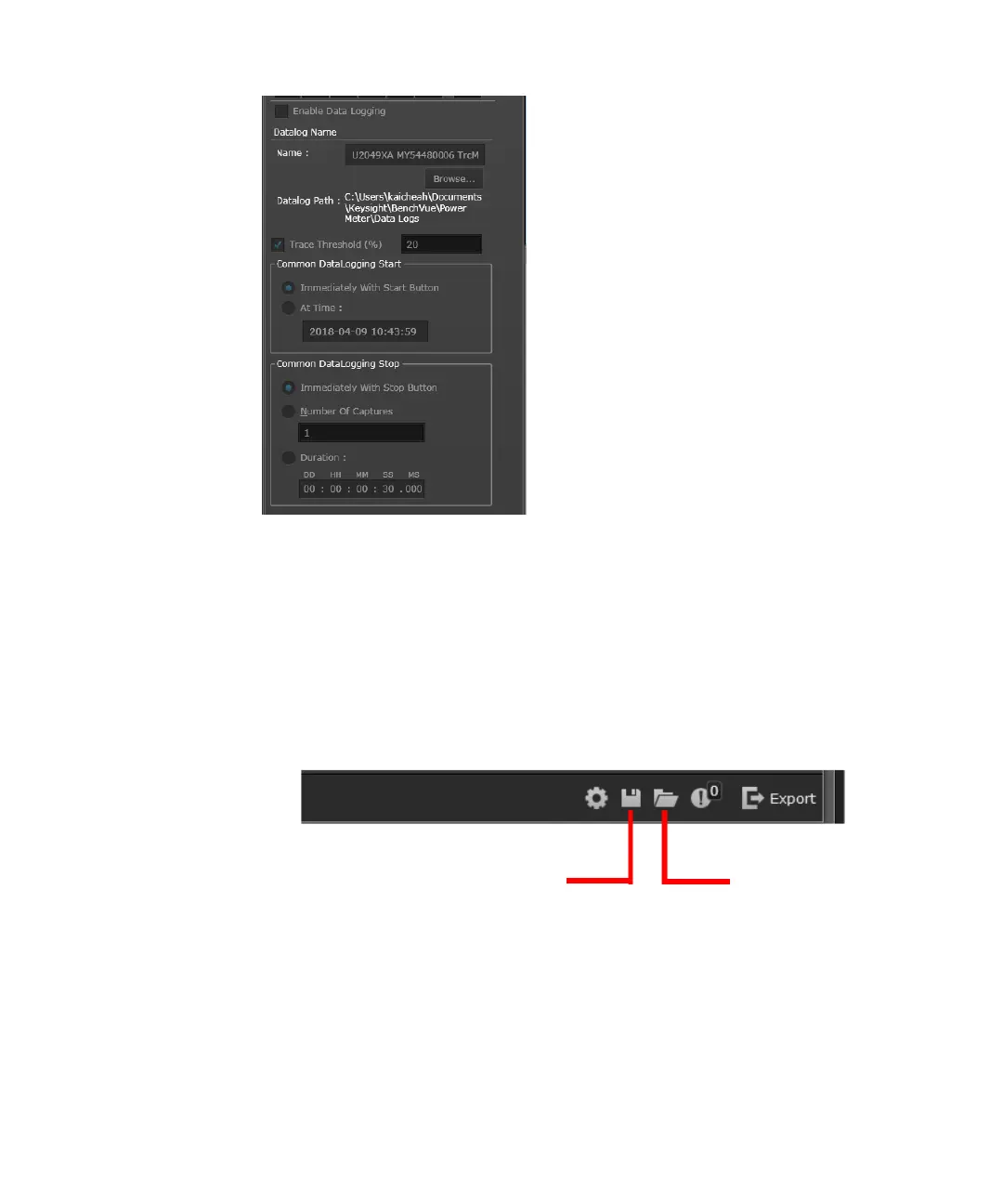
Figure 2-18 Datalog settings pane
Figure 2-19 Export the data log file
b Save or load the instrument state of the current bench application in a proprietary
format with a *.state file extension.
Figure 2-20 Save/load the instrument state
c Access advanced settings such as corrections (frequency-dependent offset,
gamma, and S-parameter), alert limits, recorder output, trace/pulse duration
reference levels, input impedance, and trigger output.
For more information, refer to “Instrument Setup tab” on page 63.
Export the data log file
and view the recorded
data in Excel
Load the instrument state
Save the instrument state



 To Next Page