General Operating Information 2
Keysight 2050/60 X-Series User’s Guide 47
d Click ( ) to access the BenchVue Power Meter help documentation.
Quick start example to perform an average power measurement
The following example guides you on how to quickly measure average power via BenchVue.
It is assumed that the 2050/60 X-Series is already connected to a signal generator.
1 Set up the signal generator as follows:
– Amplitude: 0 dBm
– Frequency: 1 GHz
– Modulation: Disabled
2 Turn on the RF output of the signal generator. Launch the BenchVue Power Meter
application (refer to page 46). By default the power meter mode is already set to
Average only.
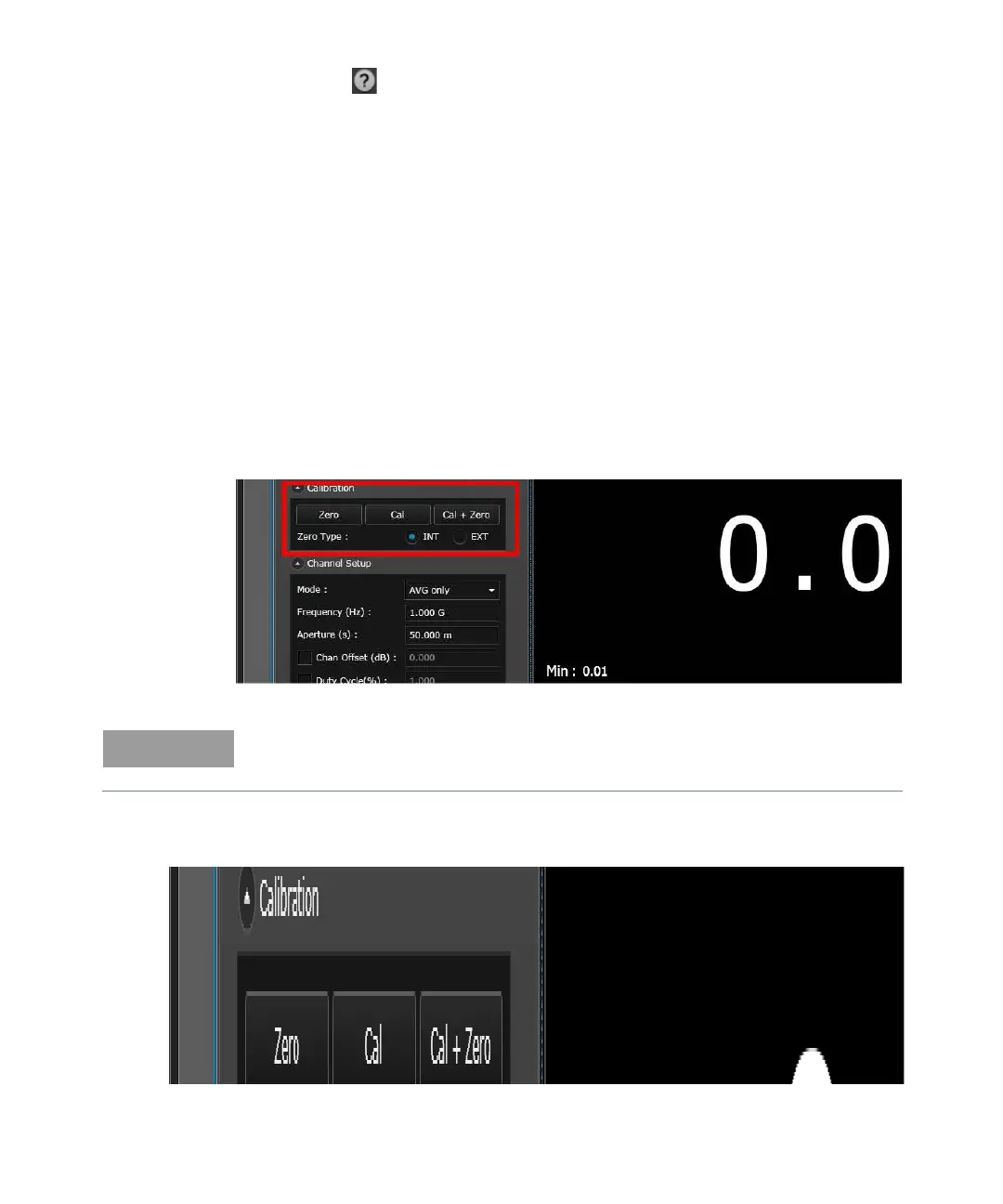
3 Perform calibration and zeroing for an accurate measurement result.
Figure 2-3 Performing calibration and zeroing
4 Set the frequency of the 2050/60 X-Series to 1 GHz.
Figure 2-4 Setting the frequency
For power measurements below –50 dBm, it is recommended to perform external zeroing
and turn off the RF output for better accuracy and repeatability.



 To Next Page