1 Getting Started
30 Keysight 2050/60 X-Series User’s Guide
Static IP mode (configuring the LAN manually)
In static IP mode, you must set up the IP address, subnet mask, and default gateway that
are compatible with your network infrastructure (PC configuration).
Using a static IP address is useful if you always want to communicate with the instrument
using the same IP address every time it is turned on.
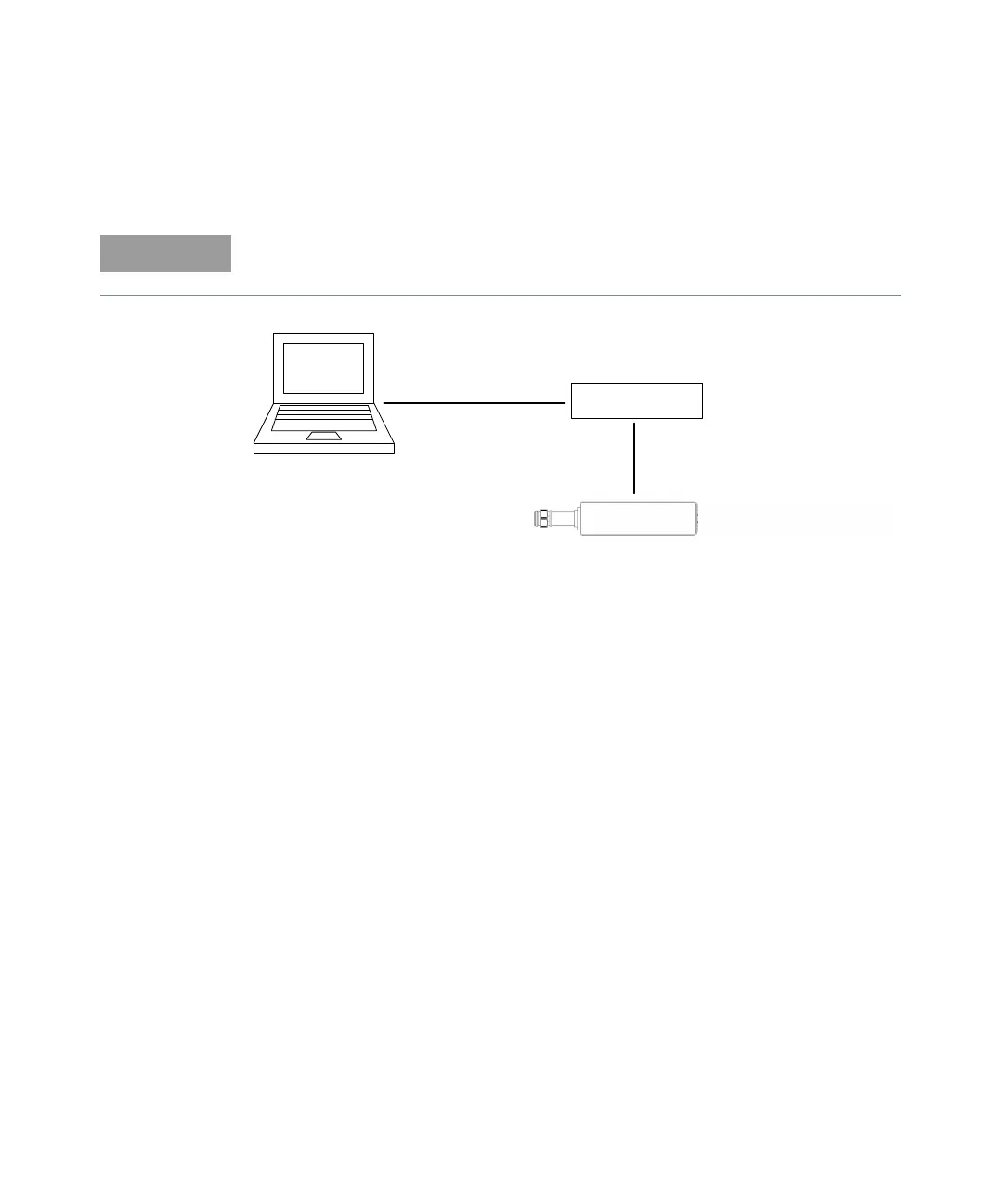
Figure 1-13 Connect the LAN sensor via Static IP
1 Set up the connection as shown above.
2 On your PC, set the LAN settings to the automatic configuration. Go to Start > Control
Panel > Network and Internet > Network and Sharing Center > Local Area Connection >
Properties and set the following properties.
After configuring LAN settings, you must first power cycle the LAN sensor. This enables the
new network settings to become effective.
PoE injector
LAN power
sensor



 To Next Page