General Operating Information 2
Keysight 2050/60 X-Series User’s Guide 73
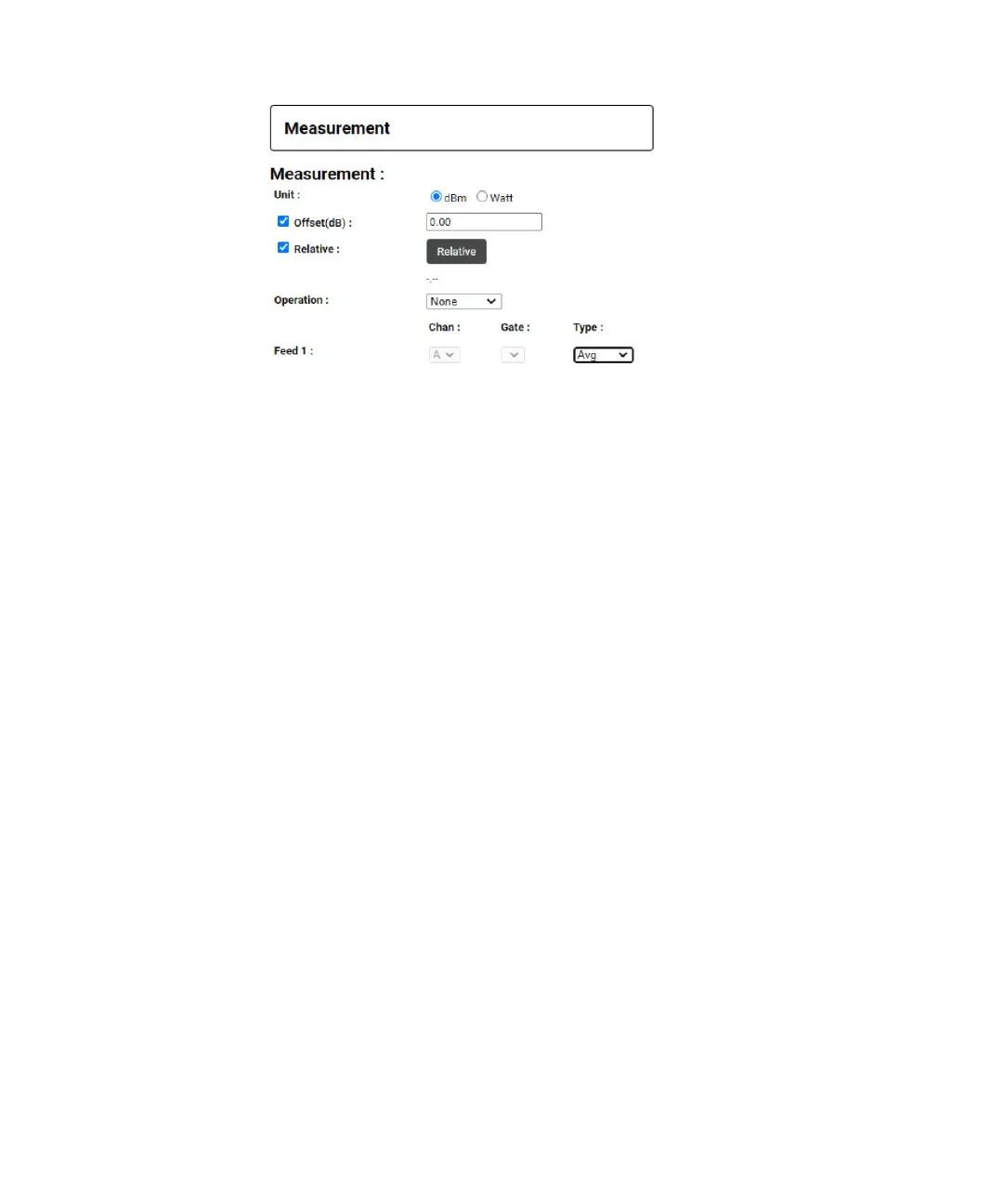
Figure 2-34 Operation and Feed Setting
Channel Panel
In channel panel, you can configure channel mode, channel frequency, aperture time,
channel offset, duty cycle and averaging mode settings.
When the sensor is set to NORMAL mode, you can configure channel mode, channel
frequency, channel offset and averaging mode + averaging count
1 Channel Mode – Sets the measurement mode to normal or average. Select Average or
Normal mode from the drop down. By default, the power sensor is set to Average
mode. The corresponding SCPI command is [:SENSe[1]:]DETector:FUNCtion.
2 Channel Frequency – Sets the frequency of the signal. Select the desired unit from the
drop down and enter the frequency value. The frequency range allowed for 2050/60 X-
Series sensors is 1 kHz to 1000 GHz. By default, the frequency is set to 50 MHz. The
corresponding SCPI command is [:SENSe[1]:]FREQuency[:CW|:FIXed]
<numeric_value>.
3 Chan Offset – Sets the channel offset for 2050/60 X-Series sensors. Select Chan Offset
(dB) check box for the channel offset text box to appear and enter the desired value to
set the channel set value. Deselect the check box to disable the channel offset value.
By default, this setting is disabled. The corresponding SCPI commands are
[:SENSe[1]:]CORRection:GAIN2[:INPut]:STATe ON|OFF|1|0 and
[:SENSe[1]:]CORRection:GAIN2[:INPut][:MAGNitude] <numeric_value>
4 Averaging mode – Sets the averaging mode. Select one of the averaging mode options
(AUTO/MANUAL /OFF) from the drop down. By default, the averaging mode is set to
AUTO.
a AUTO – Enables averaging and automatic filter length. The corresponding SCPI
command is [:SENSe[1]:]AVERage:COUNt:AUTO ON|1
b MANUAL – Enables averaging, but disables automatic filter length, therefore the
filter length can be manually set in the averaging count text box. The corresponding



 To Next Page