2 General Operating Information
52 Keysight 2050/60 X-Series User’s Guide
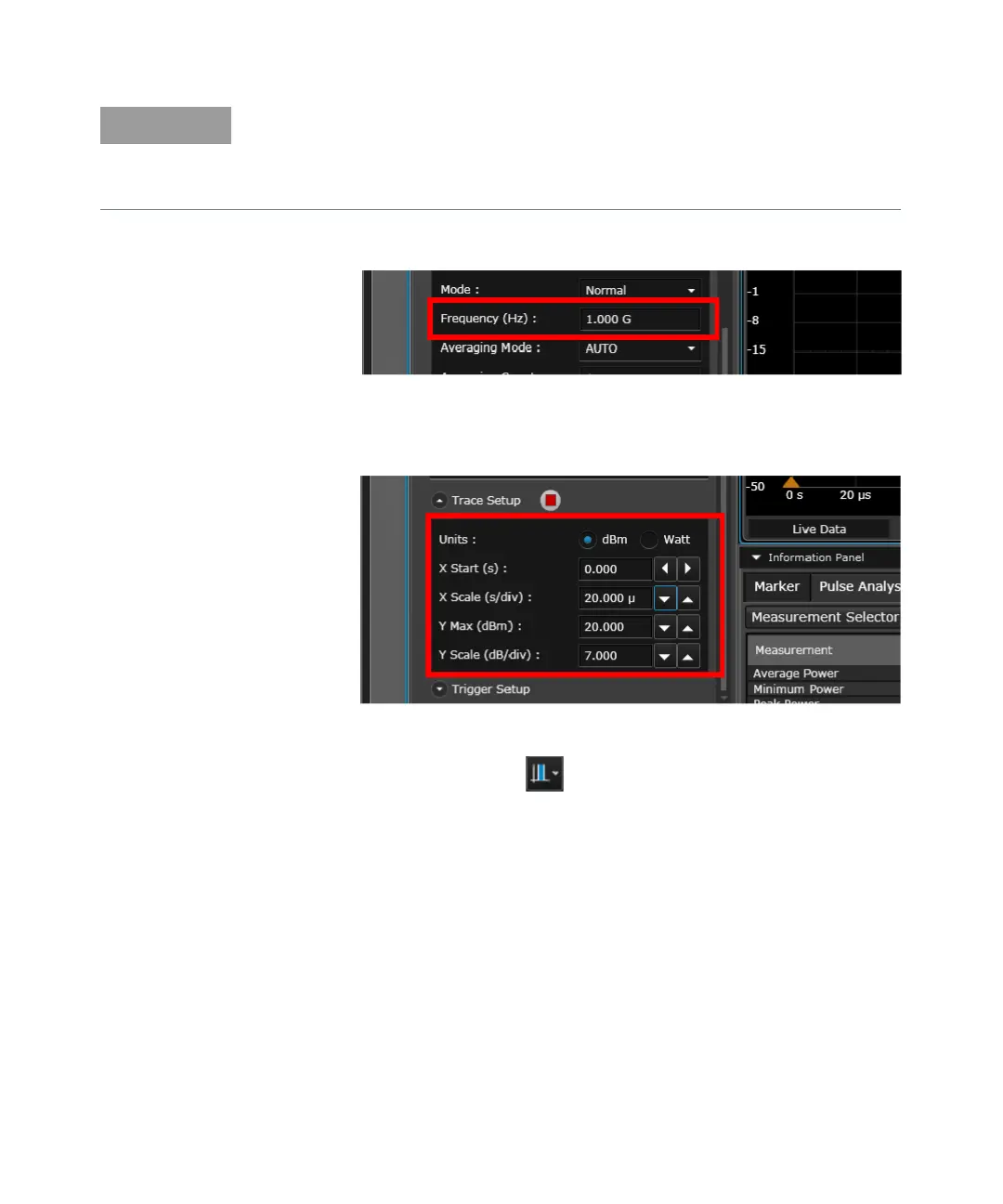
5 Set the frequency of the 2050/60 X-Series to 1 GHz.
Figure 2-12 Setting the frequency
6 You can set the trace scales to configure the pulse on the trace display.
Figure 2-13 Setting the trace scales
7 To enable gates on the trace, click at the Tools Palette.
– For power measurement below -50 dBm, it is recommended to use external zero type
for better accuracy and repeatability. Turn off RF output while performing external
zeroing.
– Ensure that modulation is enabled.



 To Next Page