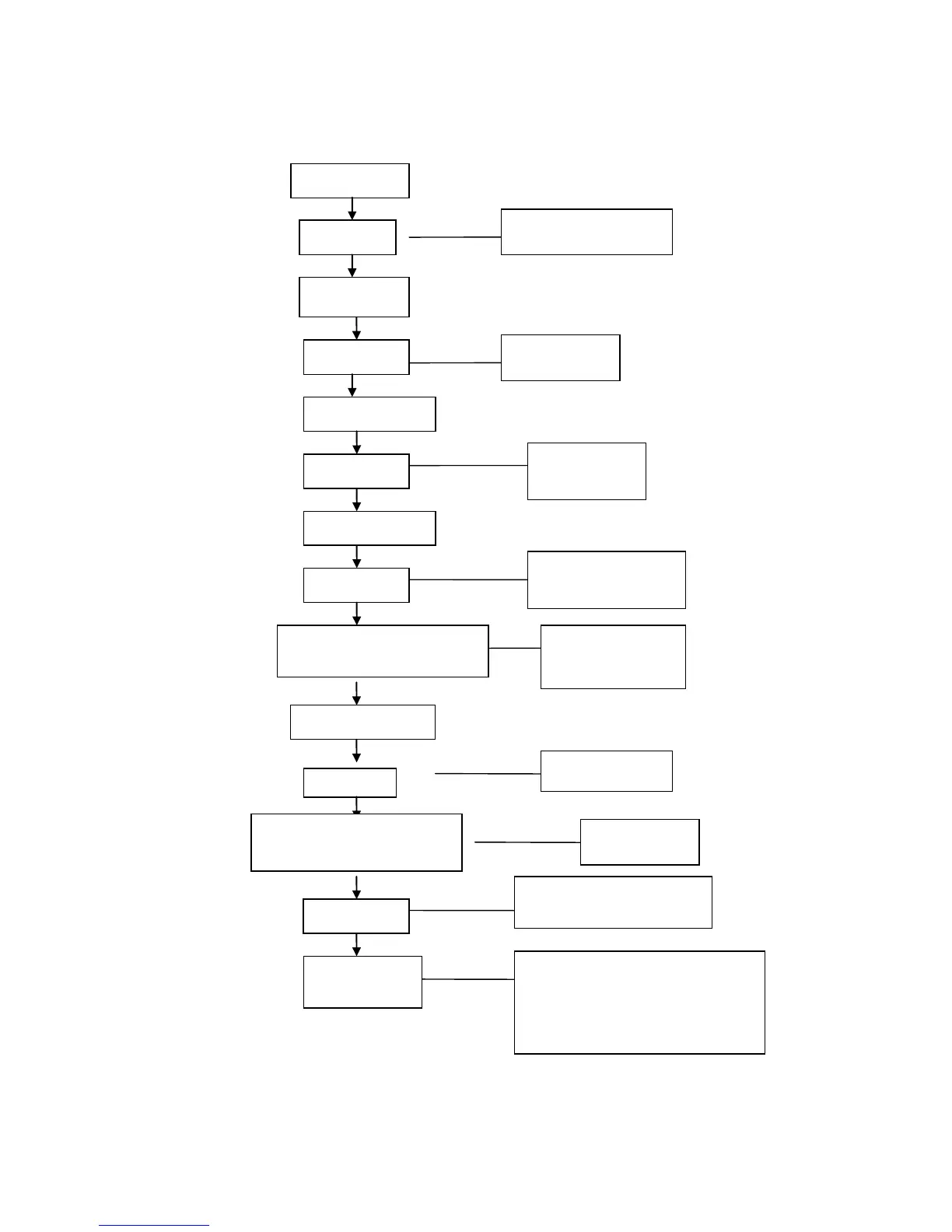
5.1.4 Diagram of Trial Operation
5.1.1 Diagram of trial operation
Enter the list of driver
instructions
Choose speed instructions
Set target speed (Unit: RPM)
(Refer to the example of setting the speed)
Enter the trial operation
—Press ▼ to change d6.40 to d6.31 (press ▼ again
to change to d6.15); press ▲ to change to d6.25
Activate trial operation
Numeric display is ―abc.d‖
The motor works at the set target speed. Long pressing ▲
indicates that the motor works in the counterclockwise (positive)
direction; and long pressing ▼ indicates that the motor works in
the clockwise (negative) direction.
Enter the list of motor parameters
Both positive and negative
speed can be set



 To Next Page