90 °C
60 °C
40 °C
Page 16 / 96
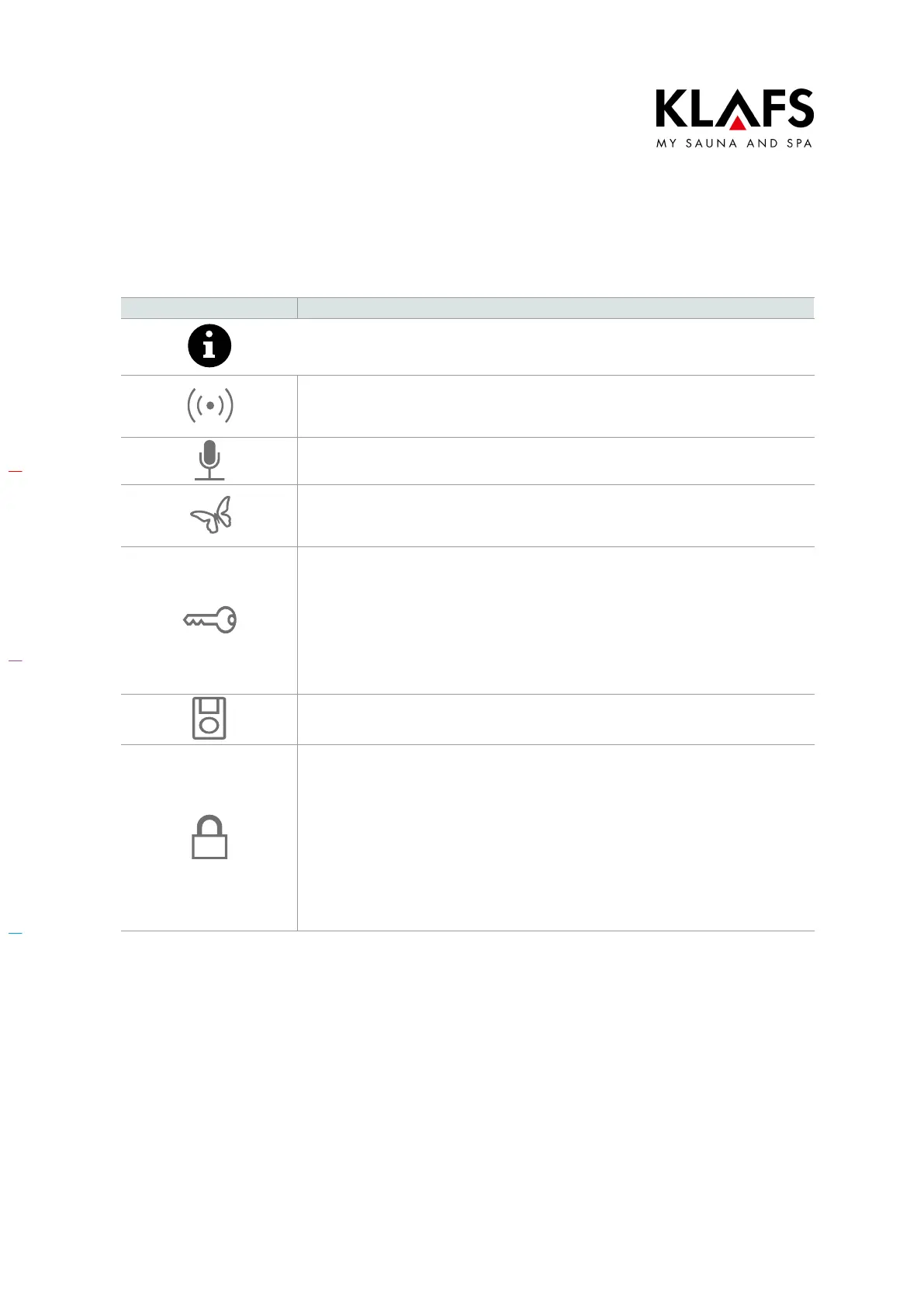
7.6. Touchscreen - Section 3: Status bar
Symbol: Display/function:
The status bar is for display only and has no touchscreen functions.
The symbol display depends on the configuration.
WLAN is installed and activated.
The dot inside the symbol indicates that a WLAN module is installed.
The waves appear if there is a connection between the controller and a router.
Voice control is activated.
Green Sauna is activated.
When the Green Sauna function is switched on, any units that are not required
can be switched off. The cover flap of the ventilation system is closed.
Output from the sauna heater is requested via the key switch.
The key symbol is displayed for 30 minutes after changing a bathing parameter.
Changes to a bathing parameter can be confirmed by pressing the key switch
on the sauna cabin within 30 minutes.
D When the key functions are activated, the settings and the key-switch
symbol remain displayed (for max. 30 minutes) until the key switch is
pressed.
The remote power-on unit is connected. The sauna can be operated via both the
remote power-on unit and the control panel.
"Blockade control unit" (touchscreen lock).
When enabled, this function prevents the controller from being operated
inadvertently.
The controller can only be used after entering your password via the touchscreen.
D Symbol appears = Touchscreen is locked.
D Setting up the touchscreen lock - See servicing instructions
50701466/50701467.
D To switch the touchscreen lock on/off, see page 72.



 To Next Page