90 °C
60 °C
40 °C
Page 72 / 96
10.9. Enabling/disabling "blockade control unit" (locking/unlocking the keypad)
SONSTIGES
Settings
Lock control
Activation ALEXA
Language
Water hardness
Servicemenu
Time
ASC PIN
Pairing Bluetooth
Clues Settings Light
Back
1
2
3
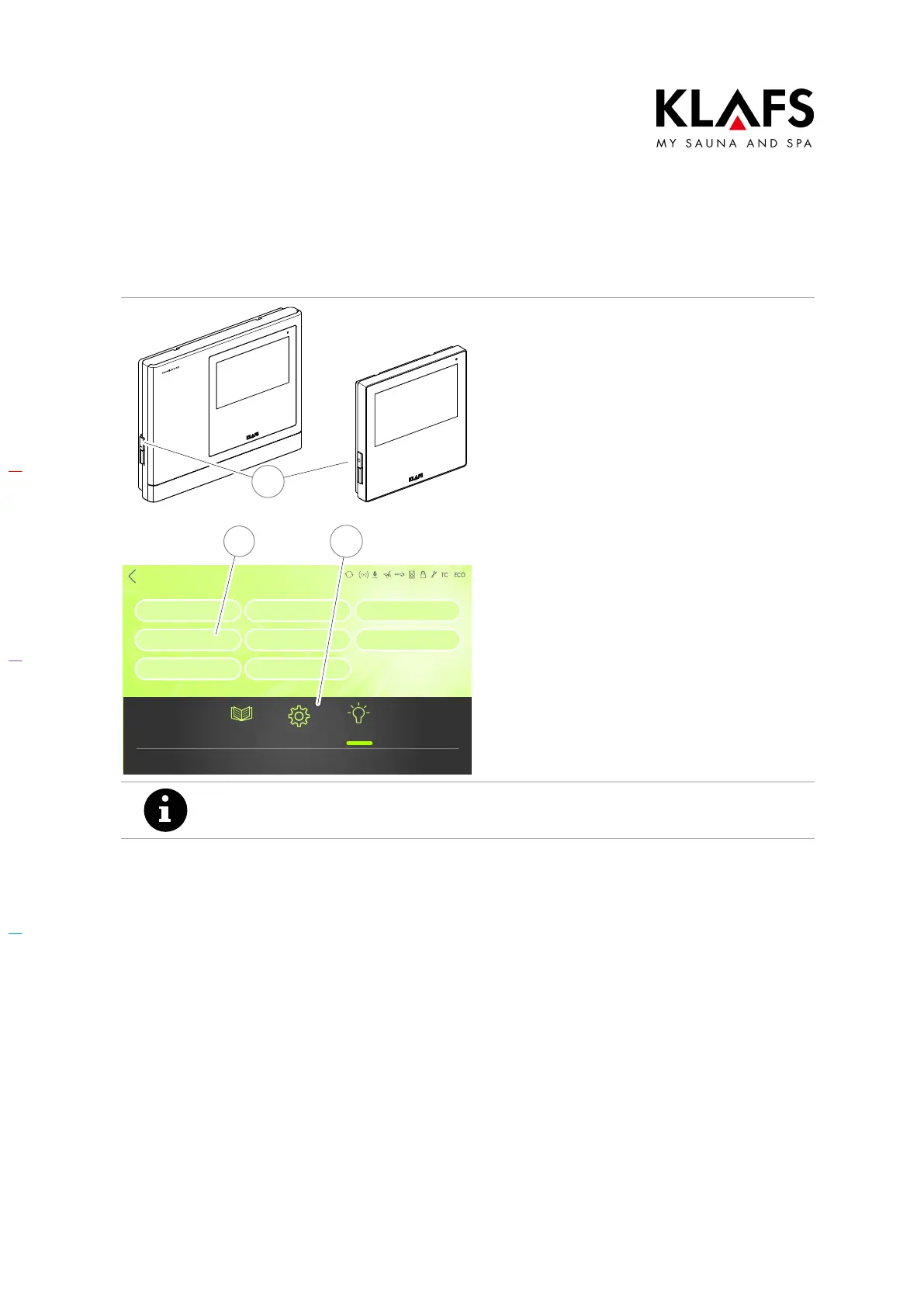
Calling up the "blockade control unit" menu
When enabled, the "blockade control unit"
function prevents the controller from being
operated unintentionally.
1. Switch the controller on at the main
switch (1).
2. Press the "Settings" symbol (2).
3. Press the "Blockade control unit"
line (3).
Any four-digit number can be used as your PIN except for "1111" and "2222",
which have already been allocated to KLAFS.



 To Next Page