90 °C
60 °C
40 °C
Page 71 / 96
10.8. Assigning a PIN to the controller (optional)
Temperature
Humidity
ASC PIN
1
8
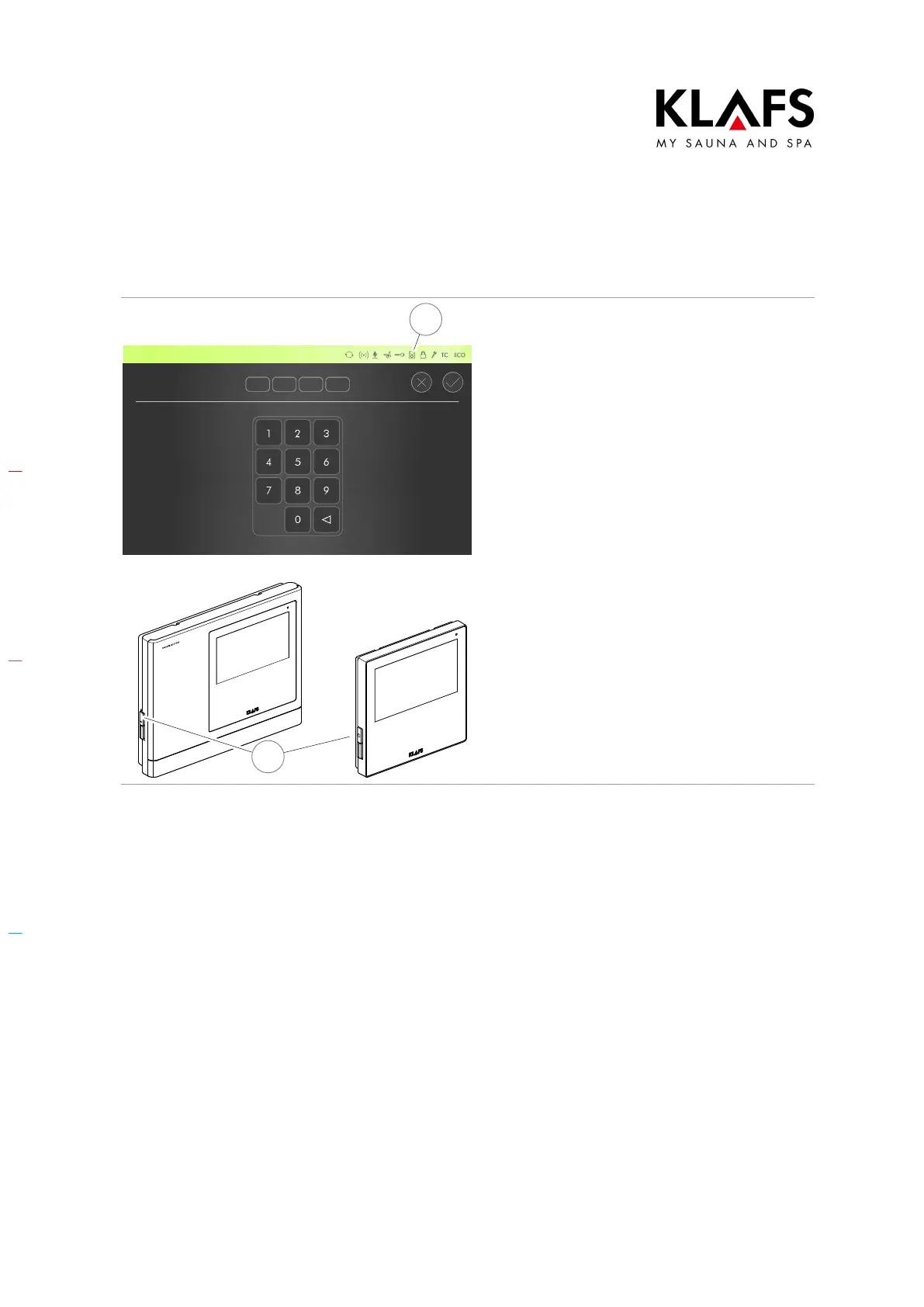
6. Switch the controller off and then
on again at the main switch (1).
The KLAFS WLAN module in the controller will
be activated after you have switched the
controller on.
The activation process takes approximately
30 seconds and is indicated by the
symbol (8) flashing.
Once the activation process is complete, the
WLAN symbol (8) stops flashing and remains
lit.
The KLAFS WLAN module is now ready to be
configured.
To configure the KLAFS WLAN module, see
the installation instructions with the item
number 5060108/5060109.



 To Next Page