90 °C
60 °C
40 °C
Page 22 / 96
8. BASIC FUNCTIONS AND SETTINGS
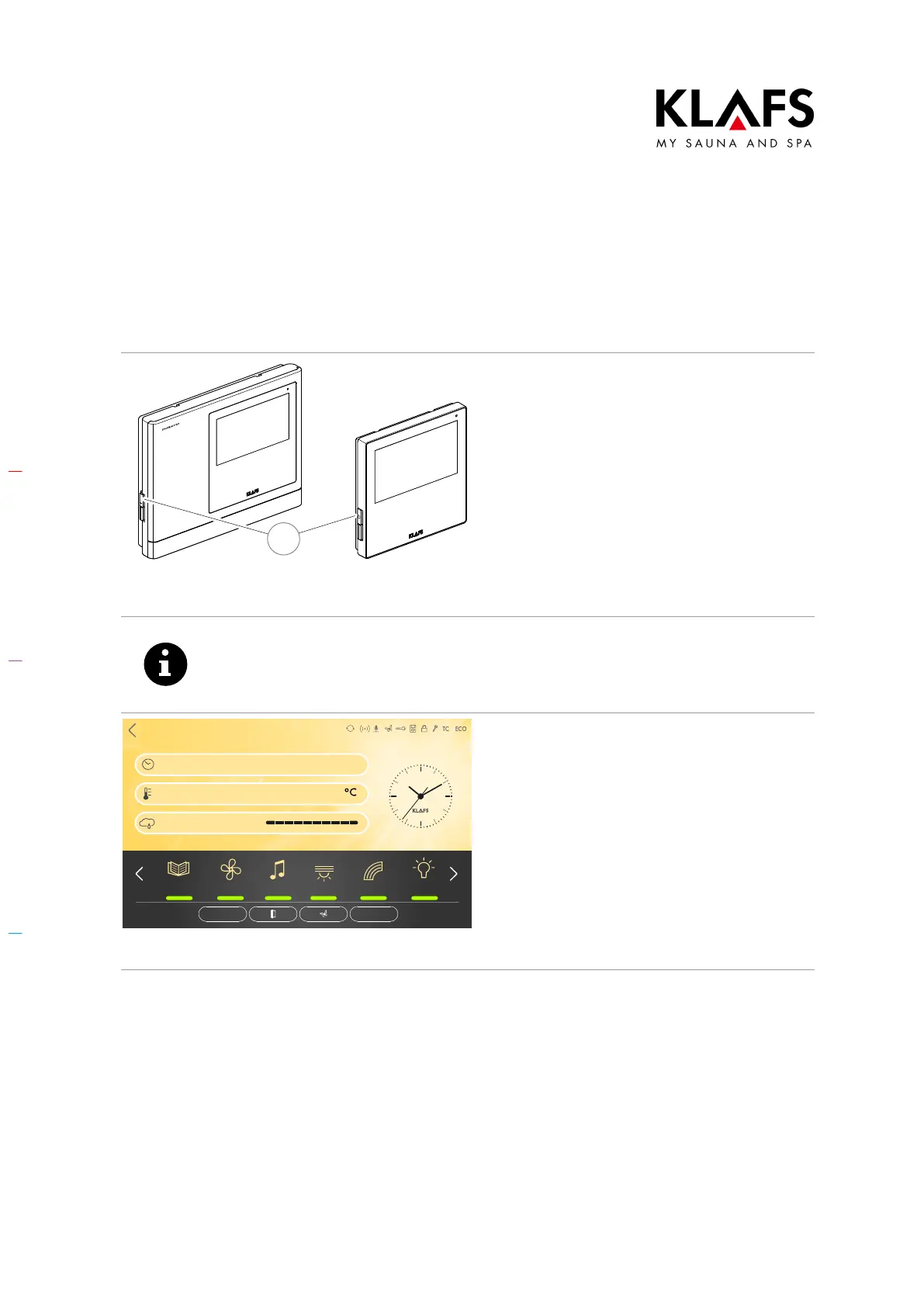
8.1. Switching the power supply on/off at the main switch
1
Switching the power supply on
1. Press the touch key (1).
The controller goes into standby mode. In
standby mode, the display shows the bathing
mode that was last selected.
When the controller is switched on, the
following symbols are displayed: Settings for
the relevant bathing mode, clock, Start/Stop
extras and cabin control (optional).
D For standby, see page 28.
After five minutes of non-use, the backlighting will gradually start to dim and the
screen will switch off fully within a minute.
If you touch the display while it is dimmed or switched off, the backlighting will
switch on first. You will then be able to operate the controller via the display.
Sanarium
Bathing time
Temperature
Humidity
90
19:00 - 22:00
Clues Fan Music
Light
Colour light
Sunset
PUR STOP
Back
Switching the power supply off
1. Press the touch key (1).
The touchscreen is blank when the controller is
switched off.
D The cabin light can be switched
on even when the controller is
switched off.
D The clock in the controller has a
power reserve for a few months in
the event of a power failure.



 To Next Page