90 °C
60 °C
40 °C
Page 66 / 96
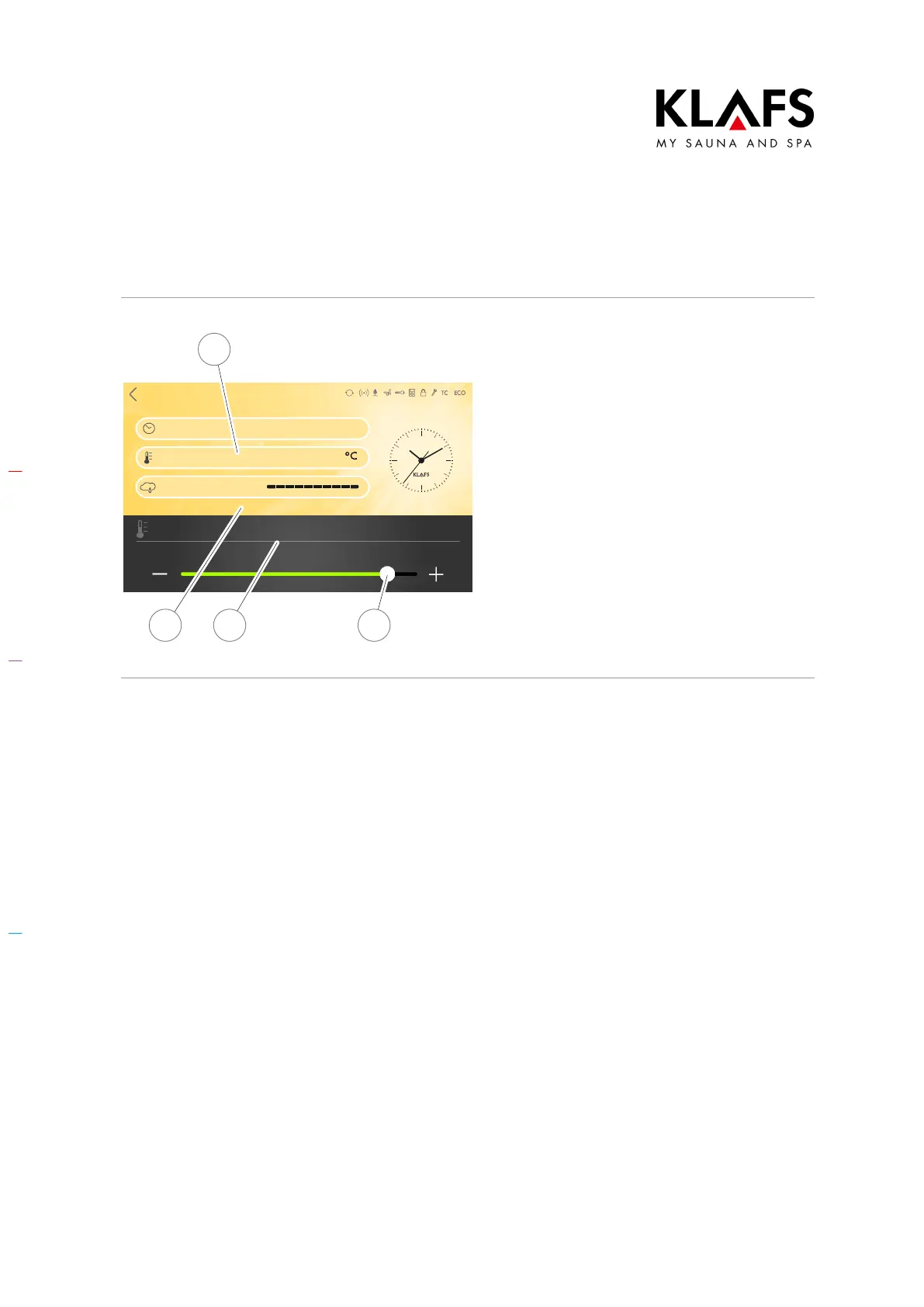
10.4. Setting the temperature
SanariumBathing mode
Bathing time
Temperature
Humidity
70
19:00 - 22:00
90 °C
Temperature
24 3
1
Changing the temperature
1. Press the Temperature line (1) to
activate it.
The Temperature line (1) changes the
background colour.
2. Use the +/- buttons or the slider (2)
to set the temperature (3) you
require.
3. Then confirm the setting by
touching the screen (4).
D The value is automatically
accepted after three seconds.
Alternatively, this can be done by
tapping on an empty area of the
screen.



 To Next Page