90 °C
60 °C
40 °C
Page 61 / 96
10. CUSTOM SETTINGS
10.1. Programs by type of bathing
Each bathing mode offers the last bathing program you used (with your custom
settings) and special programs with preset bathing parameter settings that cannot
be changed.
Any changes made to bathing parameters are saved automatically.
If the personalised bathing parameter settings are the same as the settings in one of
the standard programs, the standard program is automatically selected.
Bathing mode
Sauna
Sanarium
Clues Settings Light
Infrared
Programs by type of
bathing
Programs by effect
Programs by type of
bathing
Programs by effect
Programs by type of bathing
Sauna
Programs
Sanarium
Programs
Clues Settings Light
Infrared
Programs
Back
1
2
Programs by type of bathing
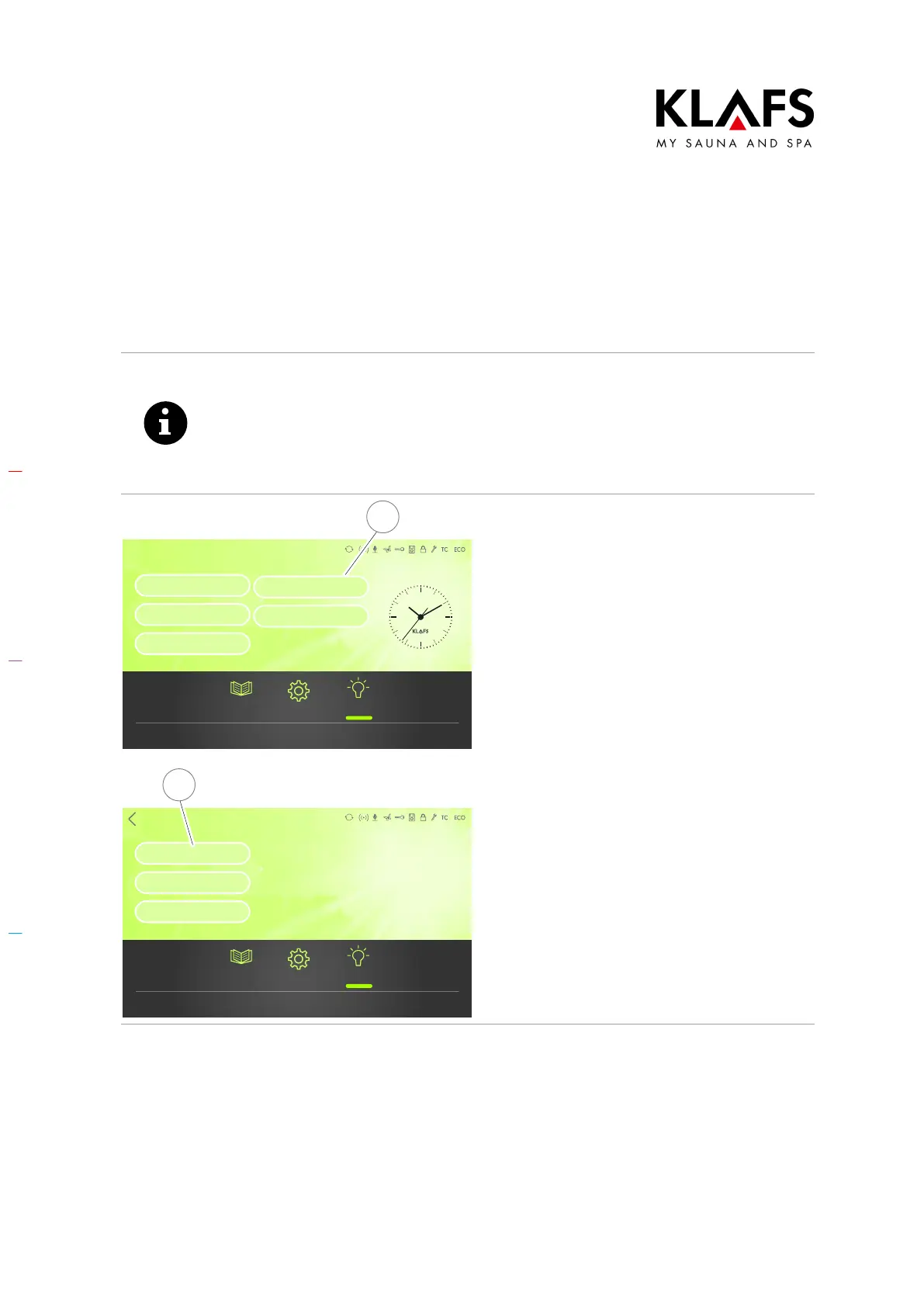
1. Press the Programs by type of
bathing symbol (1).
The program selection screen
appears.
2. Touch the program you would like
to use. E.g. Sauna Programs (2).
Additional sub-programs to the
selected program are displayed.



 To Next Page