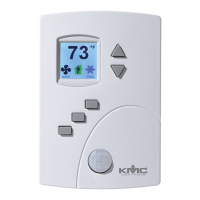
Procedure Steps Display
15 Reset the
application and
choose units of
measure.
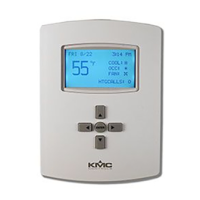
Choose RESTORE APP from the ADVANCED
menu to reset the AppStat to the original
configuration and settings. Use it also to change
the AppStat application program and the units of
measure to display. There are two versions of
each application program in every AppStat.
The Metric version displays temperature in
Celsius and uses metric values for units of
measure.
The English version displays temperature in
Fahrenheit and uses English values for units
of measure.
Note: Choosing an application will reset the
AppStat.
RESTORE APP
2P FCU-METRIC
4P FCU-METRIC
2P FCU-ENGLISH
4P FCU-ENGLISH
BackEnterCncl
RESTORE APP
RTU-METRIC
RTU-ENGLISH
BackEnterCncl
RESTORE APP
HPU-METRIC
HPU-ENGLISH
BackEnterCncl
16 Adjust the PID
loops.
Choose LOOPS from the ADVANCED menu to
adjust the values for the cooling or heating PID
loops. Only the proportional and integral
properties can be changed from the display.
The proportional default is 2° F.
The integral default is zero (0).
LOOPS
COOL PROP
COOL INTG
HEAT PROP
HEAT INTG
BackEnterExit
Choosing advance options (continued)
Installation, Operation, and Application Guide for AppStat Section 4: Commissioning functions
Revision G 61


 To Next Page
 Loading...