40
7. Operation
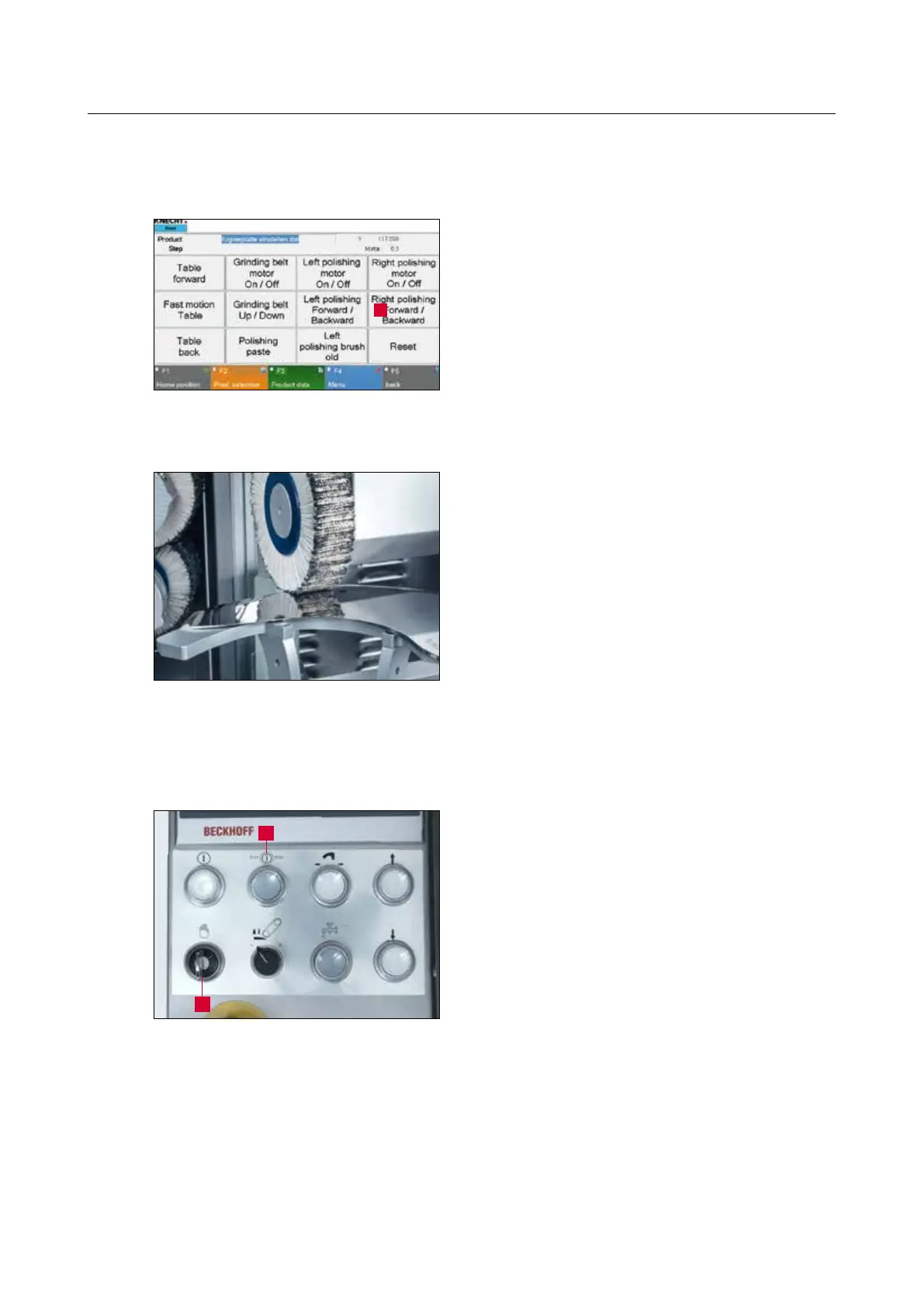
7.3.6 Aligning the right polishing unit
Swivel the right polishing unit towards the knife
with the “Right Polishing Forward / Backward” (7-
11/1) button in the manual functions on the touch
panel.
Use the hand wheel to adjust the height (3-2/8) of
the “Right Polishing Unit” (3-3/8) so that the flap
brush touches the knife.
7.3.7 Starting the grinding process
Open the coolant tap (3-10/1) roughly halfway.
Close the protective hood.
Set the “Setting Mode” key switch (7-13/2) to
“0” and press the “Start / Stop” button (7-13/1).
The grinding program starts.
The program flow can be aborted at any time
by pressing the “Start / Stop” button (7-13/1).
The copy grinding plate will move back to home
position.
Figure 7-12 Aligning the right polishing unit
Figure 7-13 Control panel
1
Figure 7-11 Main screen
2
1



 To Next Page