51
8. Control system
8.4 Editing the parameters of the product file
The parameters of a product file can be changed
as follows:
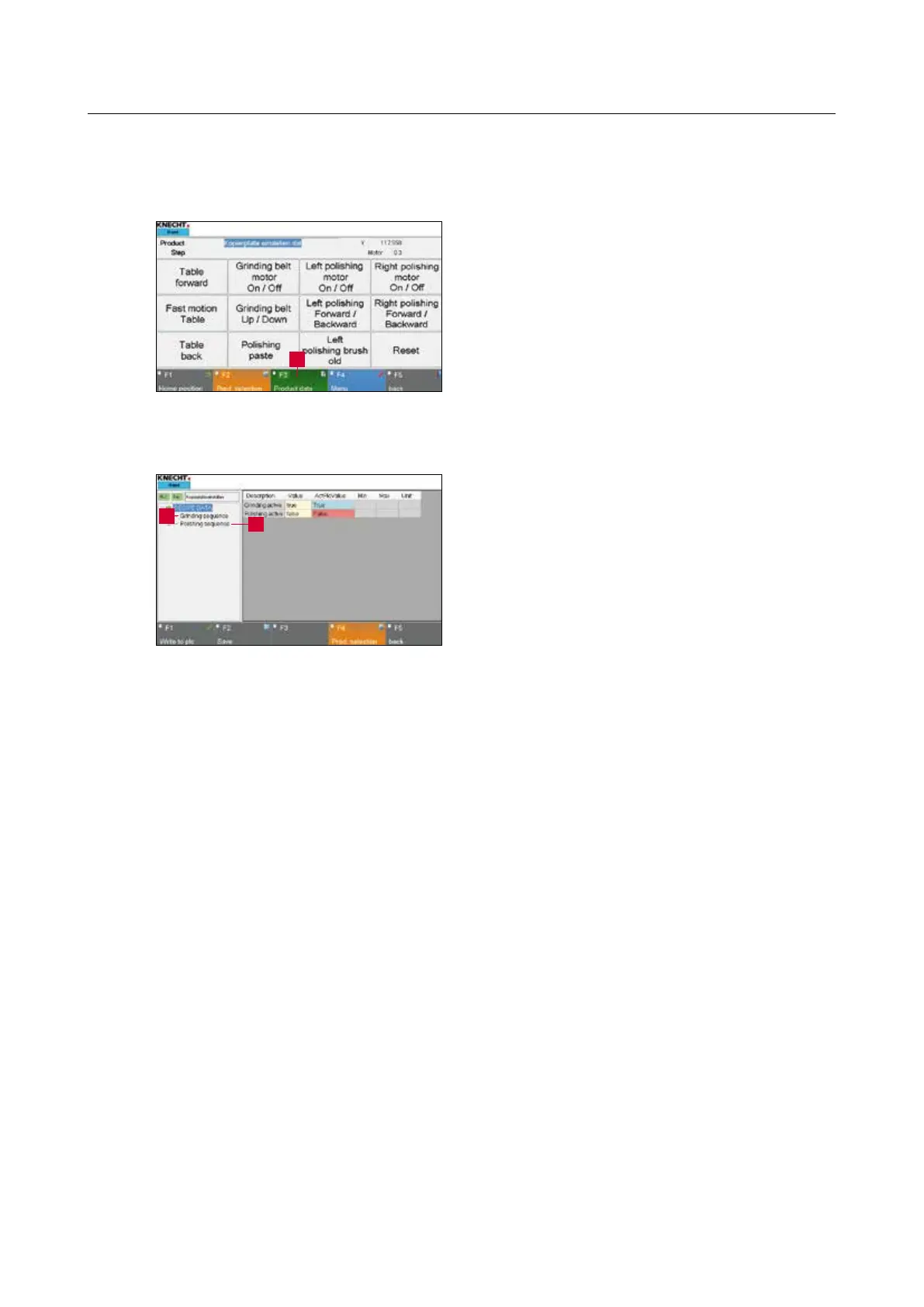
Press the “F3 Product Data” (8-10/1) touch panel
button on the main screen.
A new window (8-11) opens.
There are two different parameter groups:
“Grinding” (8-11/1): Grinding process data (see
Chapter 8.4.1)
“Polishing” (8-11/2): Polishing process data (see
Chapter 8.4.3)
The active group is always indicated with a green
arrow. To activate a group, press the name. The
arrow moves forward and the group is highlight-
ed in blue.
Figure 8-10 Main screen
1
Figure 8-11 Parameter groups
1
2



 To Next Page