45
7. Operation
7.7 Changing the left flap brushes
Close the protective hood.
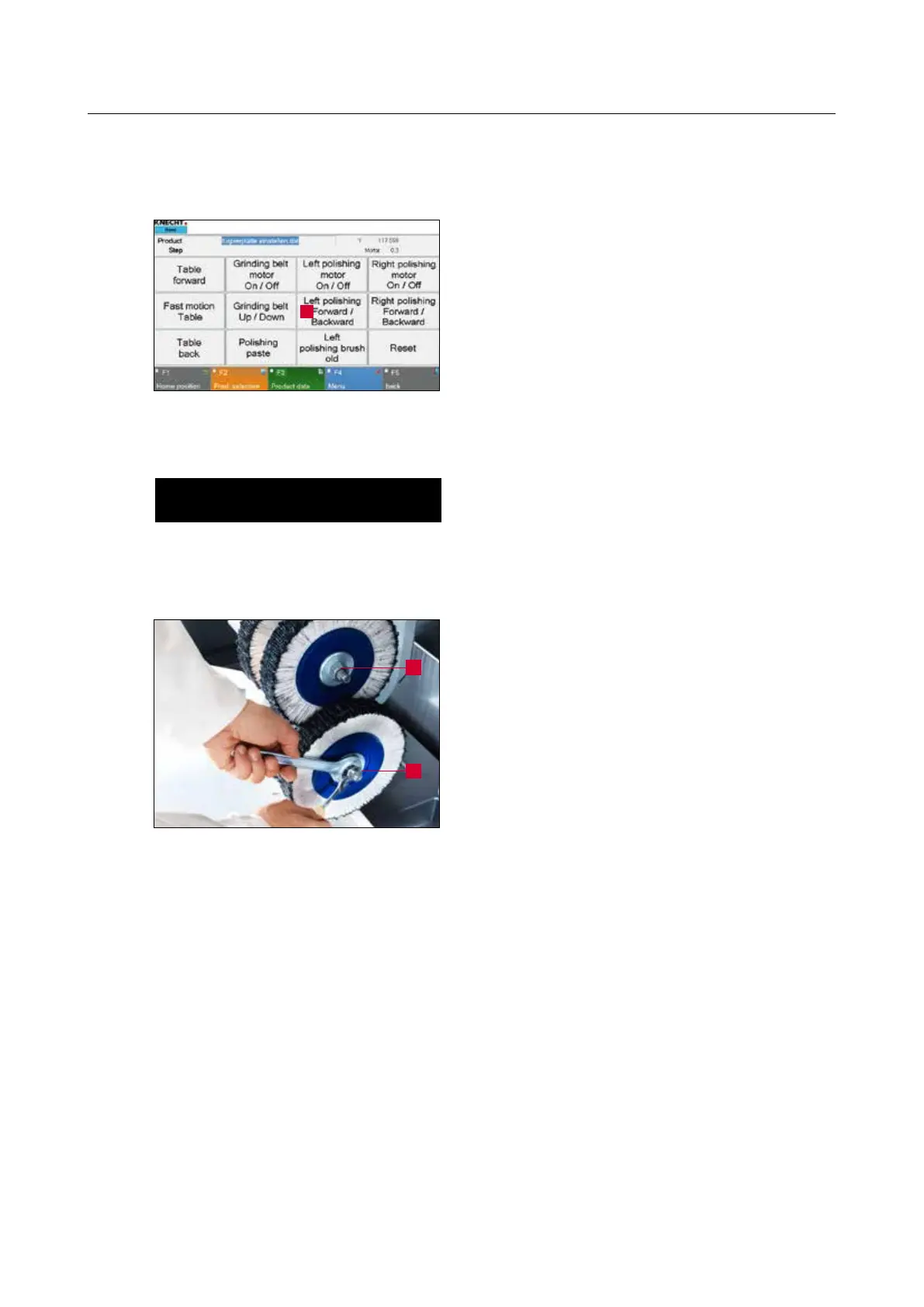
Press “Left Polishing Forward / Backward” button
(7-21/1) on the touch panel.
The polishing unit on the left swivels forward.
ATTENTION
Set the “Setting Mode” key switch (3-6/6)
to position “1” so that the polishing unit
remains in front when the protective hood
opens.
Open the protective hood and loosen the upper
nut (7-22/1) in counter-clockwise direction using
the SW22 flat wrench. Loosen the lower nut (7-
22/2) in clockwise direction.
Remove the flap brushes and flange and mount
the new flap brushes in reverse sequence. Screw
the nuts back again.
Figure 7-22 Changing the left flap brush
Figure 7-21 Main screen
1
1
2



 To Next Page