44
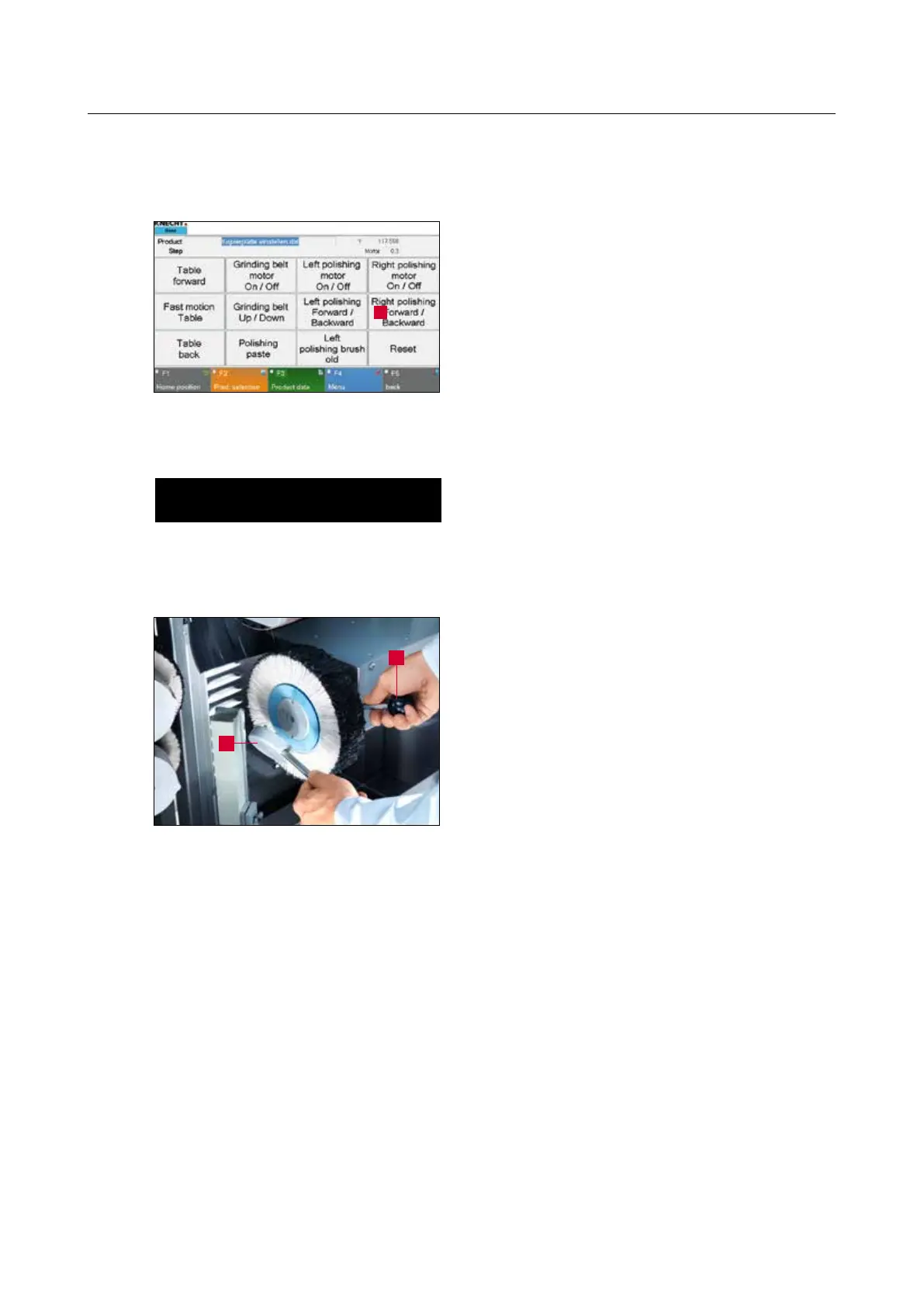
Figure 7-20 Changing the right flap brush
7. Operation
7.6 Changing the right flap brush
Close the protective hood.
Press “Right Polishing Forward / Backward” button
(7-19/1) on the touch panel.
The polishing unit on the right swivels forward.
ATTENTION
Set the “Setting Mode” key switch (3-6/6)
to position “1” so that the polishing unit
remains in front when the protective hood
opens.
Open the protective hood and insert the bar
(7-20/1) in the hole in the clamping flange behind
the flap brush.
Insert the tap wrench (7-20/2) in the holes of the
clamping flange and unscrew in clockwise direc-
tion.
Exchange the flap brush and screw back the
clamping flange in counter-clockwise direction.
Figure 7-19 Main screen
1
2
1



 To Next Page