62
8.8 Setting up an internet connection
The machine has a network connection port
which can be used to establish a direct connection
between the machine and KNECHT Maschinen-
bau. The contents of the display screen of the
grinding machine are transferred via this connec-
tion. In this way, the manufacturer's technicians
can perform a diagnosis of the machine, change
software settings and install or edit new grinding
programs.
“Team Viewer”, the program pre-installed on your
machine, is needed for setting up the internet
connection. An active internet connection must be
available.
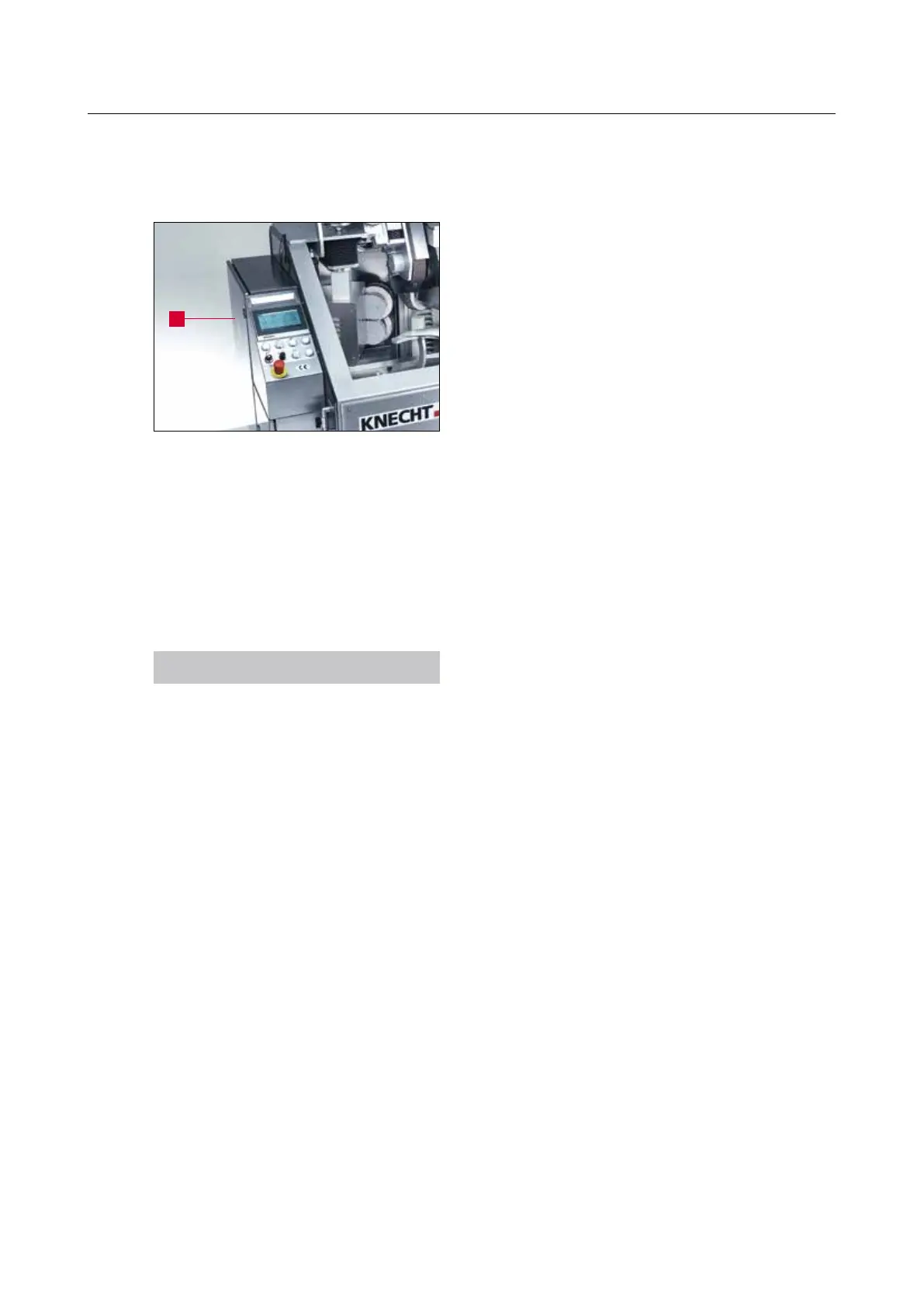
For that, please connect the network cable pro-
vided with the machine to the network socket
provided on site and the network connection in
the switch cabinet (8-26/1).
NOTICE
Please have the internet connection set up by
a network administrator.
8. Control system
Figure 8-26 Switch cabinet
1



 To Next Page