57
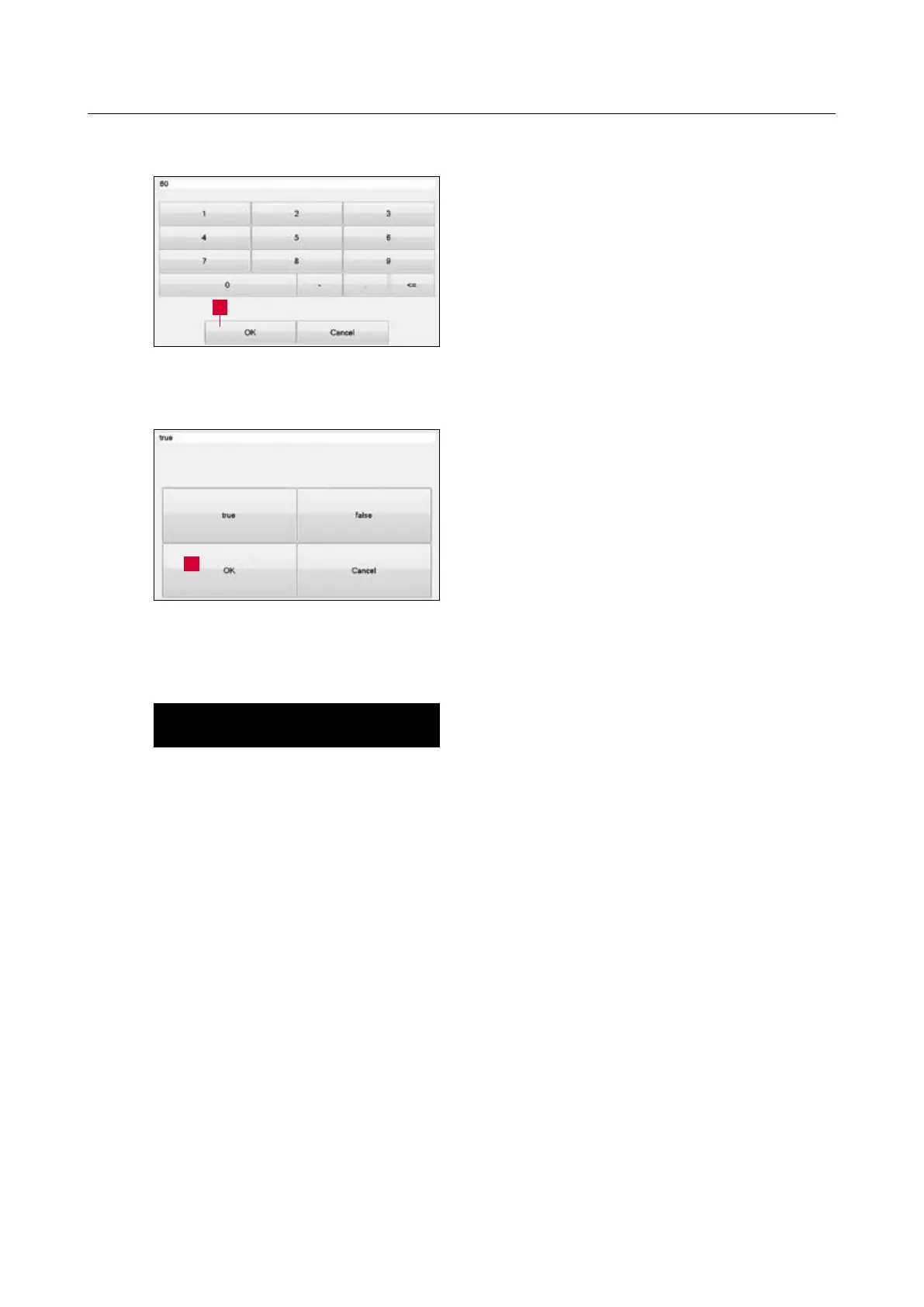
Select the desired number and confirm with “OK”
(8-18/1).
The “Cancel” touch panel button closes the
window without accepting the number.
In the window for “Values”, select between
“true” and “false” and confirm with “OK”
(8-19/1).
The “Cancel” touch panel button closes the
window without accepting the value.
ATTENTION
Save the changed values with the “F2 Save”
(8-17/5) touch panel button.
If a current product file is changed, overwrite
via the “F1 Activate” (8-17/4) touch panel
button of the control system.
8. Control system
Figure 8-18 Editing the “Numbers” parameter
1
Figure 8-19 Editing the “Values” parameter
1



 To Next Page