User manual - DATA RECORDER and cooperating software
•
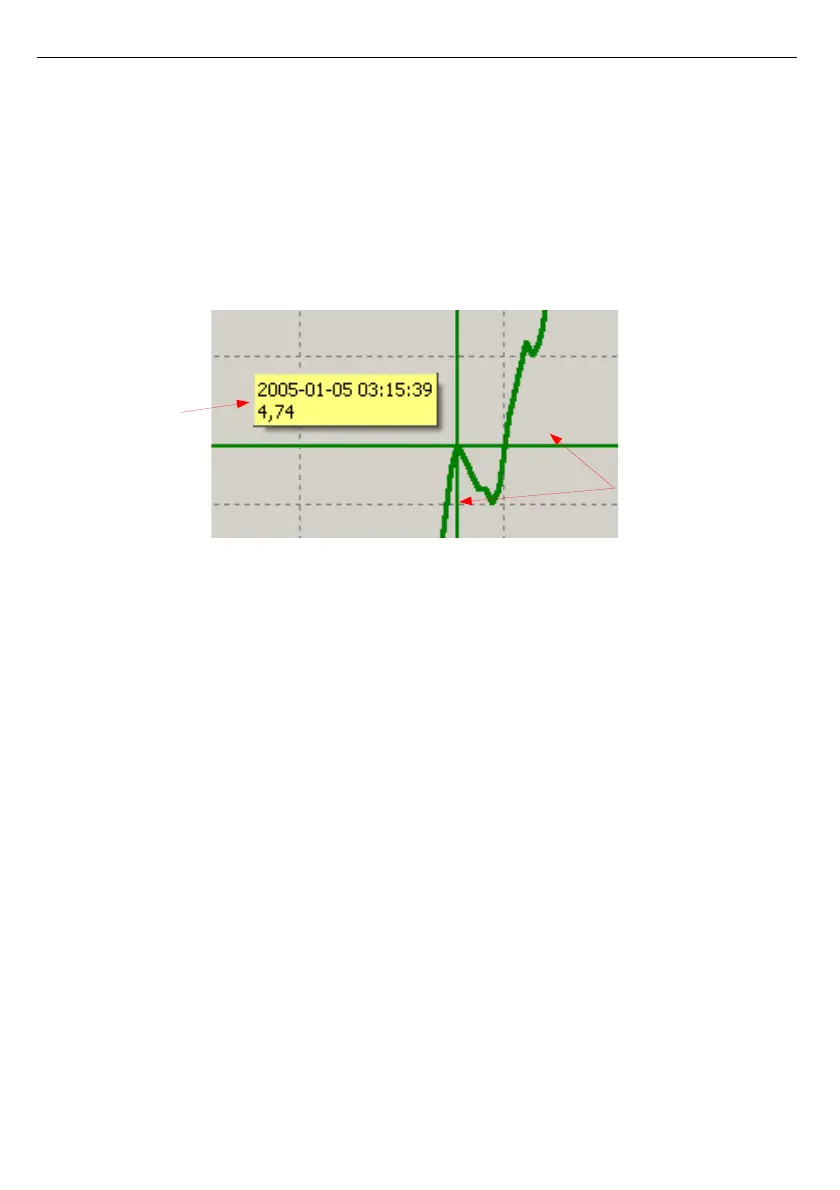
measurement points tracking
- if
Show cursor
field is checked then special graphical
cursor is displayed on the graph. This cursor allows to
easy tracking of measured data. Colour of the cursor is
same as selected channel colour. To change selection
click left mouse button until cursor became same colour
as desired channel. Near to the cursor informations about
selected point are displayed. Date and time of recording
and value of the registered measurement point.
Fig. 3.9. Graph with special tracking cursor
•
restoring default values
- the [
Refresh
] button enables returning to
initial
graph in 1:1 scale;
•
update the displayed measurements
- the [
Refresh
] button allows to update
measurement data displayed on the graph.



 To Next Page