1 Overview
18 © Copyright Reserved KONICS Co., Ltd.
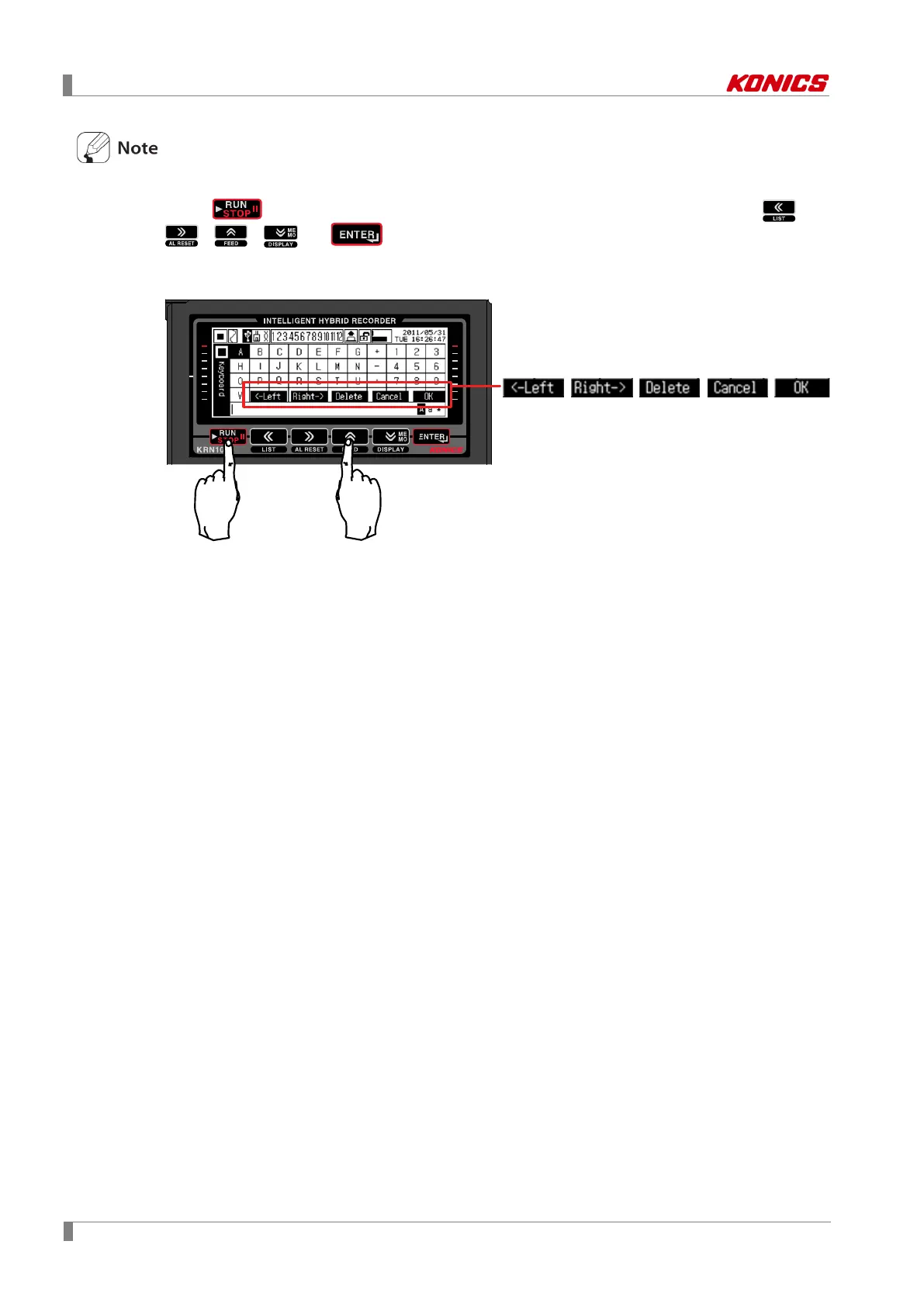
Function key: Use this key to enter virtual keyboard in parameter setting.
Press k ey, and Function key appears on lower screen as below figure. Press ,
, , , or key as below Function key, it operates the appropriate Function
key’s operation.



 To Next Page