8 Parameter detail setup
© Copyright Reserved KONICS Co., Ltd. 75
※1. Alarm□ Type to Alarm□ Alarm No parameters are displayed as the number of connected
alarm output card.
※Shaded parameters are affected by set value of other parameters. Please refer to specific
descriptions of each parameter.
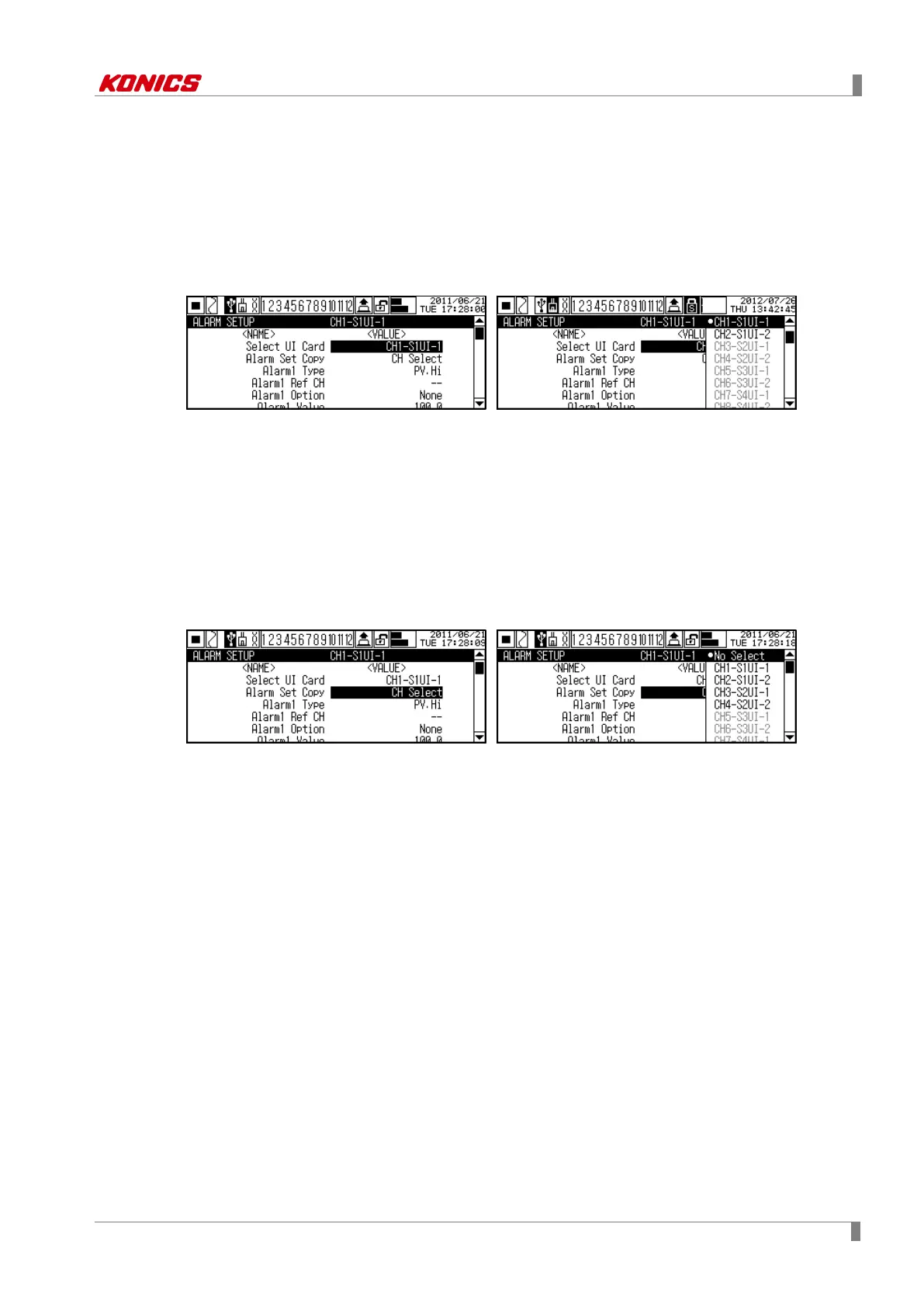
8.2.1 Select UI Card (Select universal card input)
Select the channel of universal input card (KRN-UI2) to be set.
One universal input card has two channels.
KRN100 automatically searches connected input/output card on slot power when power ON and
recognizes the number of universal input card(KRN-UI2).
Set range: CH□-S□UI-□(Activated connected universal input(2 channels per input card))
Factory default: Automatically set
8.2.2 Alarm Set Copy (Copy alarm parameter)
You do not need to set same parameter settings repeatedly for other channels. This function is to
copy set value of alarm parameter of the set channel and applys it to other channels.
Copiable parameters are as below.
Alarm□ Type
(Alarm□ operation mode)
Alarm□ Ref Channel
(Alarm□ reference channel)
Alarm□ Option
(Alarm□ option)
Alarm□ Value
(Alarm□ Set value)
Alarm□ Hysteresis
(Alarm□ hysteresis)
Alarm□ ON Delay
(Alarm□ ON delay time)
Alarm□ OFF Delay
(Alarm□ OFF delay time)
Alarm□ Alarm No
(Alarm□ output relay number)
Set range: No Select/CH□-S□UI-□(Activated connected universal input(2 channels per
input card)
Factory default: CH Select



 To Next Page