8 Parameter detail setup
98 © Copyright Reserved KONICS Co., Ltd.
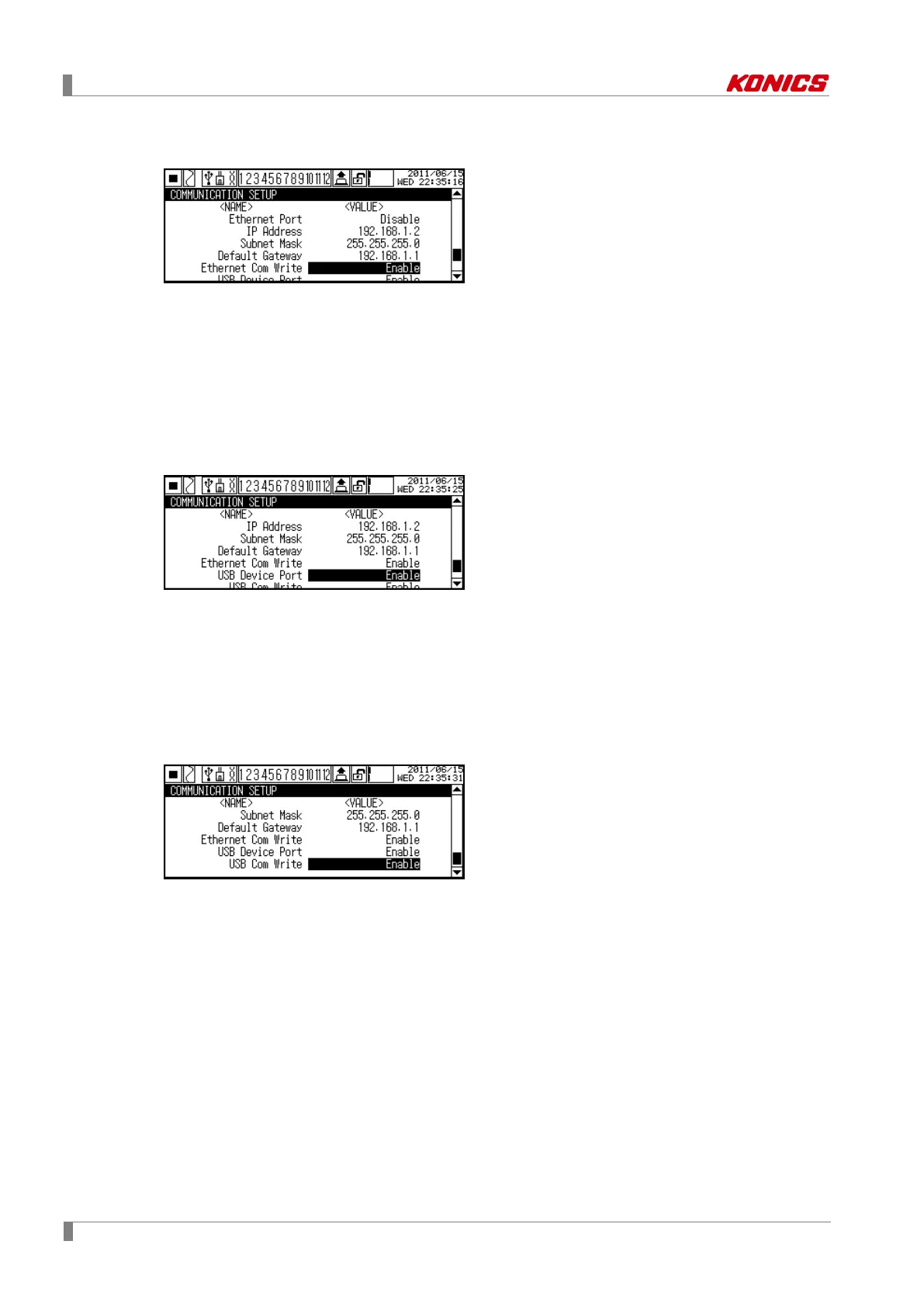
8.4.14 Ethernet Com Write (Ethernet communication write)
Set whether changing the set value of KRN100 parameter by Ethernet communication.
To read the set value of each parameter is available regardless of the communication write
enable/disable setting.
Set range: Enable ↔ Disable
Factory default: -
8.4.15 USB Device Port (Use USB communication)
Set whether using USBcommunication.
USB communication is available regardless of RS485 Port or Ethernet Port setting.
Set range: Enable ↔ Disable
Factory default: Enable
8.4.16 USB Com Write (USB communication write)
Set whether changing the set value of KRN100 parameter by USB communication.
To read the set value of each parameter is available regardless of the communication write
enable/disable setting.
Set range: Enable ↔ Disable
Factory default: Enable



 To Next Page