6 Display
© Copyright Reserved KONICS Co., Ltd. 39
6 Display
6.1 Initial booting screen
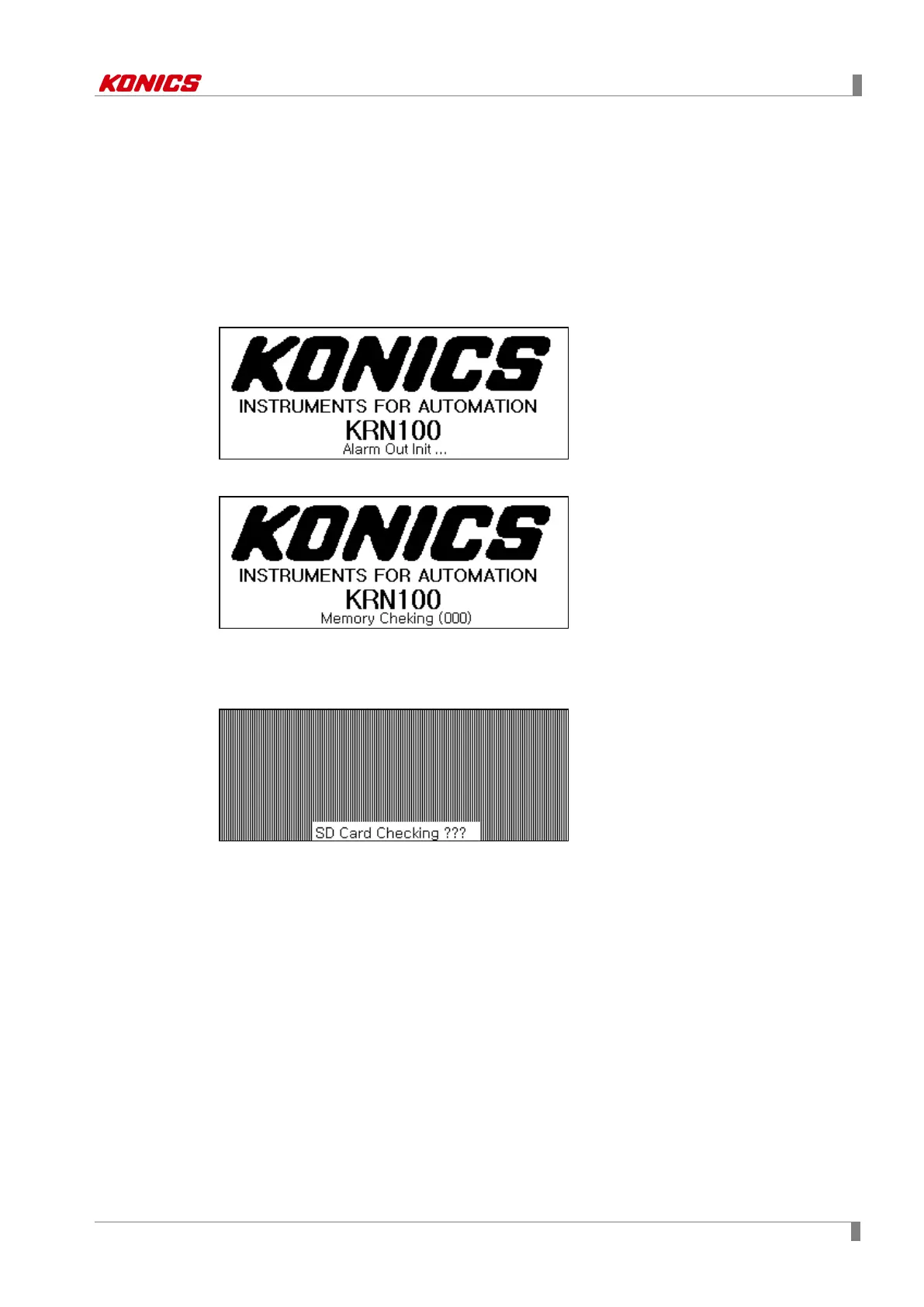
Below booting screens are initially displayed when power is supplied to KRN100. These screens
progresses initial settings for KRN100 to operate normally and checks inner system memory.
If there is no error for inner system memory, booting is finished and KRN100 operates normally.
Screen for progressing initial setting
Screen for checking error of inner system memory
If there are lots of log data files, booting time may take a long time.
Delete log data file. For more information, refer to ‘8.7.4 Memory Clear (Delete memory)’.
Screen for error of inner system memory
Above this figure, if there is error of inner system memory, KRN100 cannot operate normally.
Please contact us. KONICS service center: +82-32-820-2343



 To Next Page