8 Parameter detail setup
86 © Copyright Reserved KONICS Co., Ltd.
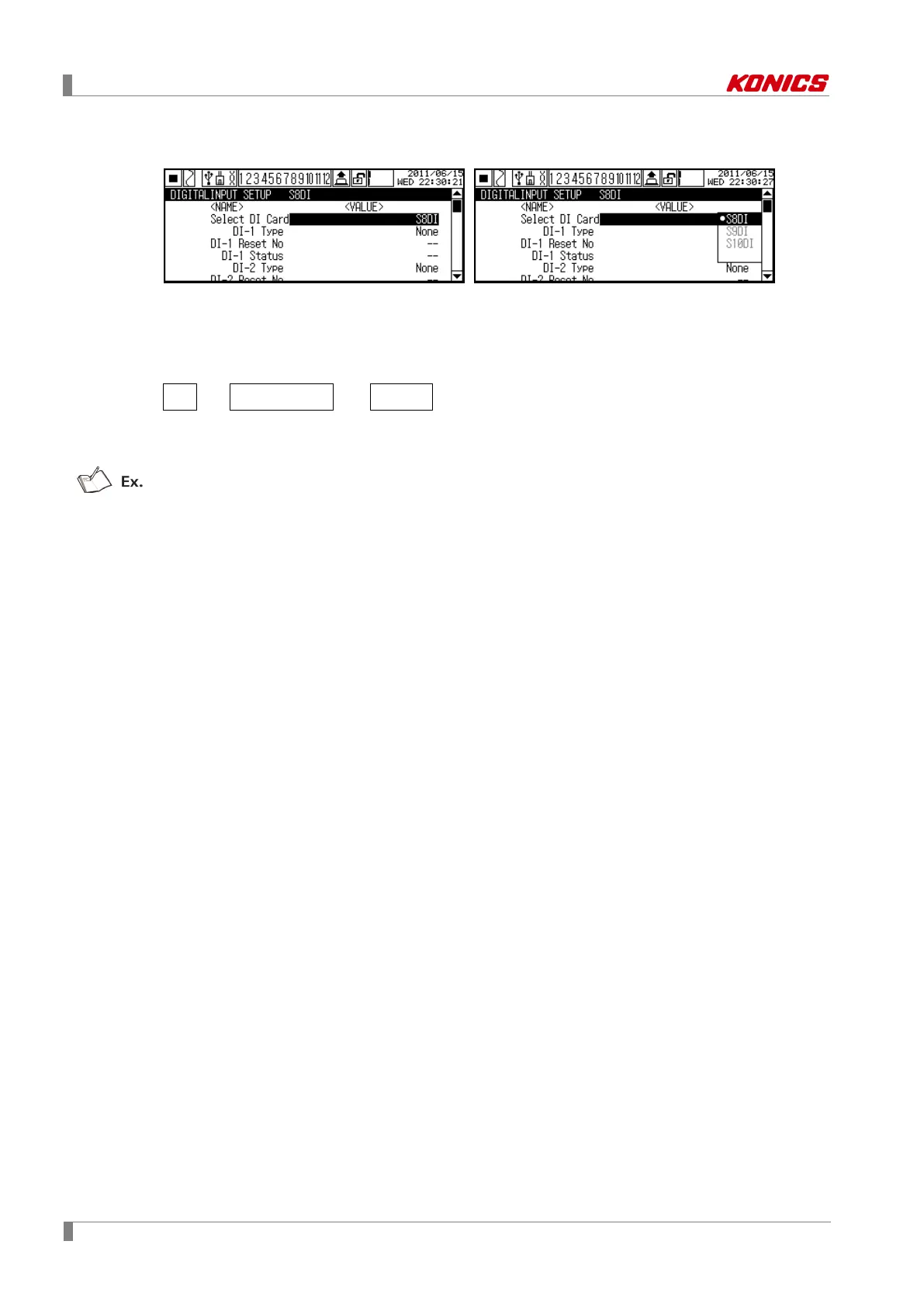
8.3.1 Select DI Card (Select digital input card)
Select digital input card (KRN-DI6) to be selected.
KRN100 searches connected digital input card automatically on slot and recognizes the number
of digital input card as soon as power is ON.
Channel name is as below.
S Slot number DI
Set range: S7DI ↔ S8DI ↔ S9DI ↔ S10DI
Factory default: Automatically set
S9DI: This means connected digital input card on 9th slot



 To Next Page