6 Display
40 © Copyright Reserved KONICS Co., Ltd.
6.2 Screen layout
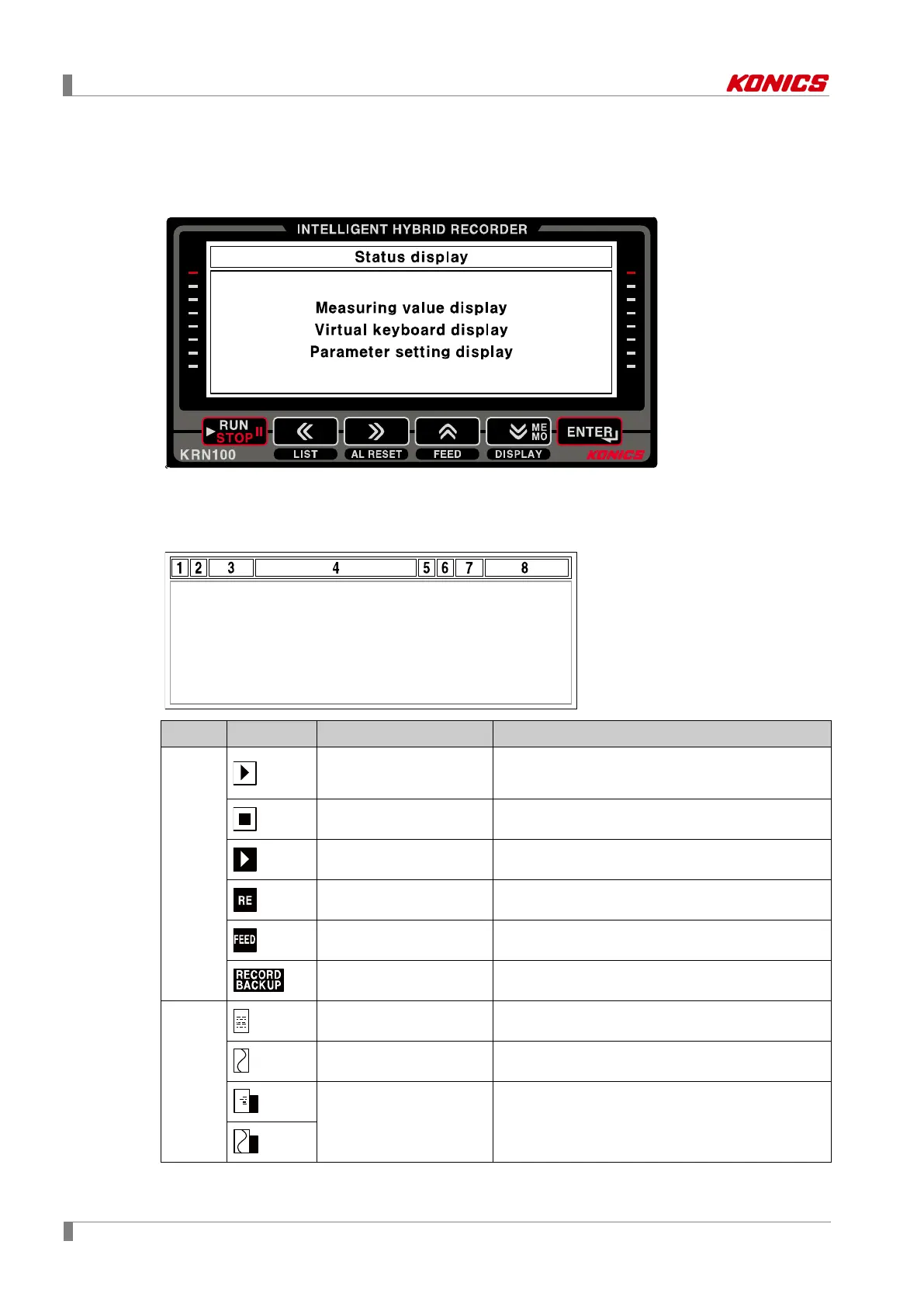
Screen layout is divided as two; upper screen for status display, lower screen for measuring
value display, virtual keyboard display, parameter display.
6.2.1 Status display
Upper screen displays recorder status and information of recorder as icon.
1
Record start icon
Marks if for starting recording measuring value of
recordable channels.
Record stop icon Stops recording measuring value.
List record icon Flashes during list recording.
Reservation record icon Flashes during reservation recording.
FEED icon Flashes during feeding recording paper.
Backup data print icon Flashes during backup data printing.
2
Digital mode icon Marks it for digital record mode.
Graph mode icon Marks it for graph record mode.
Record memory status
icon
Marks it storage capacity of record memory in
digital mode or graph mode.



 To Next Page