8 Parameter detail setup
96 © Copyright Reserved KONICS Co., Ltd.
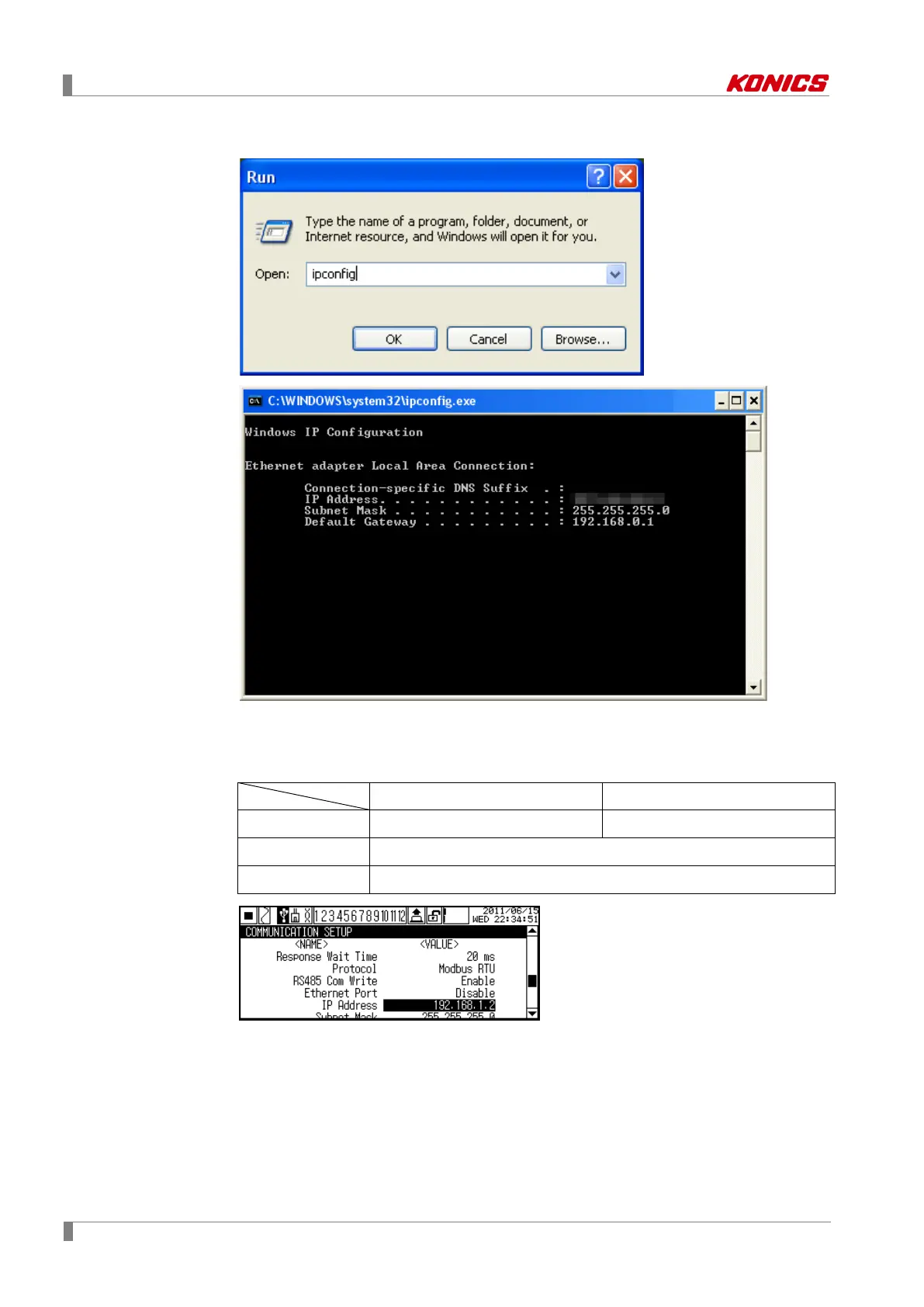
3rd Enter “ipconfig” at “Open” in Run dialog box and you can check IP address of PC.
4th Set KRN100 Ethernet Port(Use Ethernet communication) as ‘Enable’ at
COMMUNICATION SETUP (Communication setting) of KRN100. Set IP Address(IP
address) as installation environment.
PC KRN100
IP Address 192.168.1.1 192.168.1.2
Subnet Mask 255.255.255.0
Default Gateway 192.168.1.1
IP address set for Modbus TCP communication is complete.



 To Next Page