KW Aufzugstechnik GmbH OPERATING MANUAL DAVID-613
DAVID-D613-V125-E 13.04.2021 Page - 50 -
2.19 Software Description KW-Monitoring Software
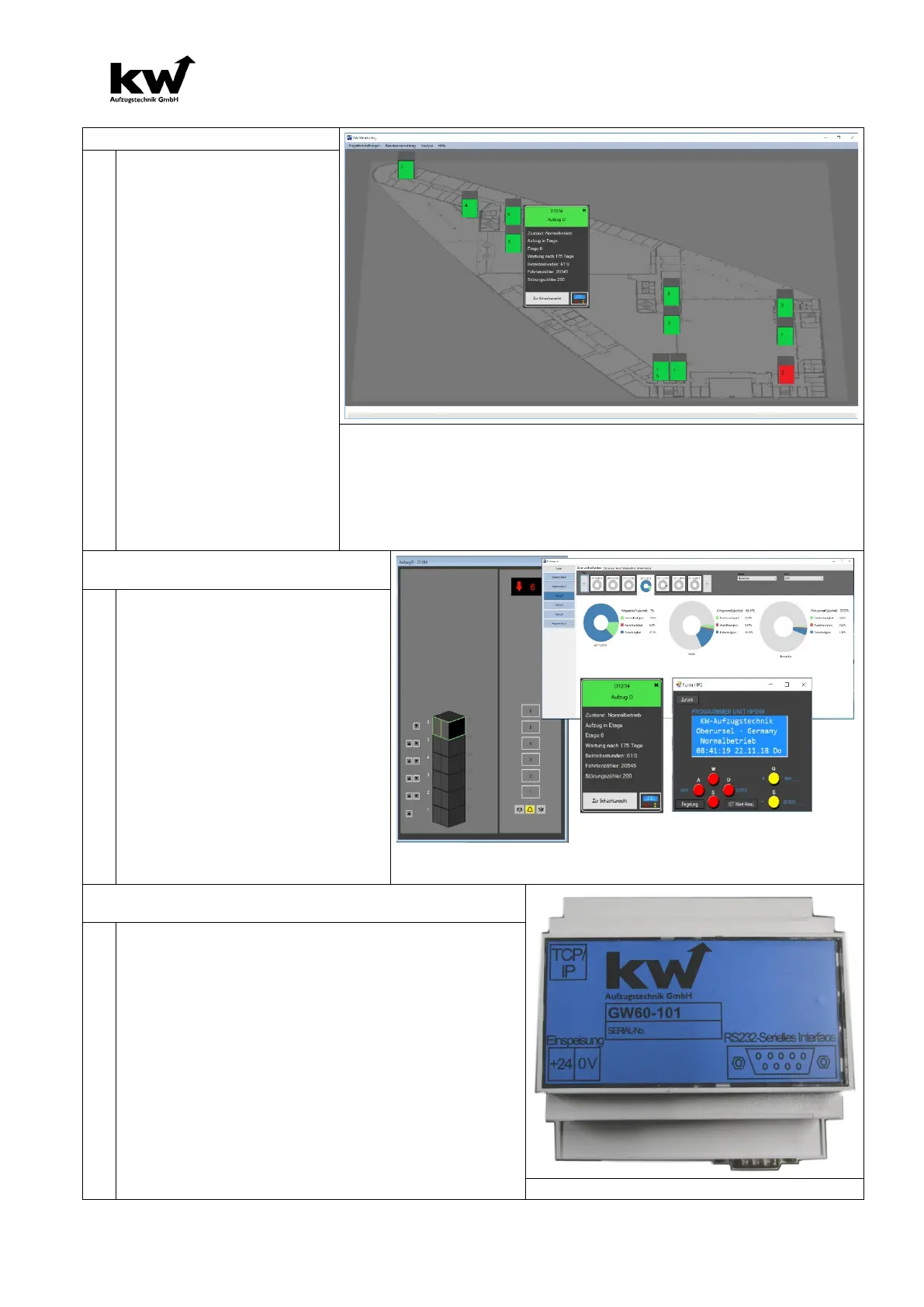
ware enables the monitor-
ing of all active elevator sys-
tems in one property.
Data from all lift facilities are
collected and graphically
processed to identify trends
in availability and mainte-
nance.
The overall overview of the
elevators is made with the
help of the building outline,
in which the locations of the
elevator systems are dis-
played. Each elevator group
/ system is color-
an indication of their availa-
bility.
By selecting, a detail view can be called up, which provides further
information and views. Data is evaluated, saved and made available
to the operator in different report types (user behavior, events, ca-
pacity utilization, performance fulfillment).
How often is the elevator and how
often is it used? When is mainte-
nance really necessary?
The software records every plant
condition and the process times of
the elevator systems.
Trends such as door movements,
number of trips and electricity con-
sumption can be used to generate
trends.
From these it is then apparent
when really a maintenance is nec-
essary and, above all, which wear
components should be replaced
Electronic Elevator attendant
Each individual elevator control requires a gateway
GW60-101.
This gateway communicates with the elevator con-
troller DAVID D613 via a serial cable.
The power supply of the gateway requires 24V DC
of the elevator control.
On-site, the gateway is connected to the PC via a
network cable of the CAT 6 standard or higher via
the RJ-45 plug via the switch.



 To Next Page