KW Aufzugstechnik GmbH OPERATING MANUAL DAVID-613
DAVID-D613-V125-E 13.04.2021 Page - 131 -
B507- Floor Displays
In this menu are the names of the individual floors, registered by the first up to the 64th floor. There
are up to 3 points and the entire bandwidth of the ASCII character propositions for each stop are avail-
able.
The setting begins at the first stop with the two yellow editing keys. Right red button the three digits of
the display are to be approached, and then jumped on the next floor. This ends in the 64th floor. The
left red key (Escape), the process can be left and jumped back to the first floor.
This setting is binding on all bus displays, like the matrix LCD and TFT displays.
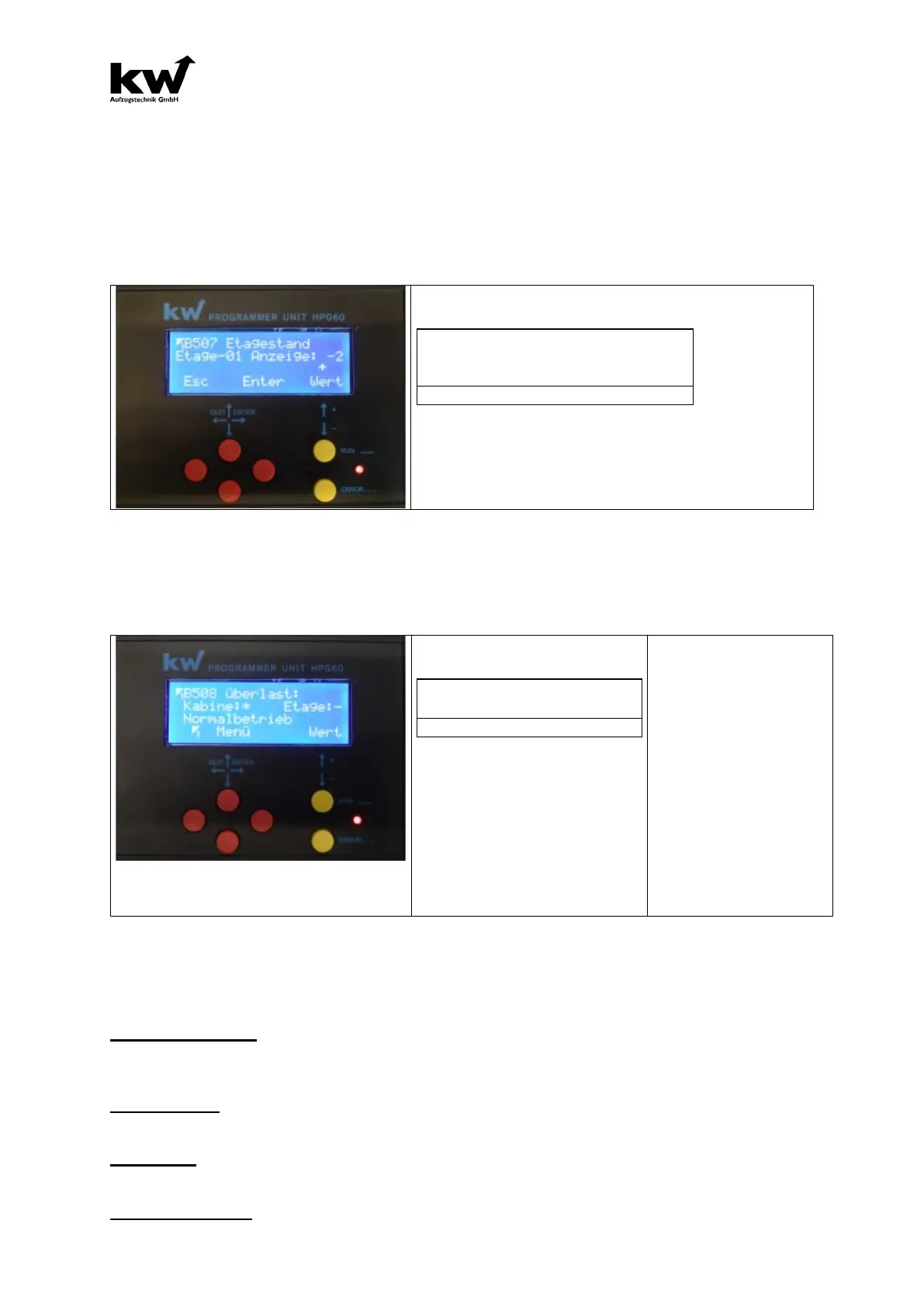
B507 Floor Displays-Menue
Floor-01 display: -2
^
For each floor an up to three-digit name can be entered.
B508- Messages
When KW adds protocol, up to 16 special messages can be transmitted serially. This menu can be set
for each message whether it is visualized in the display booth or on the floor indicator.
Car:* floor:-
This menu can be selected
the cabin display and the floor in-
dicator, whether the special mes-
sage is displayed.
(* Display ON, - Display OFF)
-> Overload
-> Evacuation
-> Fire Evacuation
-> Emergency Power Evac.
-> Fire Fighter Travel
-> Special Travel
-> Bed Travel
-> Guide Mode
-> Out Of Order
-> Maintenance
-> Loadingtime Active
-> Door Opening
-> Door Closing
-> Please Leave Car
-> Please Wait
B509- TFT/LCD - Car
This menu is made for the settings for the TFT-car indicator.
Background picture
In the "fixed" setting the background image for all floors is the same. "Switch" setting, each floor its
own wallpaper.
Persons in Car
Here, the number of persons for the labeling in the inner panel of the cabin is determined.
Loadweight
Here, the indication of the load on the labeling in the inner panel of the cabin is determined.
Text-1 Manufacture
Here, the indication of the manufacture for the labeling in the inner panel of the cabin is determined.



 To Next Page