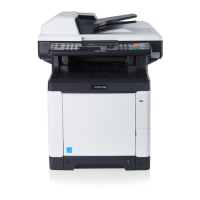
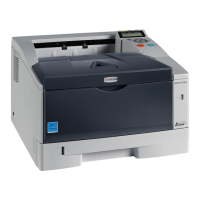
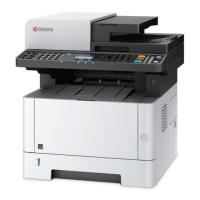
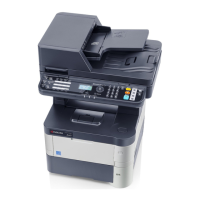
2M4/2M5/2M6/2M7
1-2-13
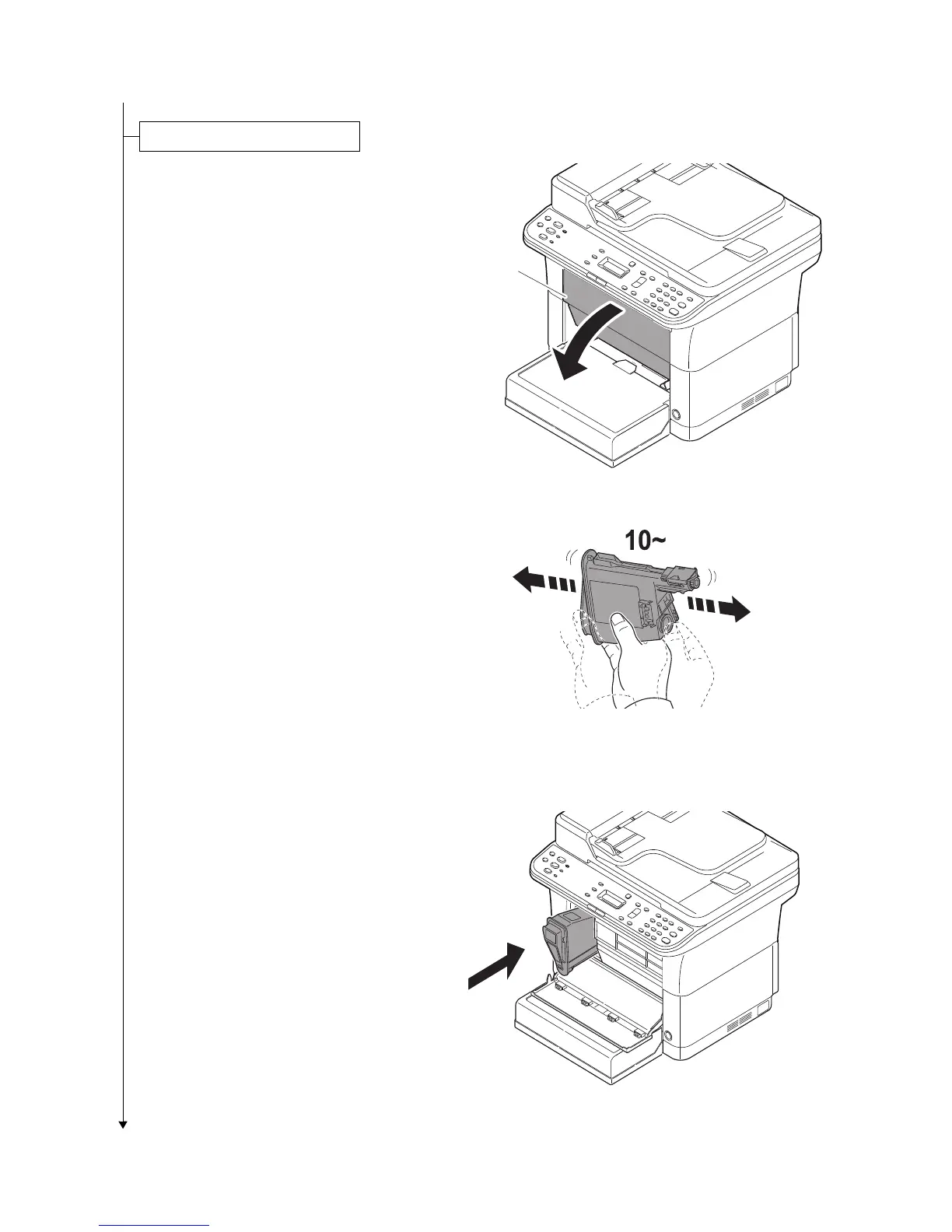
1. Open the front cover.
Figure 1-2-22
2. Take the new toner container out of the
toner kit.
3. Shake the new toner container at least
10 times as shown in the figure in order
to distribute the toner evenly inside the
container.
Figure 1-2-23
4. Install the toner container in the
machine.
*: Push in firmly until you hear a “click”
sound.
Figure 1-2-24
Installing the toner containers
Front cover


 To Next Page
 Loading...