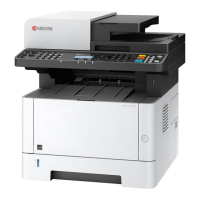
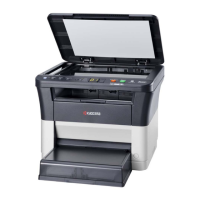
2M4/2M5/2M6/2M7
1-2-14
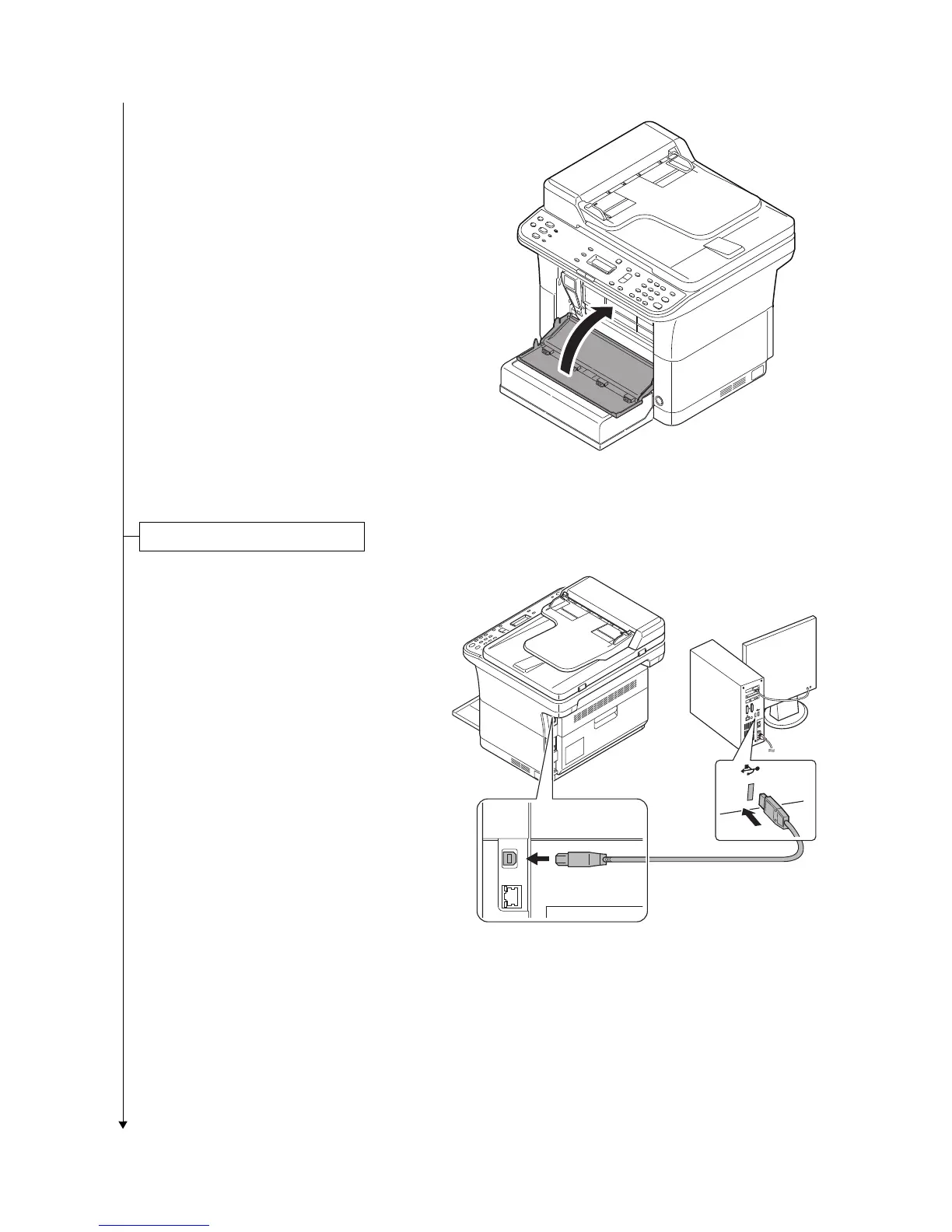
5. Close the front cover.
Figure 1-2-25
1. Connect the USB cable (not included)
to the USB interface connector.
Connect the other end of the USB cable
to the computer's USB interface con-
nector.
*: China model only included.
Figure 1-2-26


 To Next Page
 Loading...