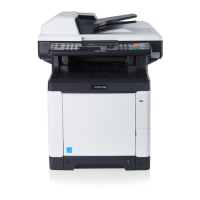
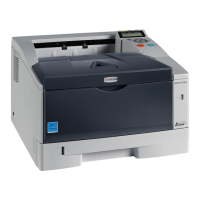
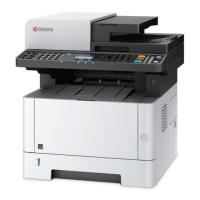
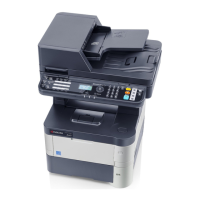
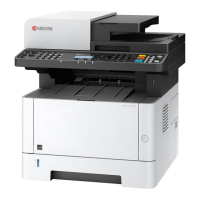
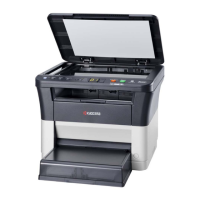
2M4/2M5/2M6/2M7
1-2-15
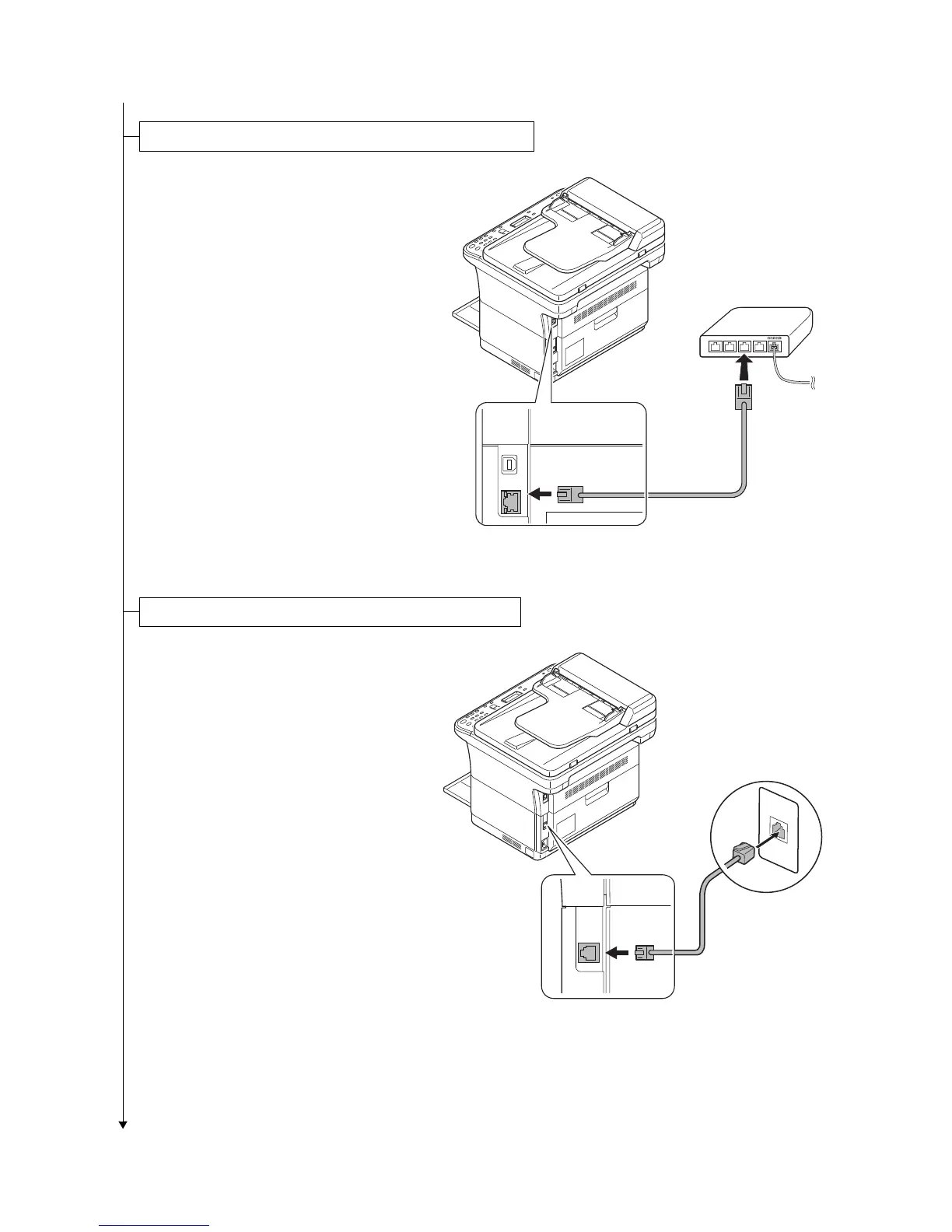
1. Connect the network cable (not
included) to the network interface con-
nector.
Connect the other end of the cable to
the PC or your network device.
*: Use shielded interface cables.
Figure 1-2-27
1. Connect the modular cable to the inter-
face connector at the rear of the
machine.
Figure 1-2-28
Connecting the Network Cable (25/26 ppm model only)
Connecting the Modular Cable (4 in 1 model only)


 To Next Page
 Loading...